How to View and Amend a Standing Order in the AIB App
Автор: AIB
Загружено: 2021-03-19
Просмотров: 14703
Описание:
Here’s a step by step guide on how to amend a standing order
Log in to the AIB mobile app.
Tap Pay & Transfer and then tap Standing Orders
Now you can see Active and Inactive standing orders. This screen shows the date and the amount that a standing order will next be processed.
Tap on the standing order that you want to amend.
Scroll down and tap Amend.
There is also some useful information here on when the amendment will be processed.
Tap Save Details
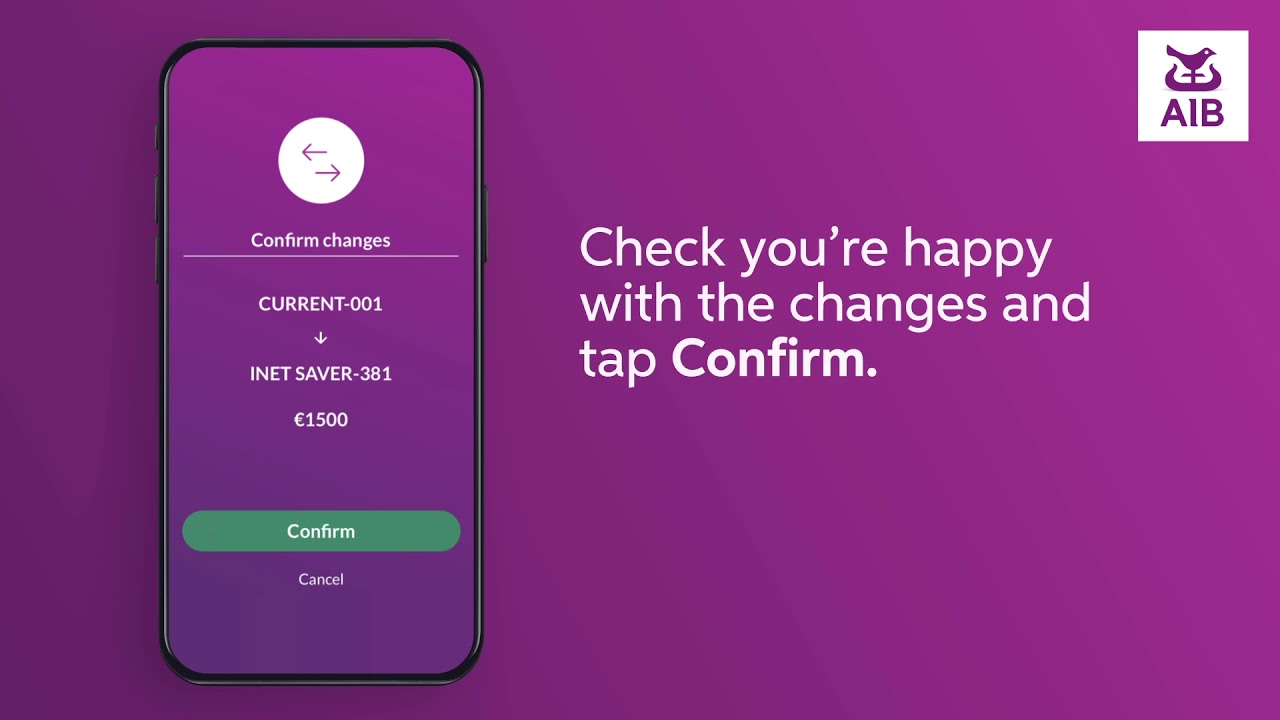
Check you’re happy with the changes and tap Confirm
Notifications must be turned on to confirm your payments. You may need to go to your settings to enable all notifications for the AIB App. to your profile.
Allied Irish Banks, p.l.c. is regulated by the Central Bank of Ireland.
Повторяем попытку...
Доступные форматы для скачивания:
Скачать видео
-
Информация по загрузке: