Suno AI "Stems" Tutorial: Separate Vocals & Instruments
Автор: AI Tune Craft
Загружено: 2026-01-02
Просмотров: 1253
Описание:
Have you ever generated a Suno song that had a perfect melody but the mix felt messy or the vocals were too loud? Stop settling for "good enough" audio and discover the hidden superpower inside your library.
🔹Quick access to Suno | https://cutt.ly/EtkbUSzV
🔹Free AI Song Generator & Maker | InsMelo: https://bit.ly/4jB2pOV
Stop relying on luck! 🎲 Here are 3 tools that do what Suno can't:
🔹ACE Studio: https://cutt.ly/Ttj2qlXt | Full MIDI & Vocal Control
🔹CONTROLLA: https://cutt.ly/ftj2q51f | Swap the Vocals to your own real voice
🔹Tunee AI: https://cutt.ly/mtj06lHz | The All-in-One AI Music Generator
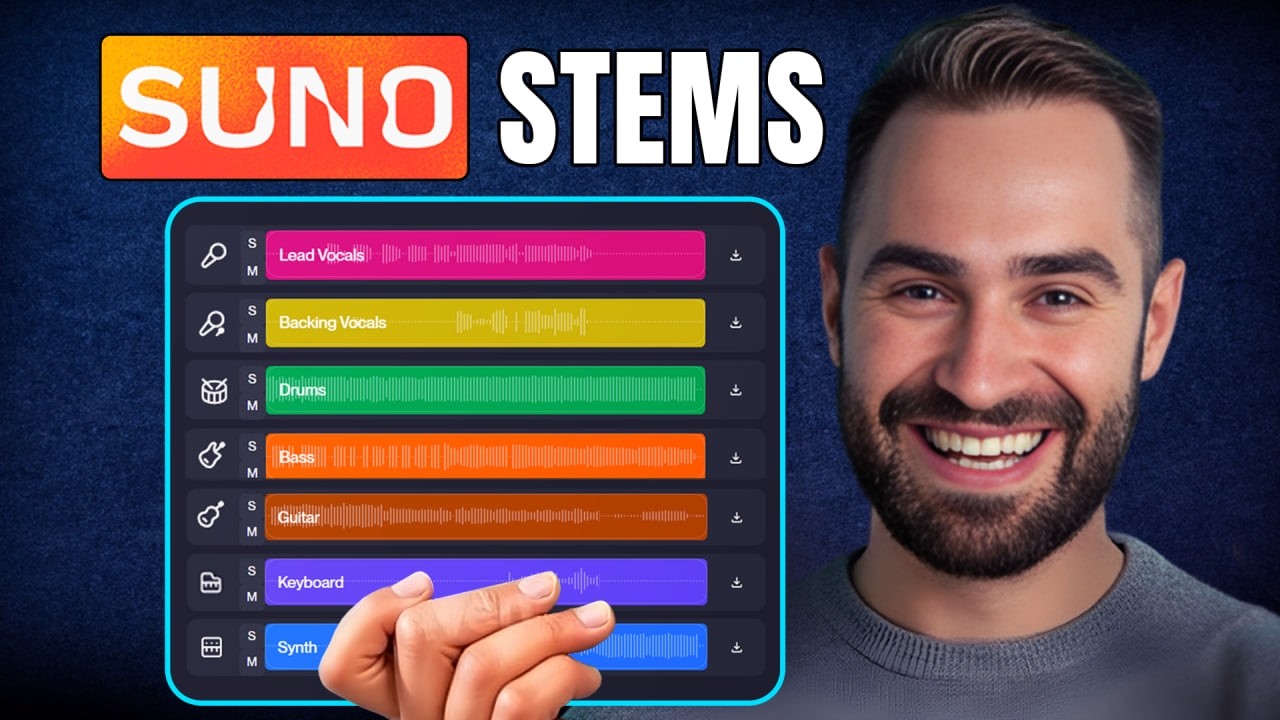
The Premise This video explains how to use the "Get Stems" feature in Suno AI to magically separate your music into ingredients like lead vocals, drums, and bass. We walk through the exact steps to split your track so you can remix and rebuild it exactly how you want.
💡 How to find the Get Stems option in your Suno library menu.
✨ The difference between "Vocals + Instrumental" and "All Detected Stems."
🔭 How to solo tracks to check the quality of your lead vocals and drums.
💡 Why you must choose WAV format if you plan to edit your stems later.
Start using stems today to turn your flat audio files into professional, fully customizable music projects.
#suno #sunoai #aimusic #musicstems #sunoupdates
Повторяем попытку...
Доступные форматы для скачивания:
Скачать видео
-
Информация по загрузке: