👉 STOP NVIDIA Shield Ads – Best Home Screen Setup 🔥
Автор: unboxd.tech
Загружено: 2026-02-25
Просмотров: 9962
Описание:
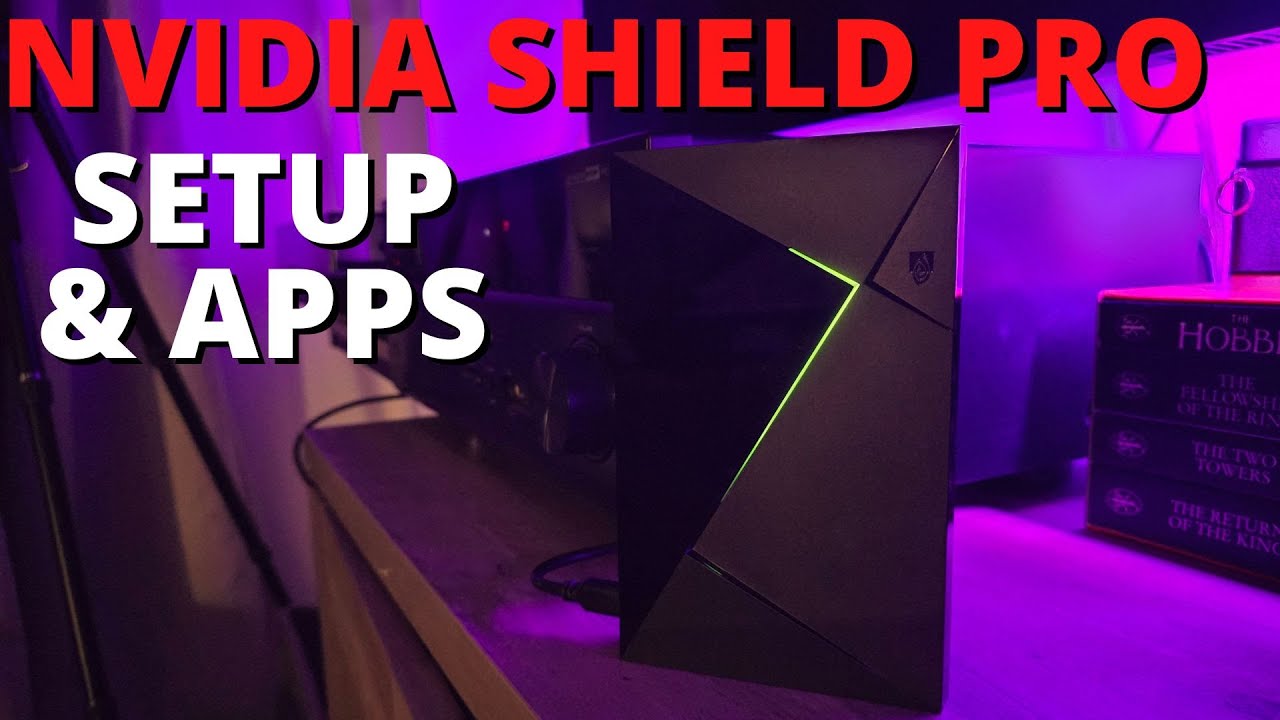
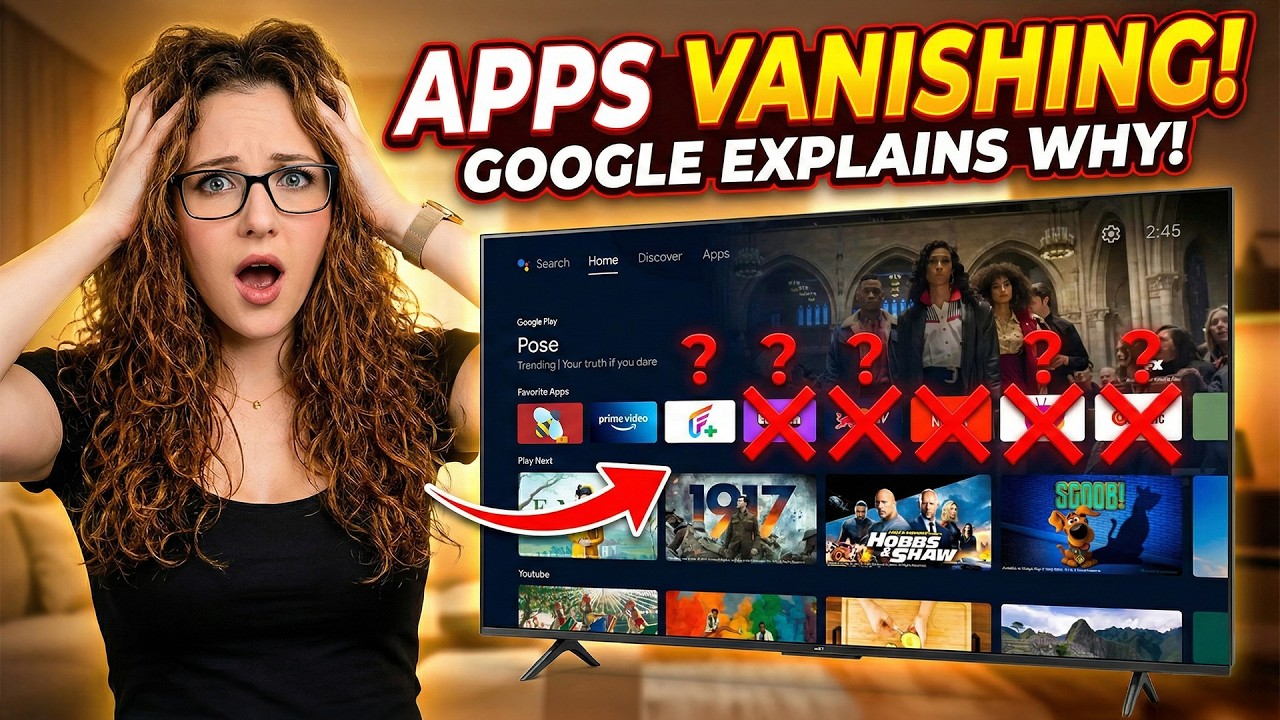
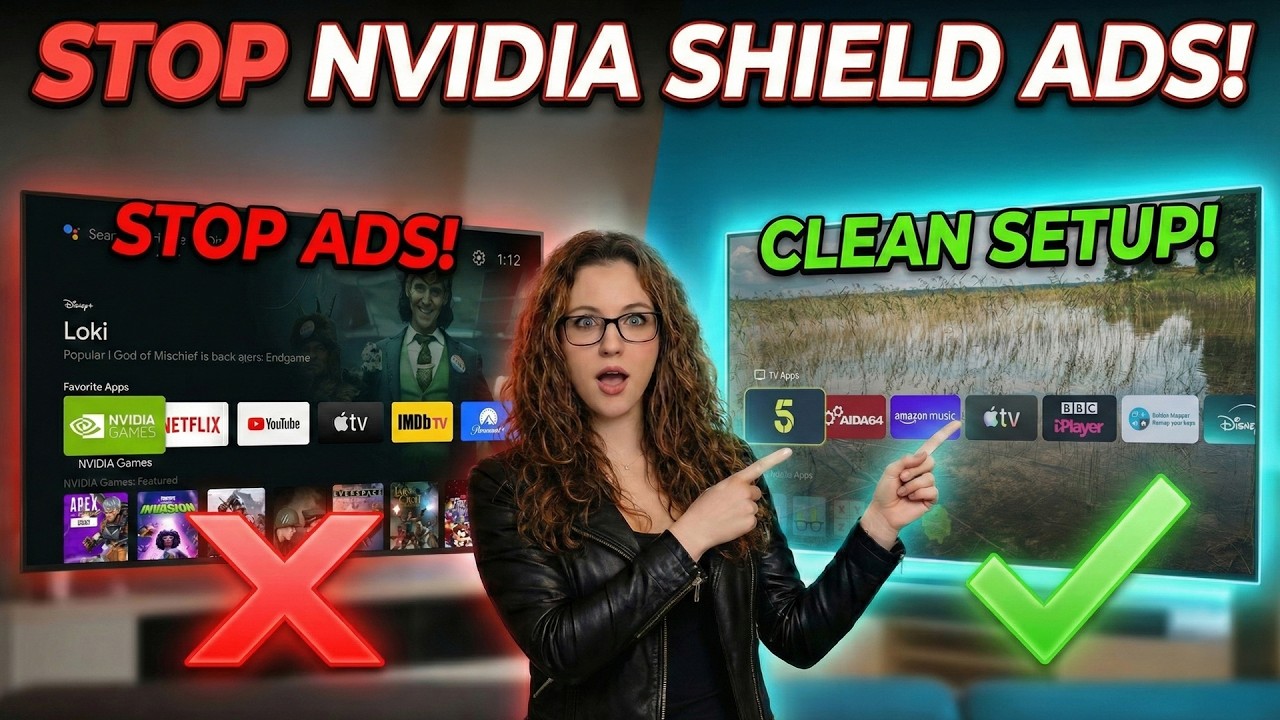
Tired of the cluttered NVIDIA Shield home screen filled with ads and unwanted recommendations? In this step-by-step guide, I show you how to set up Projectivy Launcher on NVIDIA Shield to create a clean, fast, app-first home screen that actually feels like your device again.
This video covers the correct NVIDIA Shield–specific method to replace the Android TV home screen using Projectivy, including the exact settings that must be enabled together for it to work reliably. No root, no risky tools, and no outdated advice.
By the end of this setup, your NVIDIA Shield home screen will be faster, cleaner, and focused only on the apps you use.
In this video you’ll learn:
• How to install Projectivy Launcher on NVIDIA Shield
• The correct permissions and settings required on Shield firmware
• How to make Projectivy load when you press the Home button
• How to customise the home screen layout for speed and simplicity
• Tips to keep the setup stable after restarts
📌 Important: NVIDIA Shield behaves differently from Google TV devices, and this guide is based on real testing so you don’t get stuck.
🔒 If you haven’t secured your Shield yet, watch this first: • 🛑 NVIDIA Shield Security Warning – DO THIS...
🔒 I personally use NordVPN on my streaming devices to protect privacy, avoid ISP interference, and deal with region-specific app behaviour.
Check it out here: https://nordvpn.com/unboxdtech
💬 Get Direct Help with Your Setup
Join the channel membership and gain access to my private support group, where I personally answer questions and share additional tips. Just click “Join” under this video for details.
🌐 Website - https://unboxd.tech/
↪️ X - https://x.com/unboxd_tech
↪️ TikTok - / unboxd.tech
↪️ TanDoesTech - / @tandoestech
👁️🗨️ Amazon Link
↪️ https://amzn.to/3ZQk7EE
➡️ Paypal donations - https://www.paypal.me/tanyayt
⏱️TIMESTAMPS⏱️
00:00 – Fix Your Shield Home Screen
01:13 – Install Projectivy
04:04 – Make It Default (Critical Step)
06:18 – Clean Layout Setup
06:51 – Add favourites & Hide Apps
07:40 – Optional Tweaks
09:29 – Final Result
Affiliate Disclaimer
FireTVSticks is supported by its viewers. Some links in this description may be affiliate links, meaning we may earn a commission if you make a purchase — at no extra cost to you.
Copyright & Fair Use
All third-party content belongs to its respective owners. This video is for educational purposes under Section 107 of the U.S. Copyright Act (Fair Use), which allows limited use for commentary, criticism, news, teaching, and research.
Legal Disclaimer
Apps shown do not host content; they act as search tools. While using them is legal, some links they find may lead to unlicensed content. Streaming such content could be illegal in your country — check your local laws. FireTVSticks is not responsible for any legal issues, damages, or losses resulting from use of the information provided. Use at your own risk and follow safe practices.
#NVIDIAShield #Projectivy #AndroidTV
Повторяем попытку...
Доступные форматы для скачивания:
Скачать видео
-
Информация по загрузке: