52Pi N16 PCIe Metal Case assmeble tutorial for Raspberry Pi 5
Автор: 52Pi Maker Education
Загружено: 2024-12-04
Просмотров: 2272
Описание:
52Pi N16 PCIe Metal Case Assembly Tutorial for Raspberry Pi 5
The 52Pi N16 PCIe Metal Case is a robust and stylish solution designed to house your Raspberry Pi 5, providing both protection and an enhanced aesthetic appeal. This tutorial will guide you through the assembly process, ensuring your Raspberry Pi 5 is securely installed and ready for operation.
Features of the 52Pi N16 PCIe Metal Case:
Robust Protection: Made from high-quality aluminum alloy with a black sandblasted finish, the case offers solid protection against physical damage and environmental factors.
Seamless Integration: Specifically designed to fit the Raspberry Pi 5, M.2 HAT, and active cooler for a perfect match.
Enhanced Cooling: The case is designed to work in harmony with the official active cooler for efficient heat dissipation.
Official Compatibility: Ensures full compatibility with official Raspberry Pi accessories for reliable and optimized performance.
Chapters:
00:00 - Install active cooler
00:19 - Install copper pillars on N16 PCIe NVMe expansion board
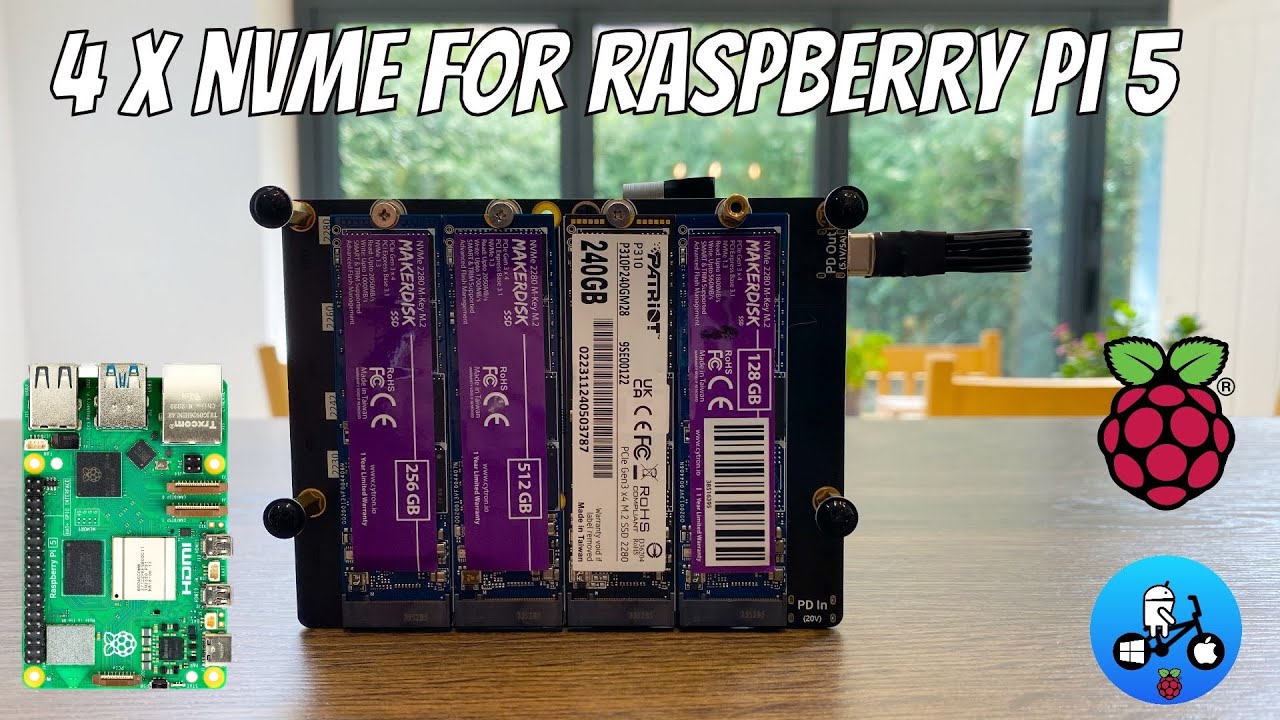
01:23 - Install NVMe SSD drives
01:46 - Install M.2 NVMe SSD 2242(form factor)
02:26 - Install PCIe FPC cable
02:37 - Install Raspberry Pi 5
03:05 - Install PCIe cable to Raspberry Pi 5 on PCIe slot.
03:32 - Fix whole device into the metal case
04:25 - Fix uppper case with Flat head screws
05:07 - Connect the USB-C power Connector (PCB dongle)
Thanks for watching!
More information please visit 52Pi official web store.
Повторяем попытку...

Доступные форматы для скачивания:
Скачать видео
-
Информация по загрузке: