Ship Scanning & changes | Star Citizen 3.5
Автор: Seerthe6th
Загружено: 2019-05-20
Просмотров: 12212
Описание:
Ship Scanning & changes
Star Citizen 3.5
Now with
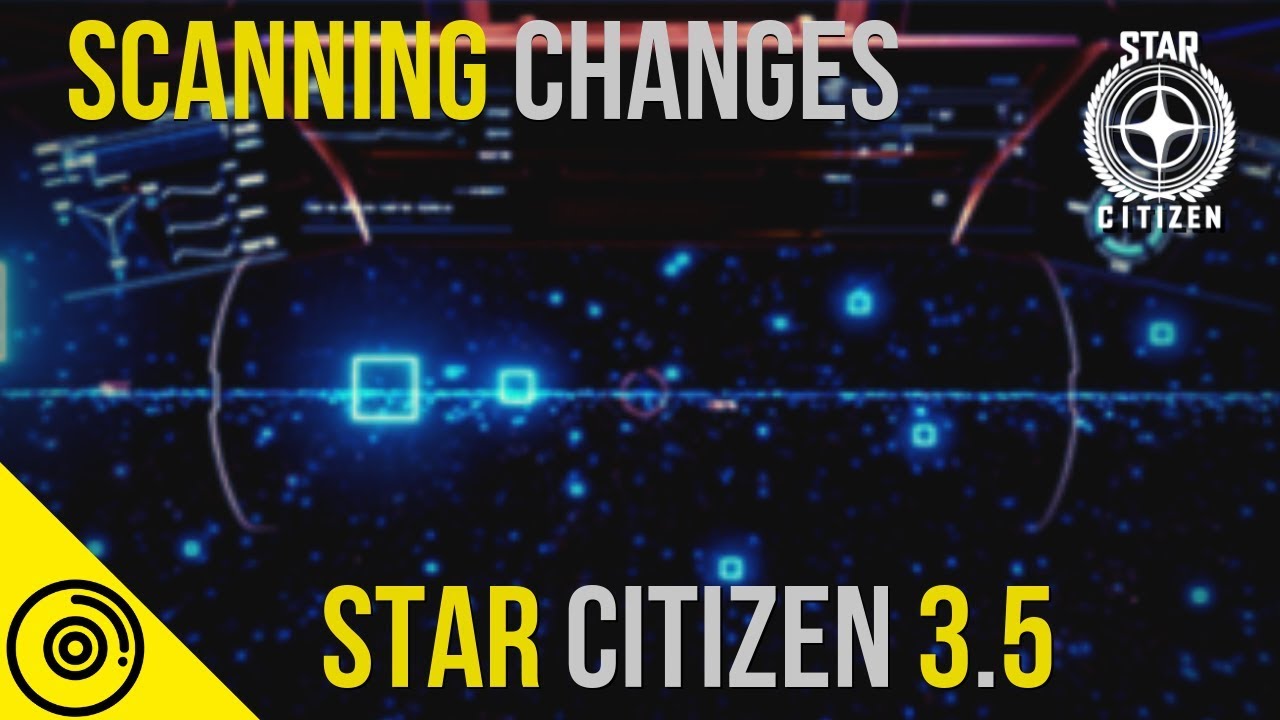
the release of 3.5 there was some alterations to the ship scanner or radar ping
for those of you who are new to the game your ping is basically a ship scanner that assist you on locating objects or ships Beyond radar range. It also give you good information witch I'll cover in a bit, and also it used for mining.
however in 3.4 and previous builds of Star Citizen the scanner used to be able to reach out to I believe like 60 kilometers or maybe a tiny bit more....
however looking at the road map for 3.5 with the implementation they apparently added false positives and as well as they cut the scanner in half I want to mean by half is now I believe the effective scan raid you can go to is no more than 30 kilometers from any given place
if you are a new backer the way the scanner works is if you are using mouse and keyboard you would press tab tab opens up this big interesting looking screen that you have in front of you
when you're going to scan you need to hold down the right Mouse button holding this down
spools up your ping
Spooling until the circle is filled gives the the maximum scan range possible, overclocking your “ping” component will expedites the spooling process.
so holding your mouse down all the way and spooling it up you will achieves roughly a 30km ping in any direction
doing a half spool gives you a 15 km range
and half of that which is a quarter of the total circle will give you about 7.5 clicks
Also they changed how you focus your scanner
the Focus ring allows you to change the direction you are scanning in
so what I mean by that is with your scroll wheel a you'll see the whole scan reticle go from this white circle down to this tiny little circle
The smaller you make the circle the more the scan goes from being a full 360 to 180 then to a 90 and then it be just as tiny little ball that shoot straight in front of you allowing you to Home in on a certain object
now when you find something you're going to get this box indicating something is in that area
and with that box you're going to have a distance that you are away from it and it will update as you get closer but eventually this box will going away so you're going to have to periodically pulse it until you're right on top of the location and your radar picks up your target, or you visually find the object you were searching for.
However last time a checked it does not assist with finding drug labs or any anomalies the CIG might have hidden throughout orbital bodies or space.
An example of when you would use this is if you're in a bigger ship and you're trying to track down a smaller ship or a ship with stealth components
you're going to have a hard time picking it up on your radar if they are far enough away
But if they are within 30 kilometers you can locate them through the use of your ping.
once you're close by or on top of them your ship radar will pick them up and then it's in your crosshairs
once you have a ship in your crosshairs you can then put your little Target over it while still in the ship scanner mode and then you hold on left Mouse button you'll see this little blue scanner bar starts to increase and with that it give you the ship's information it tell you what type of ship it is
who Is flying
the health
any other life-forms that it sees on board
it used to will tell you also what kind of cargo it's carrying so for pirates they can they can see what Commodities that person has on board im not sure if it went away or it was a big but ive been unable to find other players Commodities. If anyone can confirm this that would be helpful
To wrap this up once again this is just a basic overview and I'll continue to analyze this and give you guys my thoughts as I figured more things out about this game that I enjoy playing so much
I hope this helped you guys, fly safe o7
#seerthe6th
#Starcitizenradar
#radarpingstarcitizen
Повторяем попытку...
Доступные форматы для скачивания:
Скачать видео
-
Информация по загрузке: