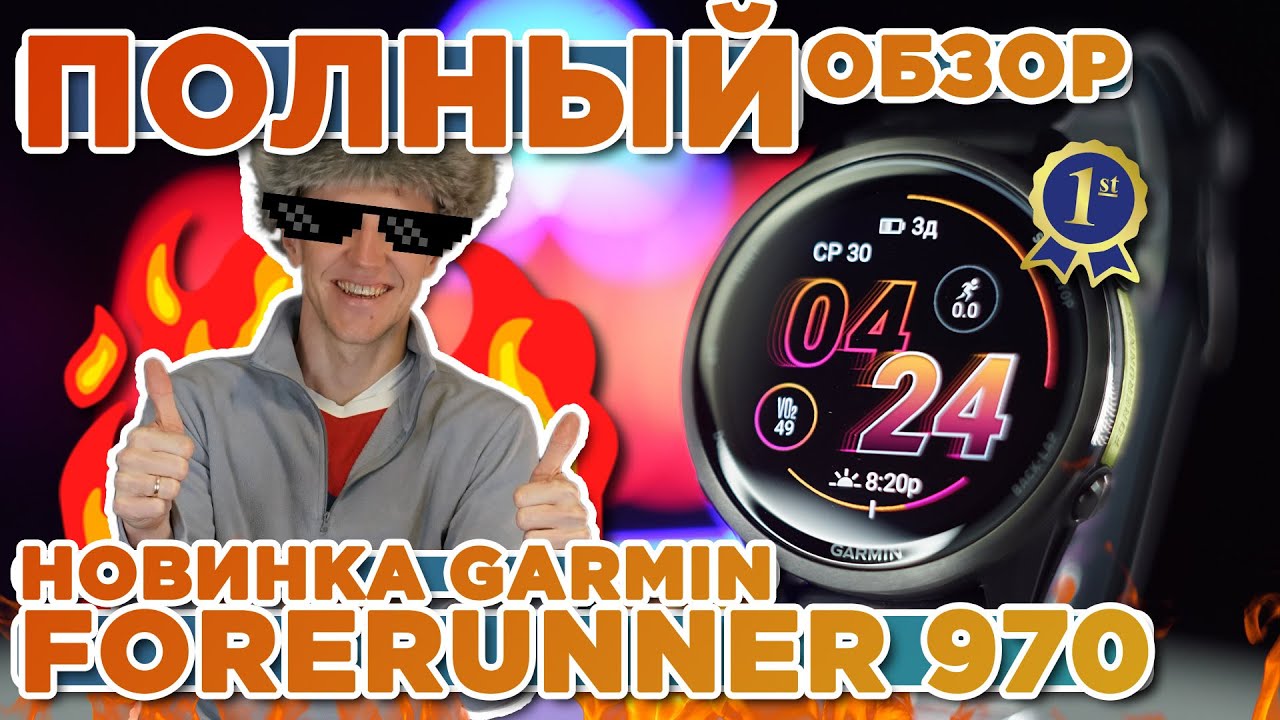
Garmin Forerunner 970 Complete Guide: Setup, Features, Activity Tracking, Wi-Fi, Customization
Автор: Garmin Singapore
Загружено: 2025-07-06
Просмотров: 4934
Описание:
Get ready to train with your new Garmin Forerunner 970 premium running and triathlon smartwatch! This video is your comprehensive guide to mastering this powerful device. Whether you're just getting started or looking to dive deeper into its advanced features, we'll walk you through every step, from initial setup to personalized configurations.
In this in-depth tutorial, we'll cover essential topics including:
Initial Setup & Pairing: Learn how to power on your Forerunner 970, select your language, and easily pair it with the Garmin Connect app using a simple QR code. We'll show both new and existing users how to quickly get connected and sync your user profile and activity data.
Button Functions & Basic Navigation: Discover the purpose of each button on your Forerunner 970. We'll demonstrate how to adjust display brightness, activate the flashlight, navigate through control menus and widget glances, access the music player shortcut, and manage notifications.
Starting & Saving Activities: This section guides you through beginning an activity, selecting specific sport profiles, waiting for a GPS signal for outdoor workouts, and understanding the data screens. Plus, learn how to effectively save your completed activities and view performance summaries.
Wi-Fi Connection Setup: Explore two convenient ways to connect your Forerunner 970 to Wi-Fi: directly from the watch itself or through the Garmin Connect smartphone application. Understand the benefits of Wi-Fi, like seamless data uploads, music loading, and software updates.
Customizing Controls & Shortcuts: Personalize your watch for ultimate efficiency! We'll show you how to add, reorder, and remove controls for quick access to features like Garmin Pay and assistance. You'll also learn to set up custom button shortcuts for frequently used functions.
Data Screen Customization: Tailor your workout display to your exact needs. This segment covers customizing data screens both within the Garmin Connect app and directly on your Forerunner 970. Learn to adjust layouts, select the number of data fields, and choose specific metrics for each activity profile.
Adjusting Language Settings: If your watch is in the wrong language or you simply wish to change it, we'll guide you through the system settings to easily select your preferred display language.
Watch this video to unlock the full potential of your Garmin Forerunner 970 and help you push your limits and perform at your best!
Chapters:
0:00:00 - Introduction to Garmin Forerunner 970
0:00:10 - Powering On & Language Selection
0:00:27 - Initial Pairing with Garmin Connect App
0:01:17 - Completing Setup & Data Sync
0:01:39 - Button Functions: LIGHT Button (Brightness, Flashlight, Controls Menu)
0:02:02 - UP / DOWN Buttons: Navigating Widgets & Menus
0:02:09 - Holding UP Button: Accessing Main Menu
0:02:27 - Widget Glances & Customization (Adding/Editing)
0:03:05 - Holding DOWN Button: Music Player Shortcut
0:03:14 - Swiping Down / Pressing UP: Notification Center
0:03:32 - START/STOP Button: Activities & Apps List
0:03:53 - BACK Button: Previous Screen & Lap Marking
0:04:01 - How to Start & Save an Activity
0:04:24 - Touchscreen Lock/Unlock During Activity
0:04:40 - Activity Settings & Options (Sensors, LiveTrack)
0:04:49 - Viewing Data Screens During Activity
0:05:06 - Outdoor Activities: Acquiring GPS Signal
0:05:18 - Viewing More Data Fields During Activity
0:05:27 - Completing an Activity: Save or Discard
0:05:47 - Introduction to Wi-Fi Connection
0:06:28 - Wi-Fi Setup Method 1: On Your Watch
0:07:27 - Wi-Fi Setup Method 2: Via Garmin Connect App
0:08:27 - Customizing Controls & Shortcuts Overview
0:08:45 - How to Add, Reorder, and Remove Controls
0:10:08 - Customizing Button Shortcuts
0:11:03 - Data Screen Customization Overview (App & On-Watch)
0:11:16 - Data Screen Customization Method 1: Via Garmin Connect App
0:12:53 - Data Screen Customization Method 2: Directly on Watch
0:14:27 - Adjusting Language Settings
0:15:16 - Conclusion & Where to Find More Help
▶Related Links:
Official Site: https://www.garmin.com.sg/
Buy now: https://www.garmin.com.sg/products/we...
Need help? Visit our service center: https://support.garmin.com/
#Garmin #Forerunner970 #Smartwatch #RunningWatch #TriathlonWatch #GarminTutorial #SetupGuide #GettingStarted #ActivityTracking #WiFiSetup #DataScreens #Customization #ButtonFunctions #GPS #GarminConnect #WearableTech #SportsTech #TrainingData #UserGuide #TechTips #HowTo #ForerunnerGuide #IronmanTraining #SmartwatchFeatures
Повторяем попытку...

Доступные форматы для скачивания:
Скачать видео
-
Информация по загрузке:








![Почему взрываются батарейки и аккумуляторы? [Veritasium]](https://imager.clipsaver.ru/a3-3R9zwyGY/max.jpg)


