How to Use the Clover Virtual Terminal
Автор: business.com
Загружено: 2022-05-03
Просмотров: 4906
Описание:
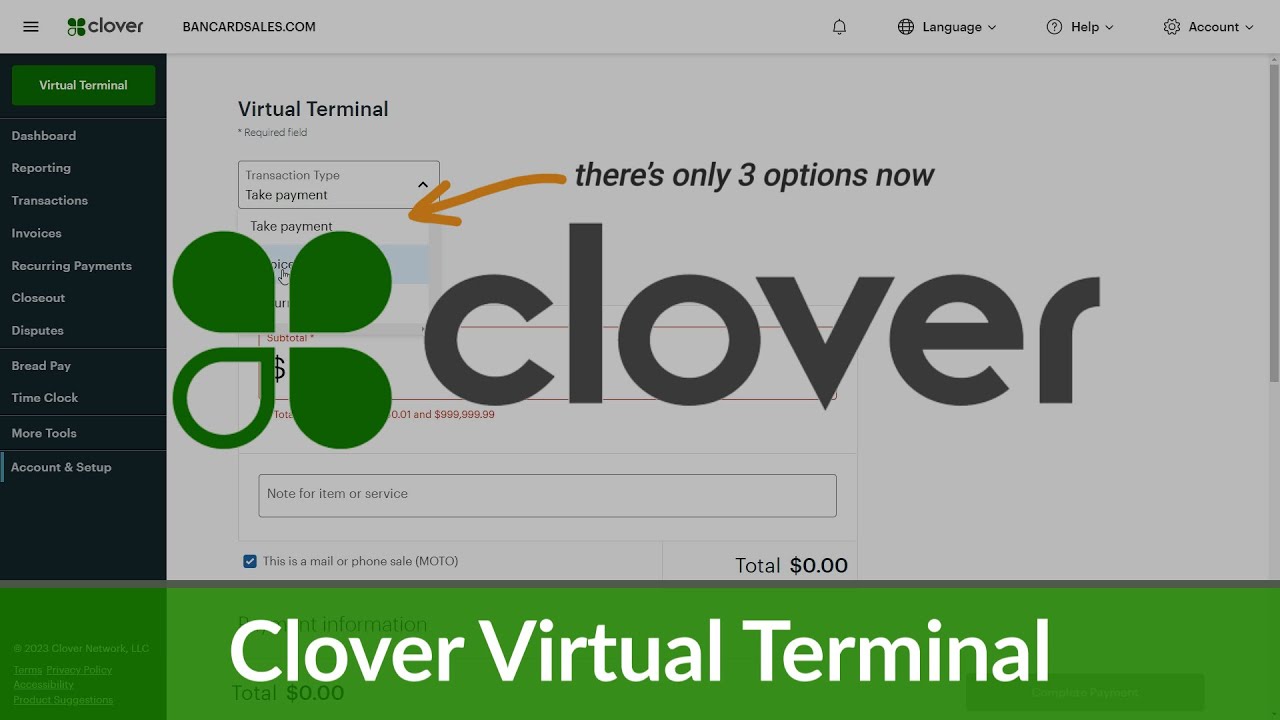
If you'd like to learn how to use the Clover Virtual Terminal, watch this video. A virtual terminal can come in handy if you want to take a payment over the phone or out in the field without any POS hardware. The Clover virtual terminal can store a wealth of customer information to make taking virtual payments a breeze. In this video, Skye Schooley, a staff writer at business.com, walks you through how to use Clover's virtual terminal.
Time Stamps
00:15 Skye Schooley, a staff writer at business.com, shows an example of the Clover POS dashboard.
00:23 Schooley explains what a virtual terminal is used for.
00:30 Schooley walks you through how to take a payment using a Clover virtual terminal.
01:26 You can add a new customer to the virtual terminal directory by inputting a variety of customer information into the "Add New Customer" field.
01:37 Schooley shows how to search for an existing customer with a payment card on file.
02:06 You have the option to use a previous payment method on file or remove that card altogether.
02:22 You can send customer receipts via email.
02:35 Schooley shows how to complete a virtual transaction using the Clover virtual terminal
If you are looking for a POS system that offers a virtual terminal, Clover has you covered. The Clover virtual terminal is relatively simple to use, and it has many features to help streamline virtual transactions. Skye Schooley, a staff writer at business.com, gives you a quick tutorial on what Clover's virtual terminal entails, and how to use it.
Skye Schooley is a staff writer for business.com.
To subscribe to business.com videos, click / @businessdotcomvideo
To learn about the benefits of a POS system, watch • Exploring Point-of-Sale System Benefits (POS)
To learn more about Clover POS, visit https://www.business.com/reviews/clov...
For information on POS systems, visit https://www.business.com/categories/b...
For more tips on starting and running a business, visit https://www.business.com/
Повторяем попытку...

Доступные форматы для скачивания:
Скачать видео
-
Информация по загрузке: