xBee to xBee (S1) Direct Wireless Communication and Switching (Part 1.1)
Автор: fnjyusername
Загружено: 2013-04-20
Просмотров: 21524
Описание:
See Also Part 1.2 for XCTU (Series 1) configuration • xBee to xBee (S1) Direct Wireless Setup XC...
See Also Part 2 Multiple switch
• xBee to xBee (S1) Direct Wireless - Multi ...
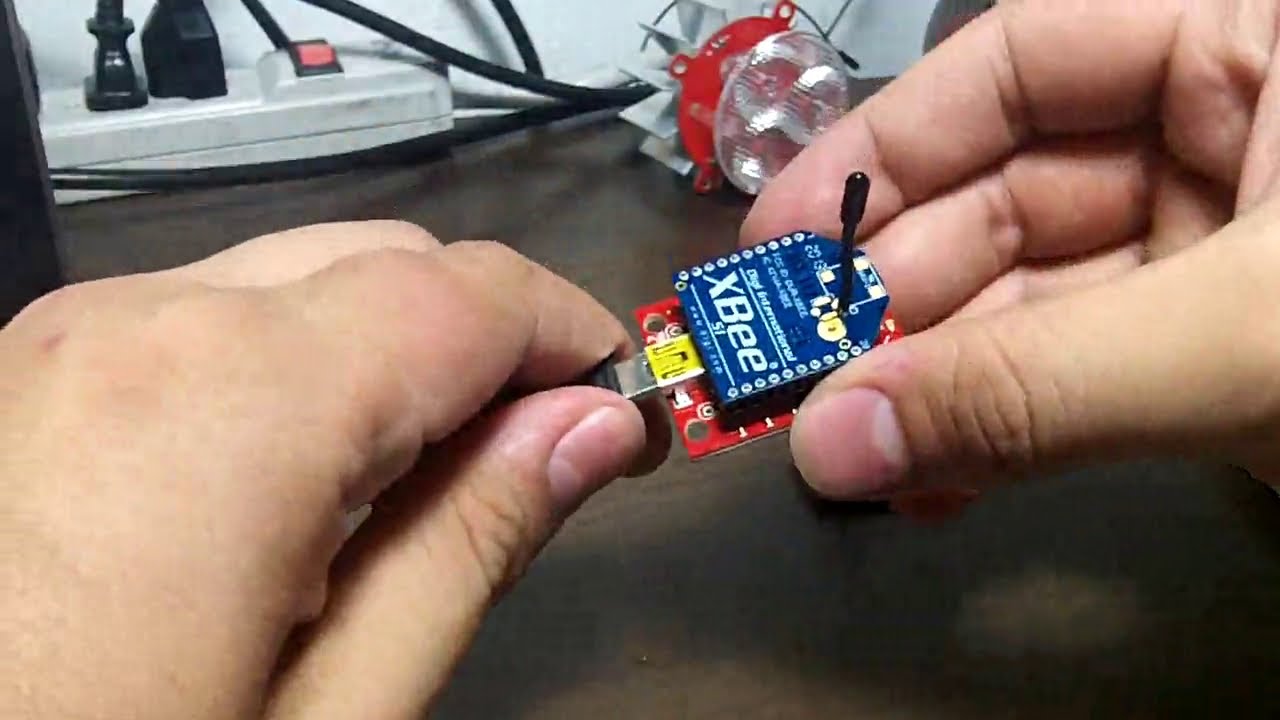
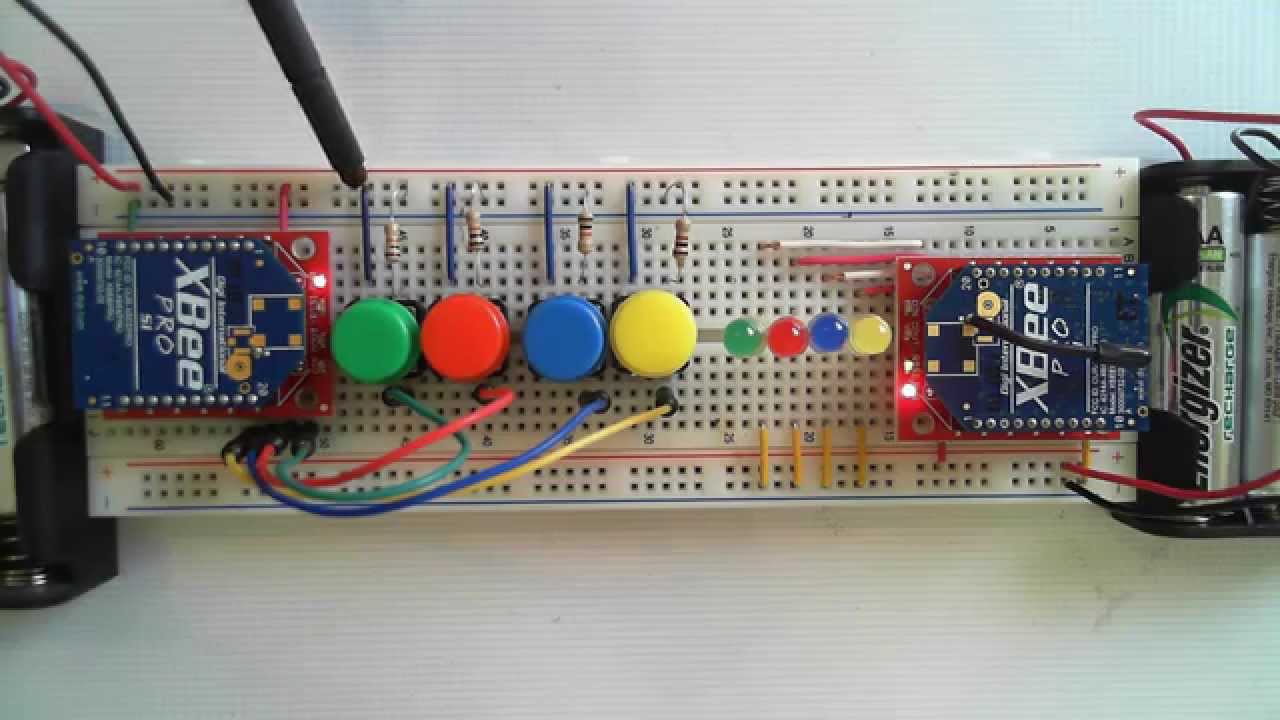
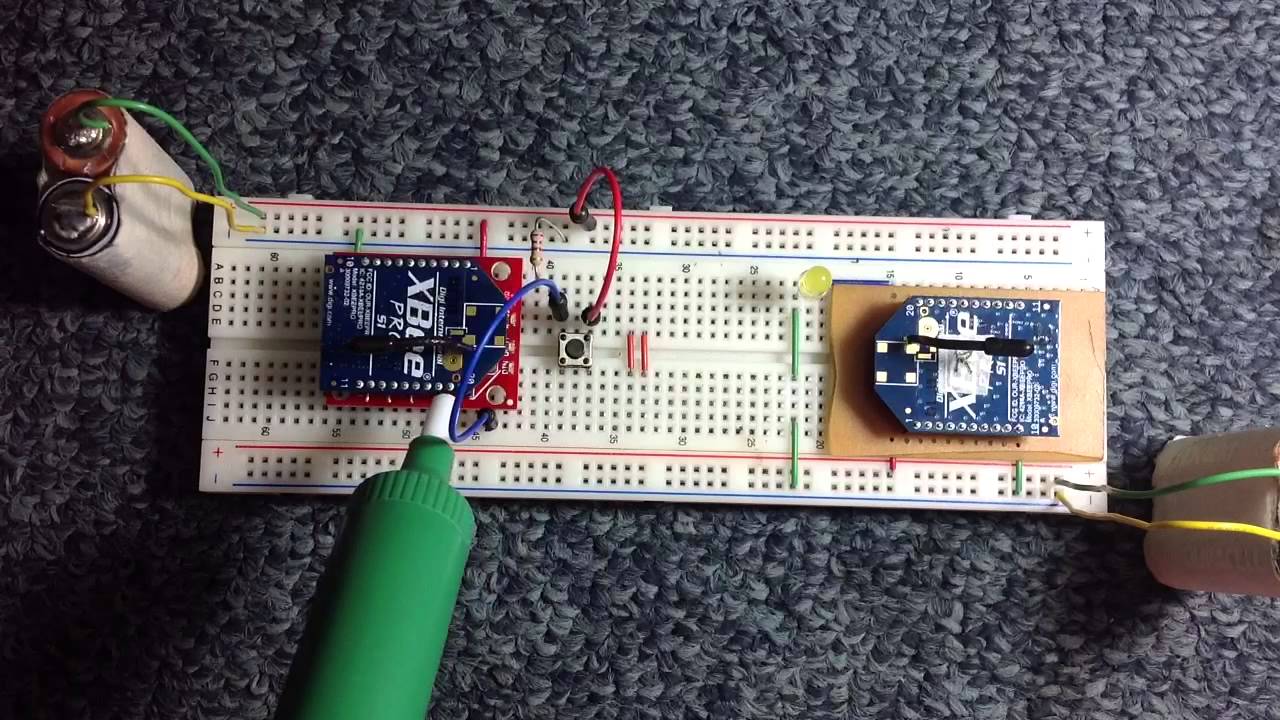
Application can be as wireless switch, capable range 100m on congested/indoors and up to 1.6km on open area.
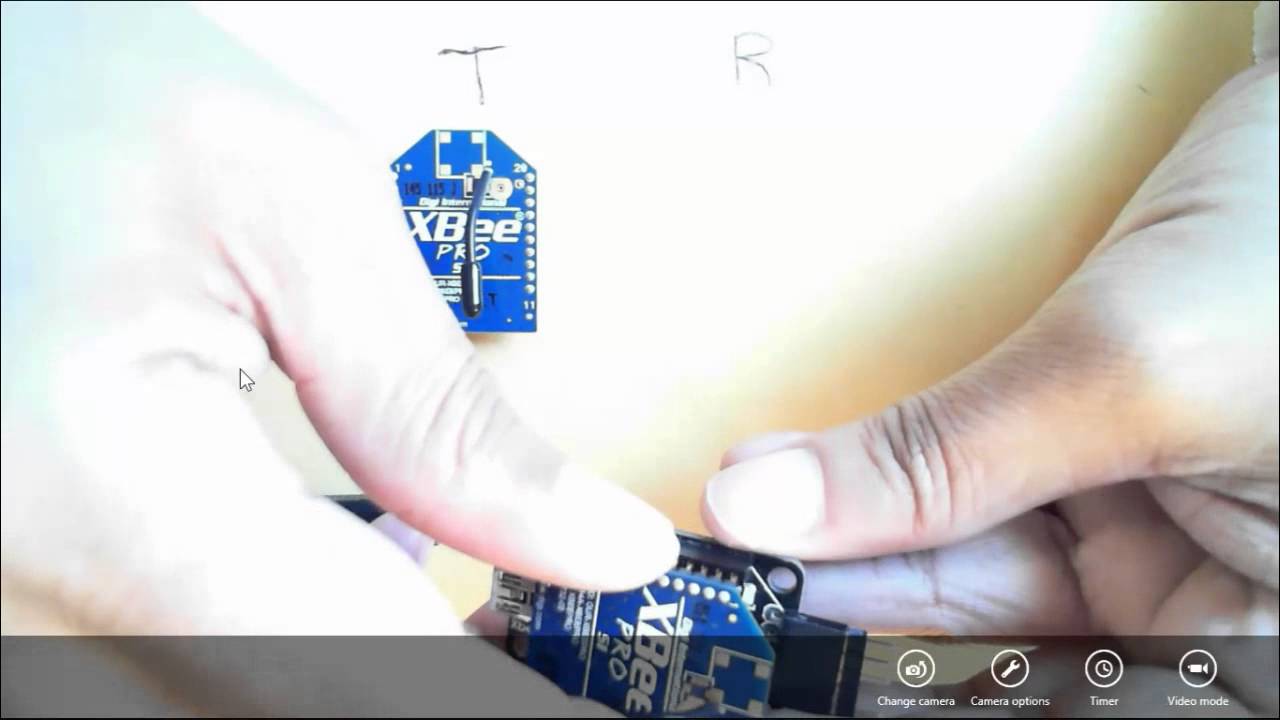
XCTU Command to Configure the Transmitter xBee:
+++ (Goto Terminal Tab type and +++, press Enter)
OK
ATRE (Press Enter to reset to default config)
OK
ATID 4001 (Assign a PAN ID say 4001, then Press Enter)
OK
ATMY 1 (Assign Channel to the transmitter say 1, then Press Enter)
OK
ATDH 0
OK
ATDL 2 (Assign Channel of the Receiver say 2, then Press Enter)
OK
ATD0 3 (Assign digital Pin 0 as input i.e. 3, then Press Enter)
OK
ATIR 14 (Provides sampling rate of 14, then Press Enter)
OK
ATPR 0 (Disable Pull-up Resistor set it to 0, then Press Enter)
OK
ATWR (instruct XCTU to write/save the new configuration above)
XCTU Command to Configure the Receiver xBee:
+++ (Goto Terminal Tab type and +++, press Enter)
OK
ATRE (Press Enter to reset to default config)
OK
ATID 4001 (Assign a PAN ID say 4001, then Press Enter) must ba same as Tx
OK
ATMY 2 (Assign Channel to the transmitter say 2, then Press Enter)
OK
ATDL 1 (Assign Channel of the transmitter i.e 1, then Press Enter)
OK
ATD0 5 (Assign digital Pin 0 as Output HIGH i.e. 5, then Press Enter)
OK
ATIA 1 (Set I/O Line Passing addressing to 1, then Press Enter)
OK
ATWR (instruct XCTU to write/save the new configuration above) Arduino
Повторяем попытку...
Доступные форматы для скачивания:
Скачать видео
-
Информация по загрузке: