ycliper

Популярное

Музыка Кино и Анимация Автомобили Животные Спорт Путешествия Игры Юмор

Интересные видео

2025 Сериалы Трейлеры Новости Как сделать Видеоуроки Diy своими руками

Топ запросов

смотреть а4 schoolboy runaway турецкий сериал смотреть мультфильмы эдисон
Скачать

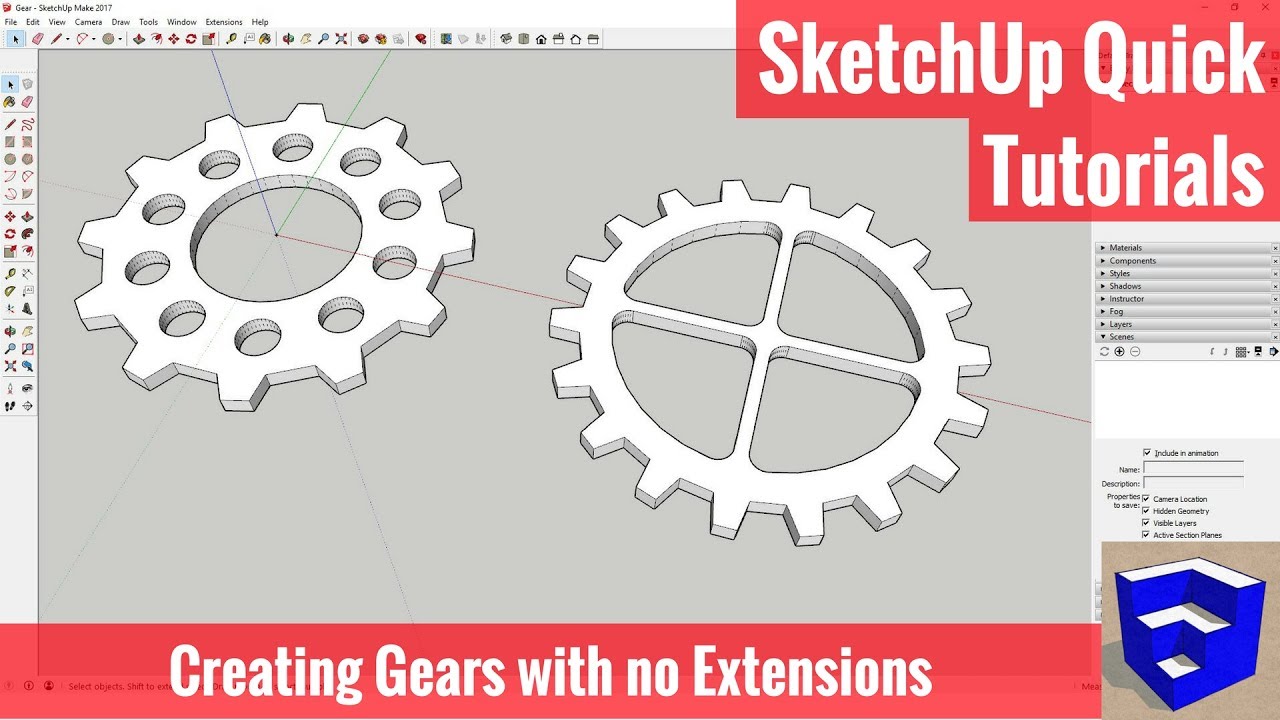
Creating Gears in SketchUp without Plugins - SketchUp Quick Tutorials

Автор: TheSketchUpEssentials

Загружено: 2017-06-19

Просмотров: 99759

Описание: In this SketchUp quick modeling video, we’ll talk about how to create gears in SketchUp using the circle, offset, and rotate tools.

PLEASE LIKE AND SUBSCRIBE
♦SUPPORT ME♦ http://www.thesketchupessentials.com/...
------------------------------------------------------------------------------------------------
When we’re creating geometry like this, the first thing it’s important to understand is the number of segments in your circles. SketchUp doesn’t draw “pure” curves. Instead, the curves are made up of a series of individual segments, which can be set by typing a number with the circle tool active. By adjusting the number of segments in your circle, you can adjust the number of teeth in your gear.
For example, let’s say I draw 2 circles with the same radius, one with 24 sides, and one with 36 sides, like this.
If I then use the offset tool to create a slightly larger circle and draw in some teeth, I can use the rotate tool to copy the teeth around the radius. As you can see, the circle with more segments has more teeth.
Once you’ve drawn your circle, use the offset tool to draw a slightly larger circle. Then, draw lines to the corresponding segment points to start a tooth. You should be able to use the scale tool to shorten this line (hold the control key for uniform scaling).
This is a good time to select your circle, right click and select make center. This will place a control point at the center of your circle that you can use to copy your tooth in rotate mode.
Once you’ve detailed out one tool, use the rotate tool in copy mode to create the rest of your teeth. You’ll probably have to go in and delete out some remaining geometry.
Now we can go in and detail out the rest of our gear. To do this, it’s important to understand the math of how you’re dividing your gear up.
If you want to draw 6 holes in your gear, you’d have to divide the number of degrees in a circle (360) by the number of holes you want to create. Then, you can draw whatever you want your hole to look like, then create copies along the number of degrees you calculated.
Once you’ve done this, you can delete out your remaining geometry and use the push/pull tool to extrude your gear into 3d.
Once you get these basic principles down, you can start getting more complex with the kinds of shapes you can create.
-------------------------------------------------------------------------------------

More SketchUp tutorials and resources at http://www.thesketchupessentials.com

Check Us Out On -
Twitter -   / easysketchup  
Facebook -   / thesketchupessentials  
Pinterest -   / easysketchup  

Не удается загрузить Youtube-плеер. Проверьте блокировку Youtube в вашей сети.
Повторяем попытку...
Creating Gears in SketchUp without Plugins - SketchUp Quick Tutorials

Поделиться в:

Доступные форматы для скачивания:

Скачать видео

  • Информация по загрузке:

Скачать аудио

Похожие видео

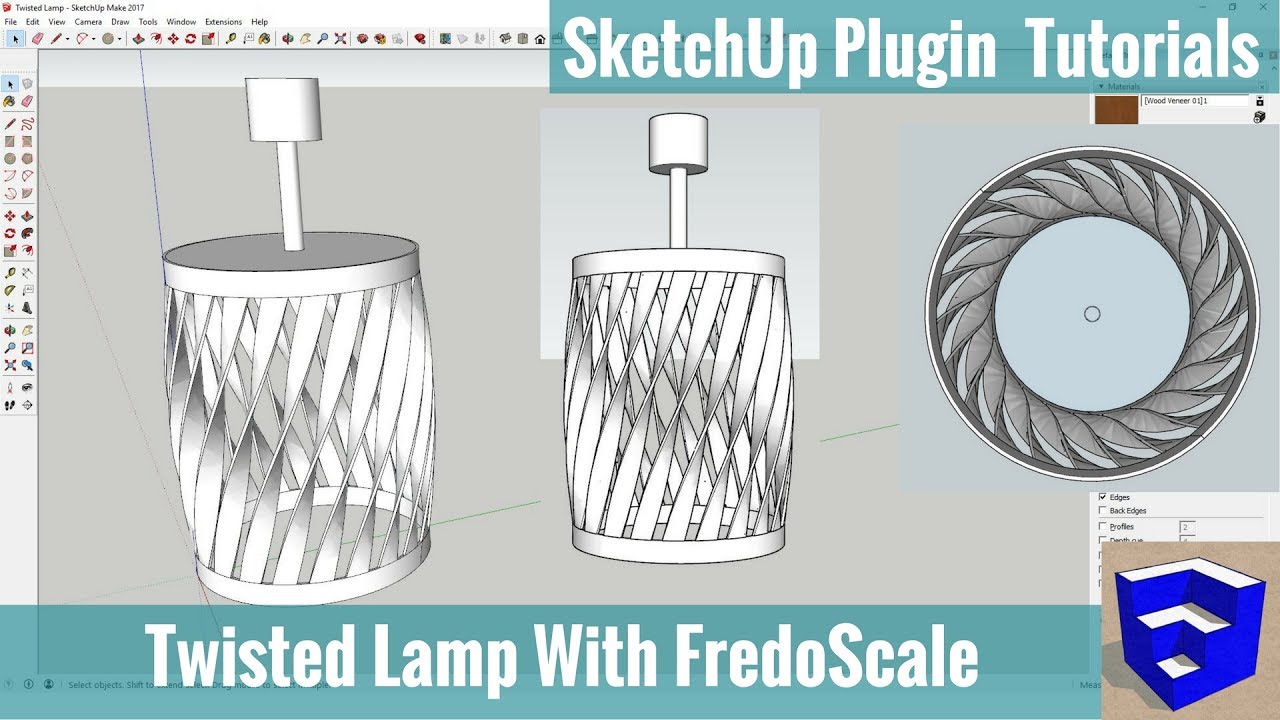
Modeling a Twisted Lamp in SketchUp with FredoScale - SketchUp Extension Tutorials

Modeling a Twisted Lamp in SketchUp with FredoScale - SketchUp Extension Tutorials

Секрет золотого сечения для идеальных многогранников

Секрет золотого сечения для идеальных многогранников

К чему готовится Путин? | Новая война, мобилизация или протесты (English subtitles)

К чему готовится Путин? | Новая война, мобилизация или протесты (English subtitles)

SketchUp: 3D Printable Fast Basic Hinge Design

SketchUp: 3D Printable Fast Basic Hinge Design

7 Ways to CREATE STAIRS IN SKETCHUP!

7 Ways to CREATE STAIRS IN SKETCHUP!

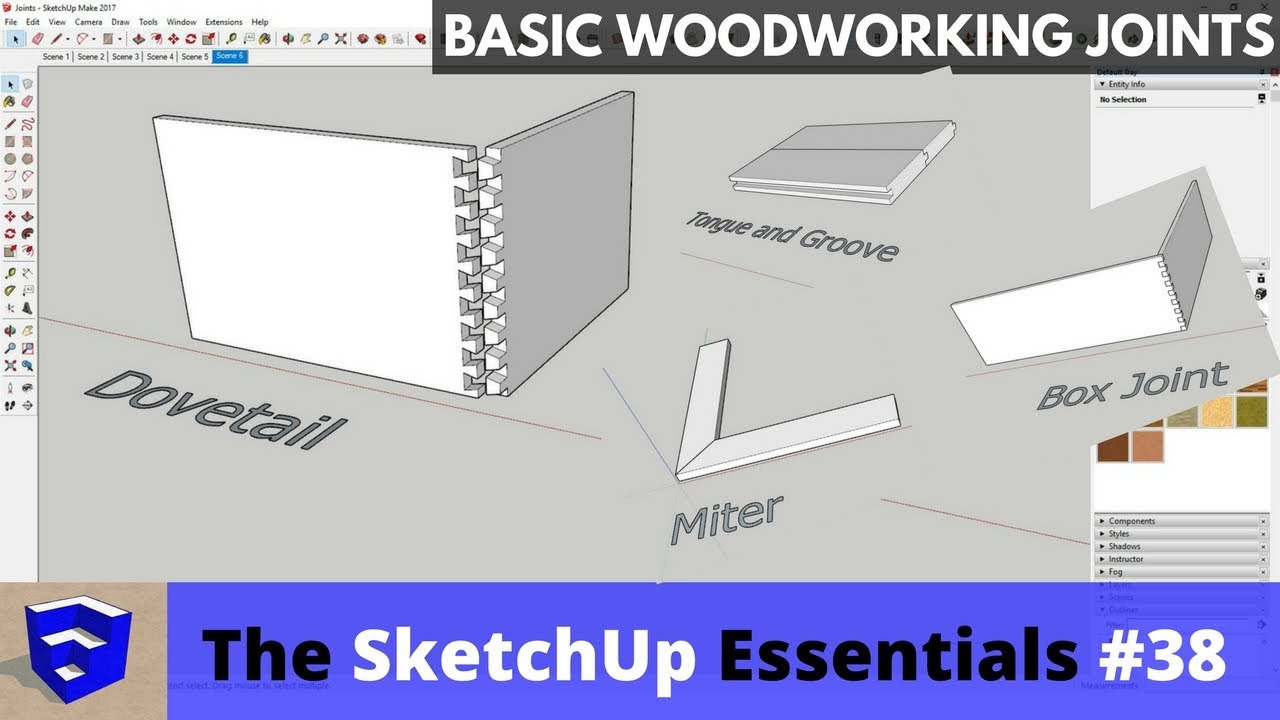
Creating Woodworking Joints in SketchUp - The SketchUp Essentials #38

Creating Woodworking Joints in SketchUp - The SketchUp Essentials #38

Deep House Mix 2024 | Deep House, Vocal House, Nu Disco, Chillout Mix by Diamond #3

Deep House Mix 2024 | Deep House, Vocal House, Nu Disco, Chillout Mix by Diamond #3

Полное руководство по созданию каркасов в SketchUp!

Полное руководство по созданию каркасов в SketchUp!

Удар по заводу Искандеров, Иран: вспышка протестов, Суд опрокинул Трампа. Орешкин, Смагин, Олещук

Удар по заводу Искандеров, Иран: вспышка протестов, Суд опрокинул Трампа. Орешкин, Смагин, Олещук

How to create organic shapes with native tools in SketchUp - Skill Builder

How to create organic shapes with native tools in SketchUp - Skill Builder

Music for Men Who Stay Silent | Gentleman Dark Blues

Music for Men Who Stay Silent | Gentleman Dark Blues

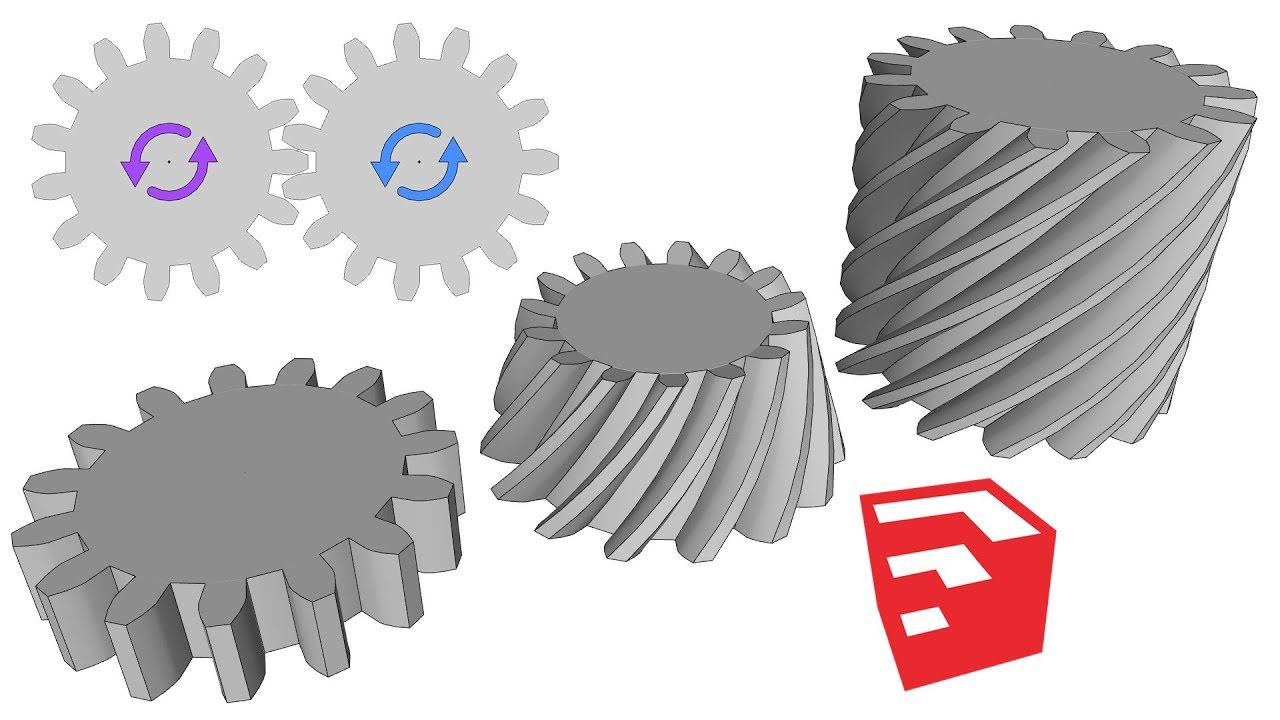
Plugin For Gears In SketchUp

Plugin For Gears In SketchUp

SketchUp Skill Builder: Modeling a Spring

SketchUp Skill Builder: Modeling a Spring

Sketchup Hacks Everyone Must Know

Sketchup Hacks Everyone Must Know

SketchUp Skill Builder: Modeling a Screw, Part 1

SketchUp Skill Builder: Modeling a Screw, Part 1

SketchUp: Using scenes and layers

SketchUp: Using scenes and layers

4 Hours Chopin for Studying, Concentration & Relaxation

4 Hours Chopin for Studying, Concentration & Relaxation

Creating Hexagonal Lattice Shapes in SketchUp with Shape Bender

Creating Hexagonal Lattice Shapes in SketchUp with Shape Bender

Worm Gears In SketchUp + NetFabb = 3D Printable

Worm Gears In SketchUp + NetFabb = 3D Printable

GETTING STARTED with SketchUp Free - Lesson 1 - BEGINNERS Start Here!

GETTING STARTED with SketchUp Free - Lesson 1 - BEGINNERS Start Here!

© 2025 ycliper. Все права защищены.


  • Контакты
  • О нас
  • Политика конфиденциальности


Контакты для правообладателей: [email protected]