Jio AirFiber New Outdoor Unit | Jio AirFiber C6 | What Inside Of Jio AirFiber Outdoor Unit | WiMax |
Автор: Anand Master Ji
Загружено: 2025-02-08
Просмотров: 11473
Описание:
*** *** ** * WhatsApp Business Catalogue * ** ** ****
https://wa.me/c/918439501846
WhatsApp Anand Master Ji Channel Join Link-
https://whatsapp.com/channel/0029VaA0...
WhatsApp Group Link-
https://chat.whatsapp.com/E7Gc8SZFlFQ...
********************************************************
Also, Provide an Online Help Desk To All My Audience
********************************************************
Any Inquiry Contact on WhatsApp No. +91-8439501846
Business Related - [email protected]
#AnandMasterJi
Welcome to My Video Description,
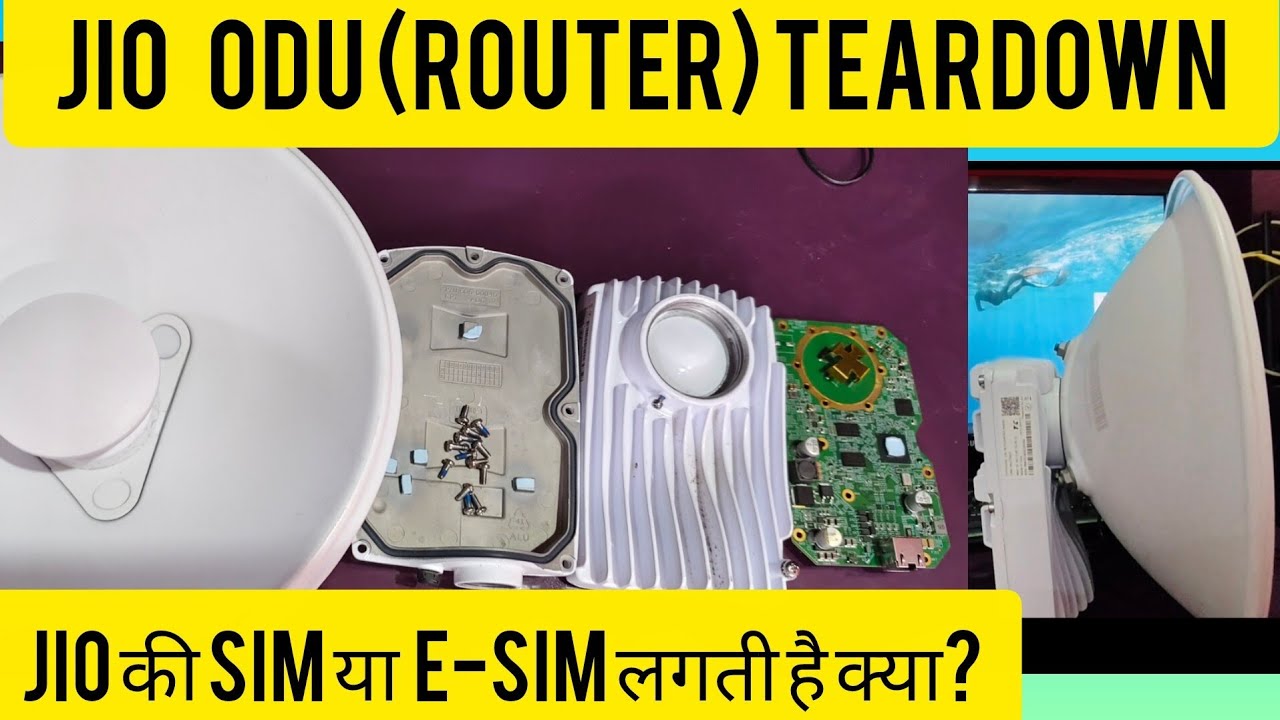
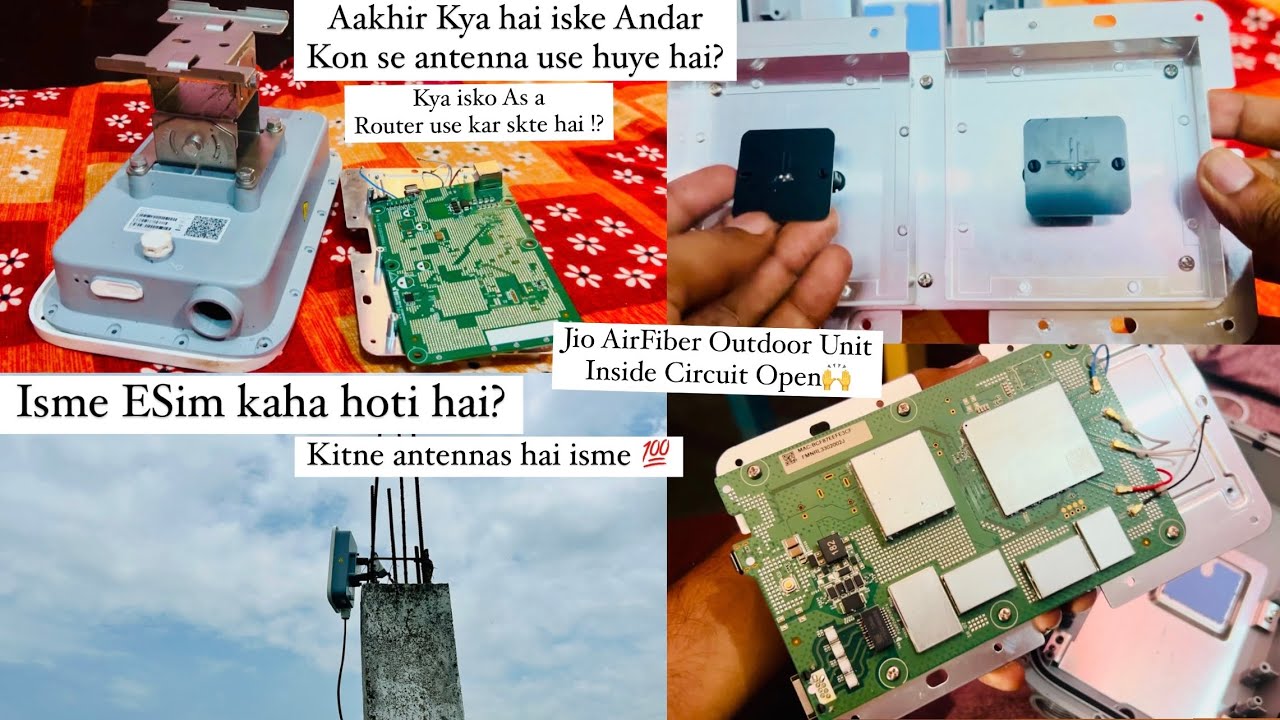
Jio AirFiber device, specifically the outdoor unit (ODU) or Customer Premise Equipment (CPE). Here's a breakdown of the details we can glean from the image:
Key Features and Observations:
Directional Antenna: The prominent white, cone-shaped structure is a directional antenna. This type of antenna focuses the signal in a specific direction, enabling a strong connection to the Jio AirFiber tower. This is crucial for reliable high-speed wireless connectivity.
Weatherproof Casing: The device appears to be encased in a weatherproof housing, designed to withstand outdoor conditions like rain, sunlight, and temperature fluctuations. This is essential for long-term durability and performance.
Mounting Mechanism: The device is attached to a pole using a mounting bracket. This allows for adjusting the antenna's orientation to optimize signal reception.
Cables: Two cables are visible:
Thick black cable: This is likely the primary cable carrying power and data to the device. It might be a coaxial cable or a cable with integrated power and data conductors.
Thin white cable: This could be a grounding cable or another data cable.
Jio Branding: The "Jio" logo is clearly visible on the device, confirming it's a part of Reliance Jio's AirFiber service.
Potential Manufacturer Label: A partially visible red label (likely with white text) is seen on the device. This could be a manufacturer's label or a model/serial number identifier.
QR Code: A small QR code sticker is present, likely used for device identification and quick setup during installation.
Likely Functionality:
The device functions as a receiver for the Jio AirFiber service. It captures the high-speed wireless signal from the Jio tower and transmits it to an indoor unit (IDU) within the customer's premises. The indoor unit then creates a Wi-Fi network for connecting various devices like smartphones, laptops, and smart TVs.
Overall, the image showcases the outdoor component of a fixed wireless access (FWA) system that provides high-speed internet connectivity to homes and businesses using Jio's AirFiber service.
To get more detailed specifications, you would need to:
Refer to the official Jio AirFiber documentation or website: This would provide information on the device's model number, technical specifications, and features.
Check the manufacturer's label (if visible): The label might reveal the manufacturer and specific model details.
#JioAirFiber
#AirFiber
#Broadband
#NewDevice
#BestBroadband
#WiMax
#JIoAirFiberC6
Повторяем попытку...

Доступные форматы для скачивания:
Скачать видео
-
Информация по загрузке: