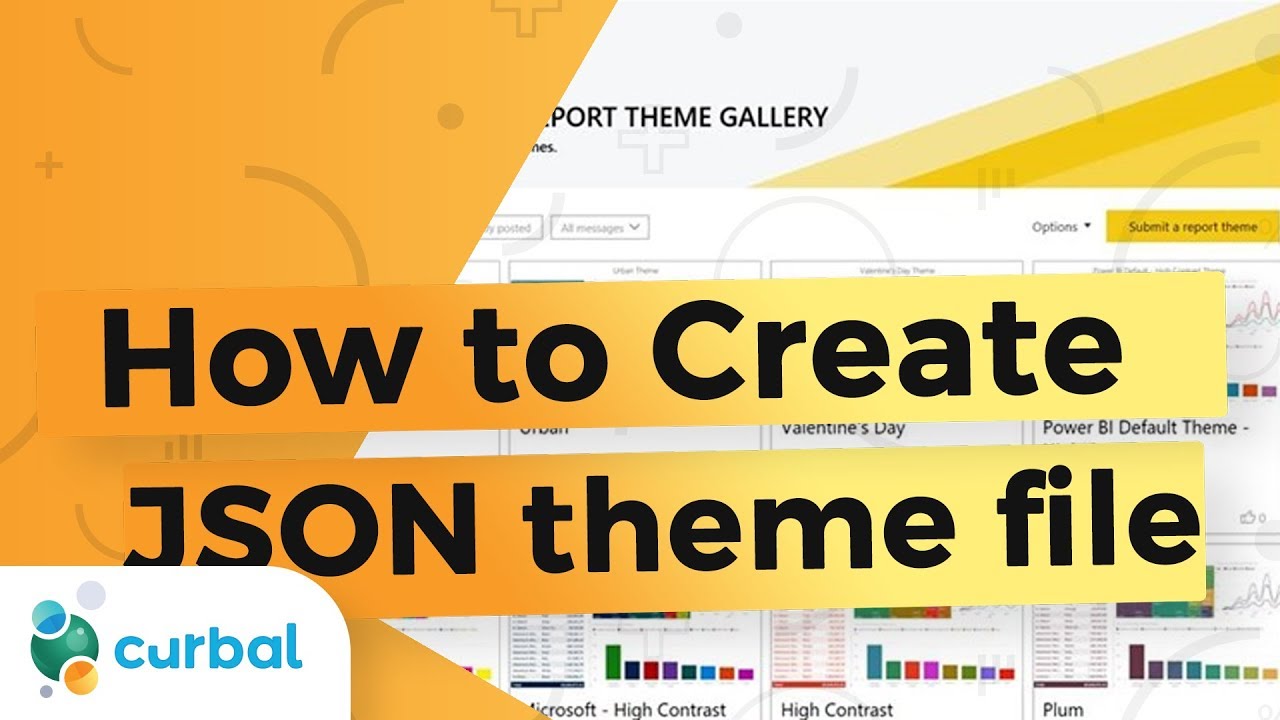
Deep dive on how to create Power BI themes with a JSON file
Автор: Curbal
Загружено: 2017-12-18
Просмотров: 36928
Описание:
You can customize the look and feel of the Power BI reports using the formatting pane for each specific visual or you can speed up the process by using a JSON file.
This feature (the JSON file) has been available for quite a while but on the September 2017 update of Power BI Desktop, they allow us to define even more elements and that is great, but the documentation is poor (sorry Microsoft, it is) and unfortunately, a lot of the elements wont work even when you add them correctly to the file.
To be able to manage this, I have created my own guide for the JSON file and I am sharing it with all of you so you don't have to waste a lot of time finding out how to build it:
• Видео
I also explain it here how to create a JSON file. Hope you find it useful!
Looking for my JSON file? Go to our Download Center - Membership downloads and you will find it there: https://curbal.com/donwload-center
SUBSCRIBE to learn more about Power and Excel BI!
/ @curbalen
Our PLAYLISTS:
Join our DAX Fridays! Series: https://goo.gl/FtUWUX
Power BI dashboards for beginners: https://goo.gl/9YzyDP
Power BI Tips & Tricks: https://goo.gl/H6kUbP
Power Bi and Google Analytics: https://goo.gl/ZNsY8l
ABOUT CURBAL:
Website: http://www.curbal.com
Contact us: http://www.curbal.com/contact
QUESTIONS? COMMENTS? SUGGESTIONS? You’ll find me here:
► Twitter: @curbalen, @ruthpozuelo
► Google +: https://goo.gl/rvIBDP
► Facebook: https://goo.gl/bME2sB
#SUBSCRIBE #CURBAL
► Linkedin: https://goo.gl/3VW6Ky
Повторяем попытку...
Доступные форматы для скачивания:
Скачать видео
-
Информация по загрузке:





![Best of Deep House [2026] | Melodic House & Progressive Flow](https://imager.clipsaver.ru/Il-ZpBuC8tA/max.jpg)