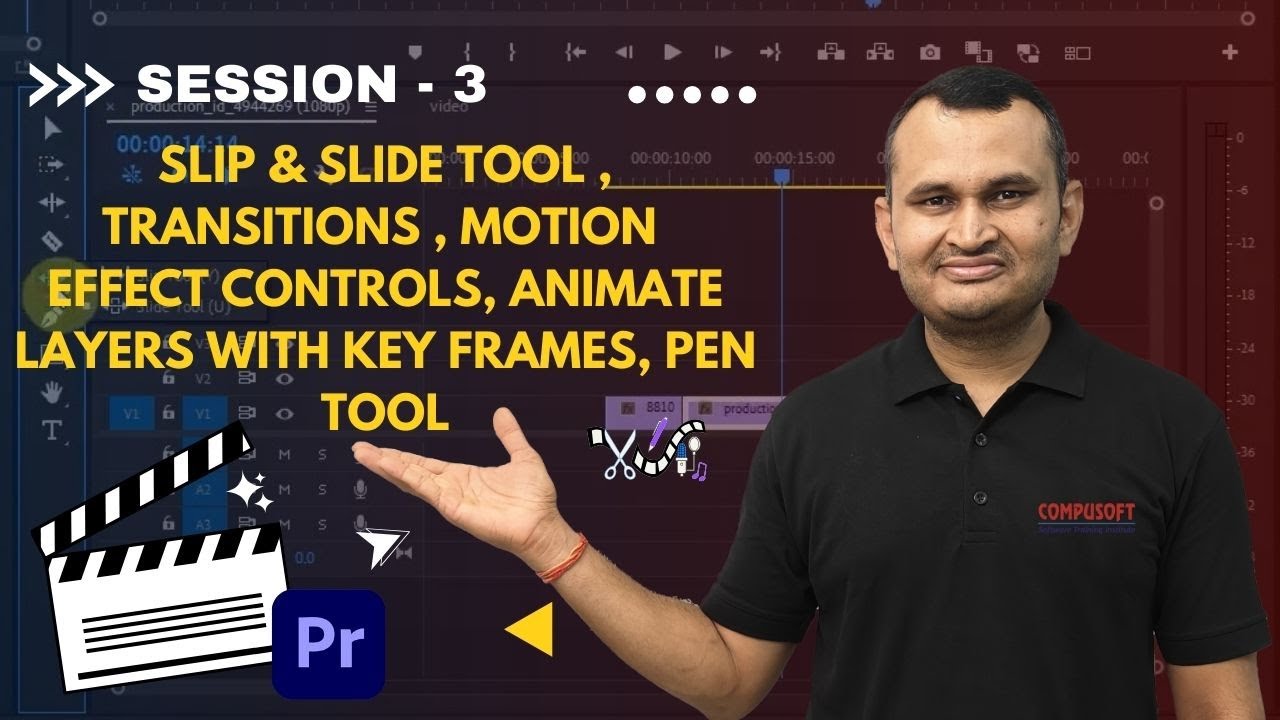
Session :3 Slip & Slide Tool, Transitions, Motion Effects, pen, | Premiere Pro | CompusoftEducation
Автор: Compusoft Education
Загружено: 2025-04-07
Просмотров: 30
Описание:
🎬 Master Slip & Slide Tool, Transitions, Motion Effects & Keyframes in Adobe Premiere Pro! 🎥✨
Want to enhance your video editing skills and create smooth animations in Adobe Premiere Pro? This tutorial covers essential editing and motion tools, including Slip & Slide Tools, Video Transitions, Motion Effect Controls, Keyframe Animation, Pen Tool, and Shape Layers—helping you take your edits to the next level! 🚀
🔥 What You’ll Learn:
✅ Slip & Slide Tools – Adjust clip timing without changing duration
✅ Video Transitions – Apply smooth cuts, fades, and dynamic effects
✅ Motion Effect Controls – Resize, position & rotate clips easily
✅ Animating Layers with Keyframes – Create smooth movement & effects
✅ Using the Pen Tool & Shape Layers – Design custom overlays & effects
✅ Pro Editing Tips – Best practices for cinematic and professional editing
📌 Perfect for:
🔹 Video Editors – Improve editing speed & precision 🎬
🔹 Content Creators & Filmmakers – Add professional transitions & animations 📽️
🔹 Beginners & Creative Professionals – Learn essential Premiere Pro tools quickly 💡
💡 LIKE 👍, COMMENT 💬, and SUBSCRIBE 🔔 for more Premiere Pro tutorials!
🔗 Follow for More Content:
🌍 Website: https://compusoftedu.com/
📸 Instagram: / compusoftsurat
📘 Facebook: / compusoftsurat
#PremiereProTutorial #VideoEditing #KeyframeAnimation #MotionEffects #AdobePremierePro #VideoTransitions #slide #sleep #sleeptool #motion #animationlayers #keyframes #pentool #pen #rectangle #ellipse #polygon
Повторяем попытку...
Доступные форматы для скачивания:
Скачать видео
-
Информация по загрузке: