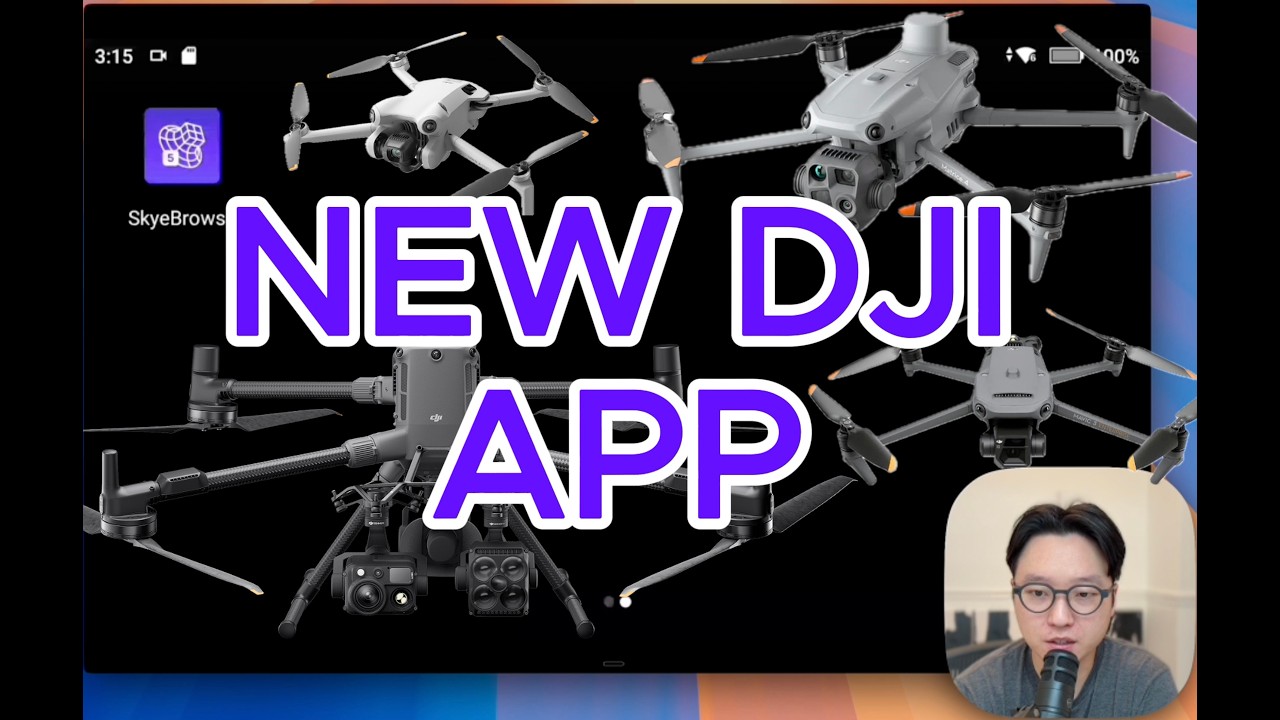
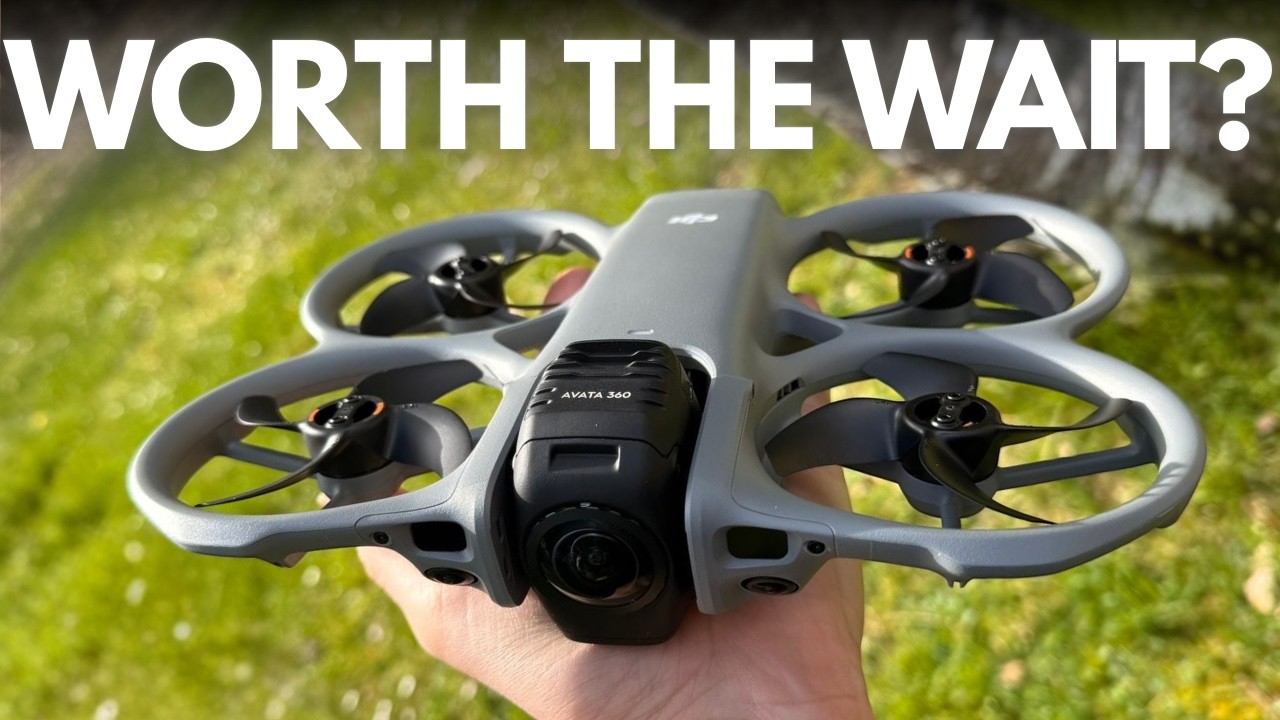
Manual Drone Flight Patterns for 3D Mapping – Works with Any Drone
Автор: SkyeBrowse
Загружено: 2026-03-09
Просмотров: 399
Описание:
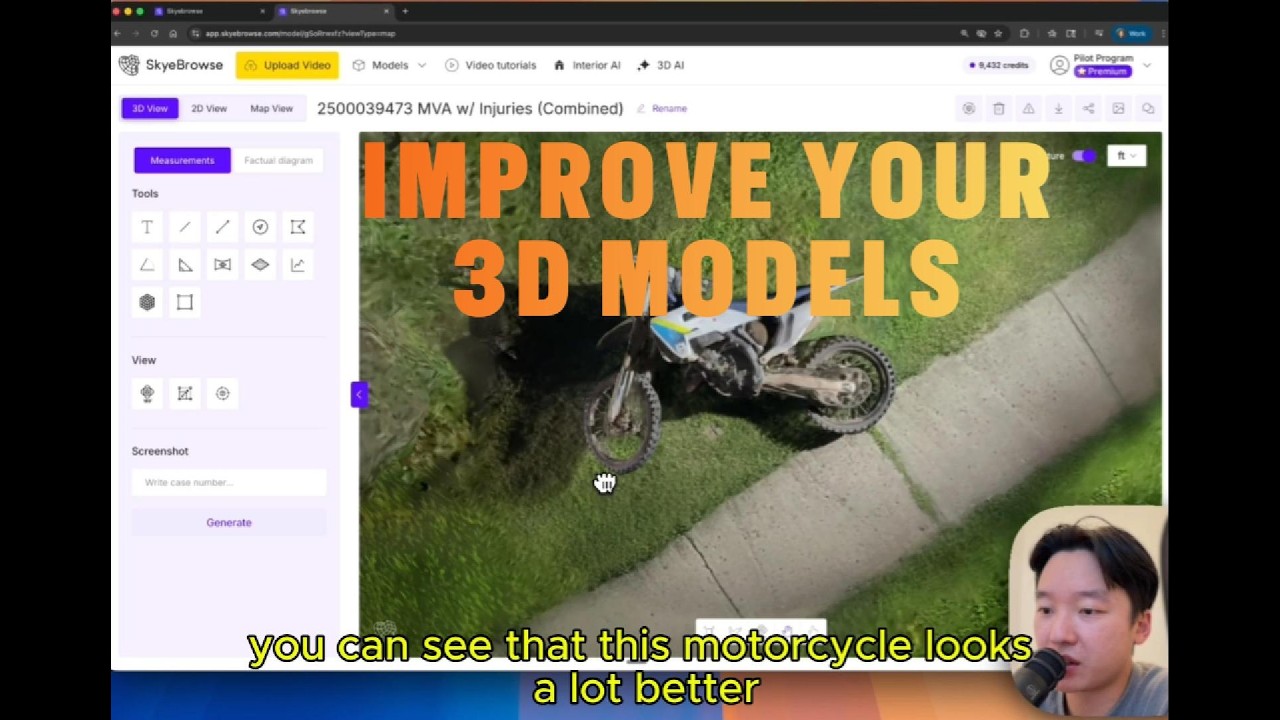
Learn how to fly manual drone flights to create stunning 3D models using SkyeBrowse Universal Upload. This step-by-step tutorial covers orbit patterns, grid patterns, and multi-altitude capture techniques that work with any drone — DJI, Autel, Skydio, or any other brand.
🚀 Get Started
Sign up for free: app.skyebrowse.com
📺 In This Video, You’ll Learn:
GPS Georeferencing: How to enable video captions (SRT files) for automatic mapping.
The 45° Orbit: Executing a mid-altitude circle around your target for primary coverage.
Grid Patterns: Using a 75° gimbal pitch to capture rooftops and expansive flat areas.
Detail Capture: Adding a low-altitude 30° orbit to document intricate side details.
Universal Upload: The workflow for uploading video files from any device.
Multi-Video Processing: Advanced techniques for Premium and Premium Advanced users.
🛠️ Compatibility
SkyeBrowse eliminates the need for complex photogrammetry software. Universal Upload supports video from:
Any Drone (Manual or Automated)
Cell Phones
GoPro Cameras
360 Cameras
Note: SkyeBrowse turns any video into a 3D model in minutes—no specialized expertise required.
Chapters:
0:00 - Intro
0:59 - Flight Patterns
3:08 - Upload
5:53 - Viewer
Повторяем попытку...

Доступные форматы для скачивания:
Скачать видео
-
Информация по загрузке: