How To Connect 3.5mm Headphones To Samsung Galaxy Tab S10 / S10 Ultra
Автор: How To Samsung
Загружено: 2025-06-05
Просмотров: 1770
Описание:
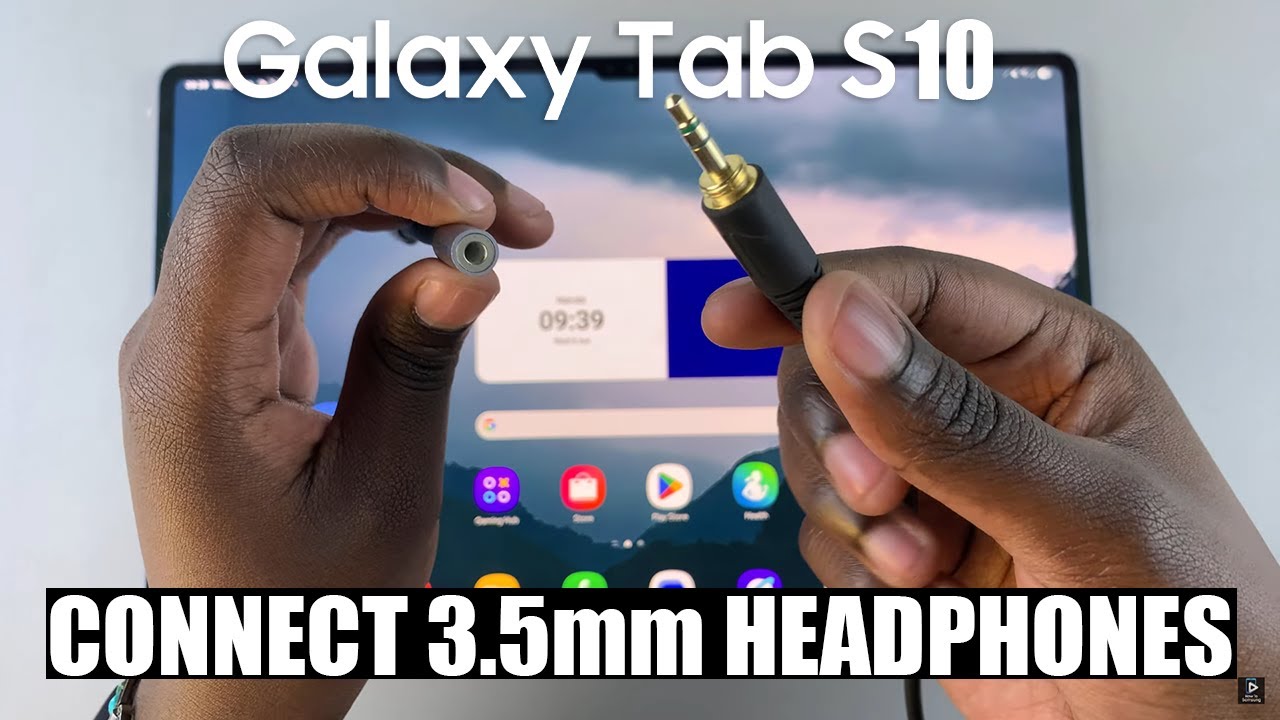
Here is how to use your traditional 3.5mm wired headphones with the Samsung Galaxy Tab S10 or S10 Ultra.
Even though these tablets don’t include a headphone jack, there’s a simple way to connect your favorite wired audio gear.
How To Connect 3.5mm Headphones To Samsung Galaxy Tab S10 / S10 Ultra.
Take your USB-C to 3.5mm headphone adapter
Plug the USB-C end of the adapter into your Galaxy Tab S10 / S10 Ultra.
Plug your 3.5mm headphones into the adapter.
The tablet will automatically detect the wired headphones and route audio through them.
Play any audio to test it—no setup needed
Samsung Galaxy Tab S10 Ultra: https://amzn.to/4jlwH6z
----My Gear for YouTube videos----
Main Camera (iPhone 13 pro): https://amzn.to/3GZztve
Tripod: https://amzn.to/35acqRa
Cell Phone Tripod Adapter: https://amzn.to/3v3wFuI
Lights: https://amzn.to/3vkoGK7
As full disclosure, I use affiliate links on this channel and purchasing through these links earns me a small commission. The price you pay will be the same!
Website: https://www.webproeducation.org
Facebook: / webproeducation.org
Twitter: / webpro_e
Instagram: / webproeducation
Повторяем попытку...
Доступные форматы для скачивания:
Скачать видео
-
Информация по загрузке: