How I Upload My Designs to MakerWorld (Beginner Friendly Walkthrough!)
Автор: Layered Loot
Загружено: 2025-07-19
Просмотров: 1462
Описание:
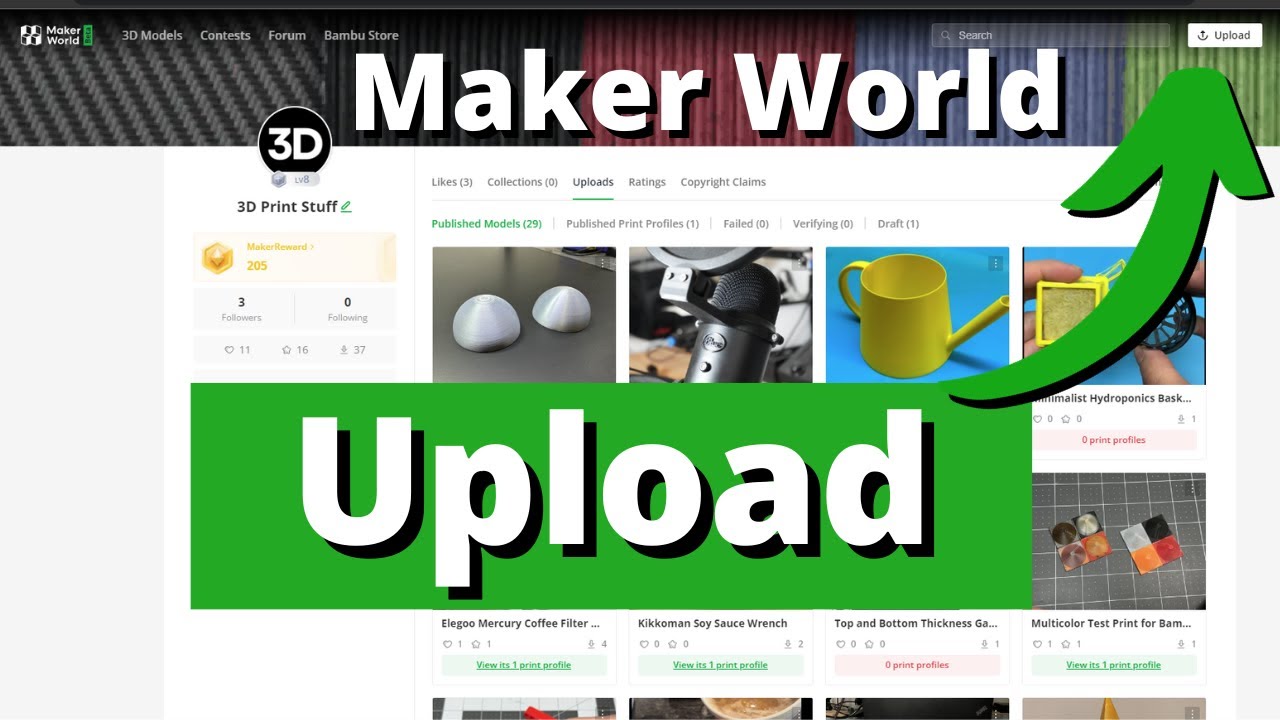
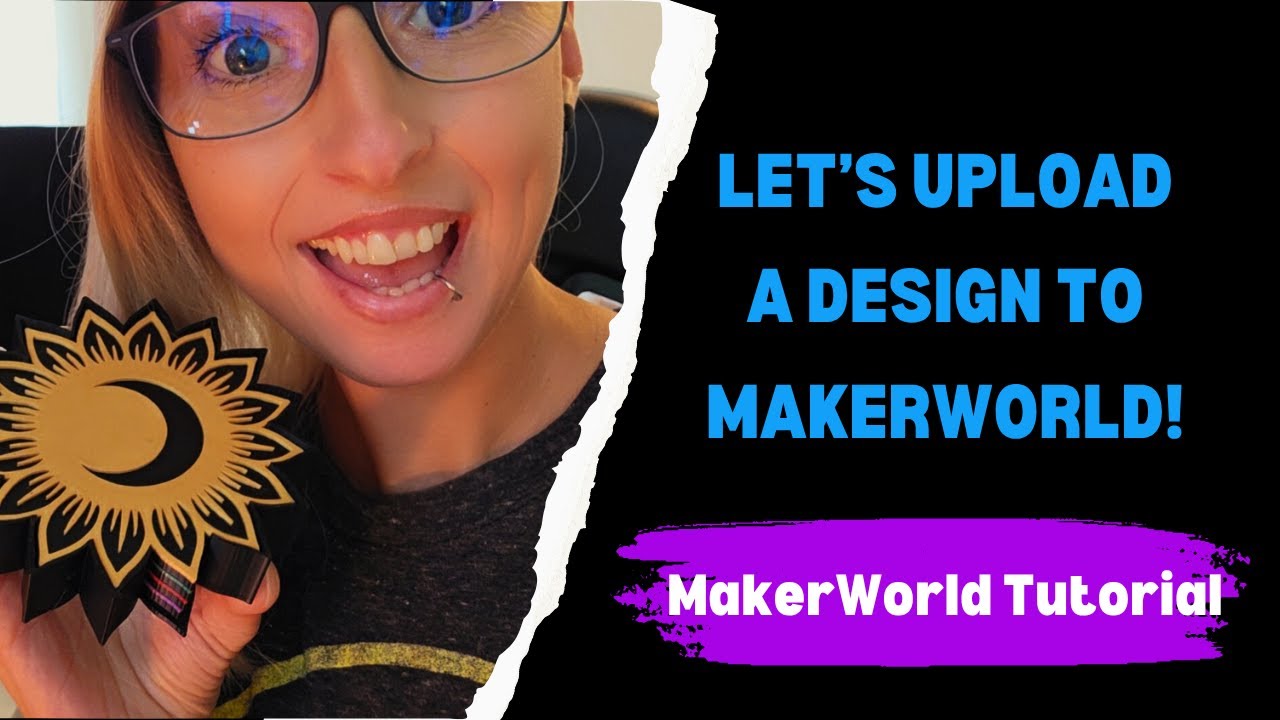
In this video, I’m showing you how I upload my Crescent Moon Blossom Coaster Set and Holder to MakerWorld—from adding files and descriptions to uploading print profiles and color variations. If you’re just getting started with 3D printing and want to share your own designs, this is the step-by-step beginner guide I wish I had!
What You'll Learn:
• How to upload a .3MF files
• How to add custom print profiles
• Tips for organizing files + naming variations
• How to tag and categorize your models for visibility
Want step-by-step instructions and links in one place?
Check out the full blog post here 👉https://www.busymommasnook.com/post/h...
I'm still learning as I go, so come along for the ride and subscribe for more beginner-friendly 3D printing content!
MakerWorld - https://makerworld.com/en/@layeredloot
Model Featured: Crescent Moon Blossom Coaster Set - https://makerworld.com/en/models/1618...
—
Follow my 3D printing chaos:
TikTok → @layeredloot
YouTube Shorts → @LayeredLoot
Curated Chaos. Printed Charm.
#3DPrinting #MakerWorld #BambuLabA1Mini #STLUpload #bambu #3dprintingforbeginners #PrintProfiles #BambuLab #LayeredLoot #tutorial
Повторяем попытку...
Доступные форматы для скачивания:
Скачать видео
-
Информация по загрузке: