Скачать
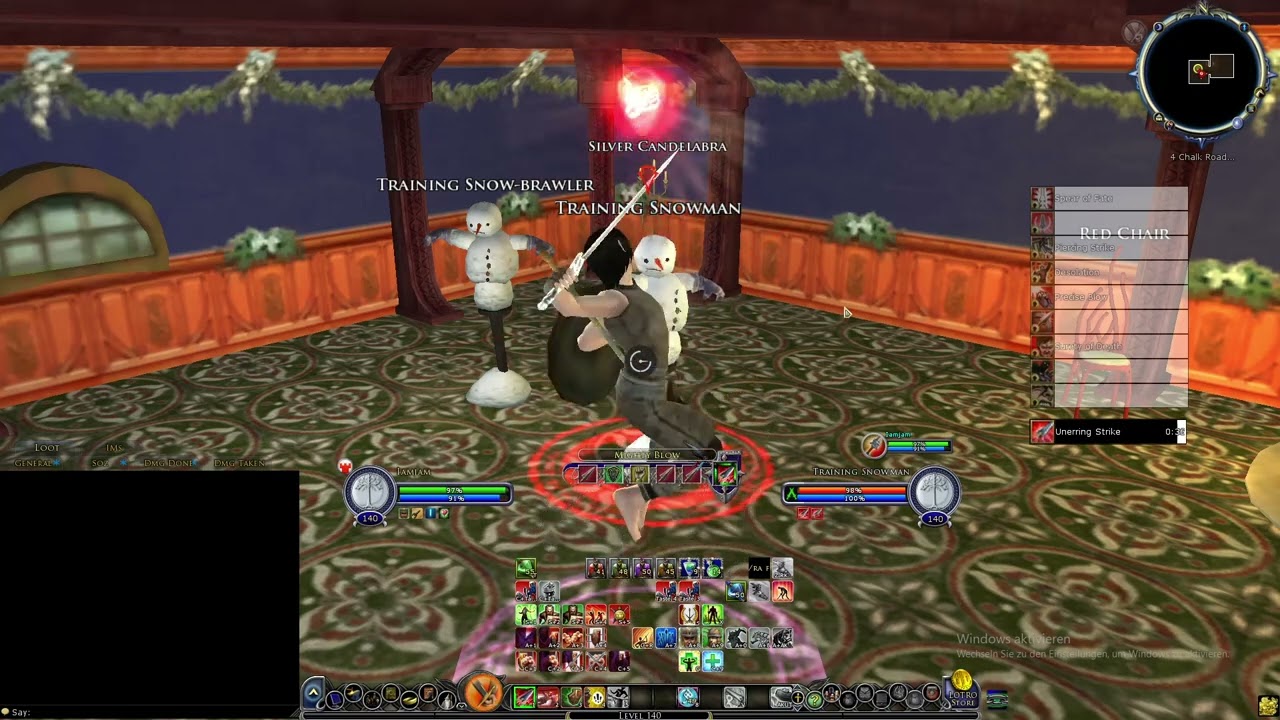
Using hot keys with SequenceBars
Автор: Thurallor of Landroval
Загружено: 2016-06-06
Просмотров: 8597
Описание:
This video is now obsolete. As of version 4.00, you can now add hotkeys directly to User Events using the Event Directory UI:
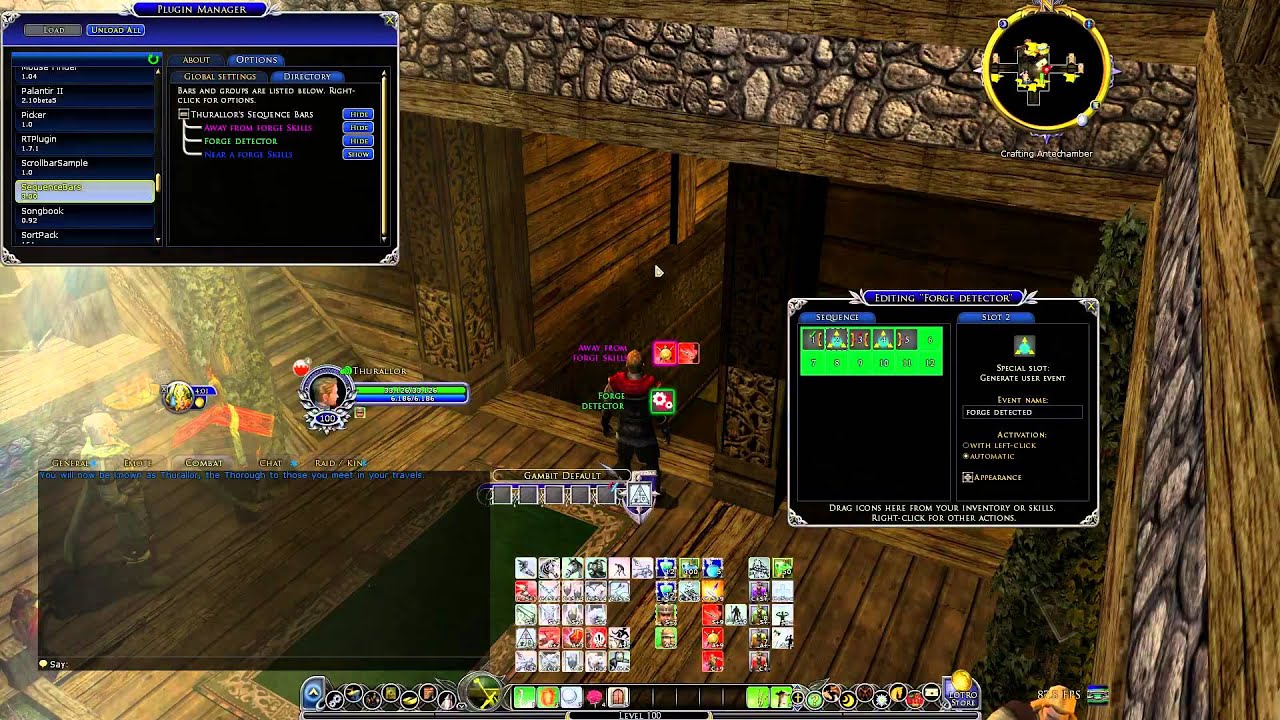
1. Open the Plugin Manager.
2. Select "SequenceBars" on the left.
3. Under the Options tab, click the "Directory" tab.
4. Click "Show".
5. In the Directory window, click the "User Events" tab.
6. Click "Create Event" to create an event.
7. Rename the new event as desired.
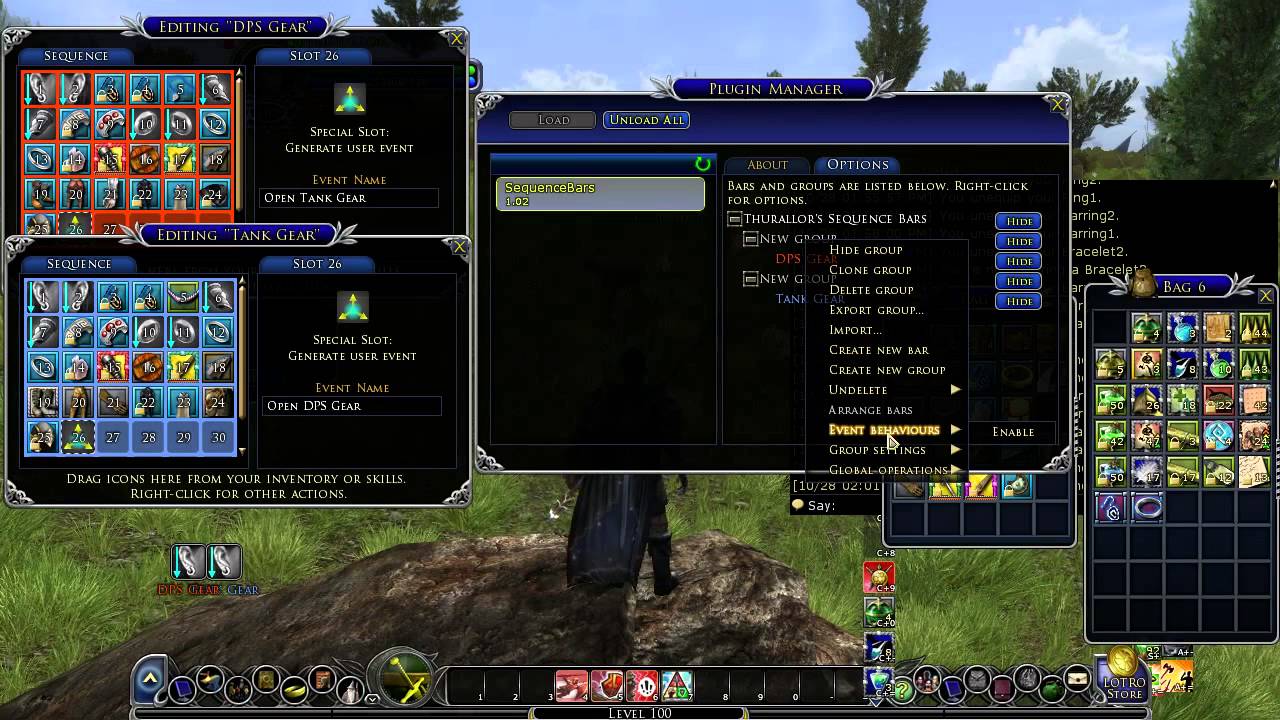
8. Add event behaviors to your bars as usual.
Не удается загрузить Youtube-плеер. Проверьте блокировку Youtube в вашей сети.
Повторяем попытку...
Повторяем попытку...

Доступные форматы для скачивания:
Скачать видео
-
Информация по загрузке: