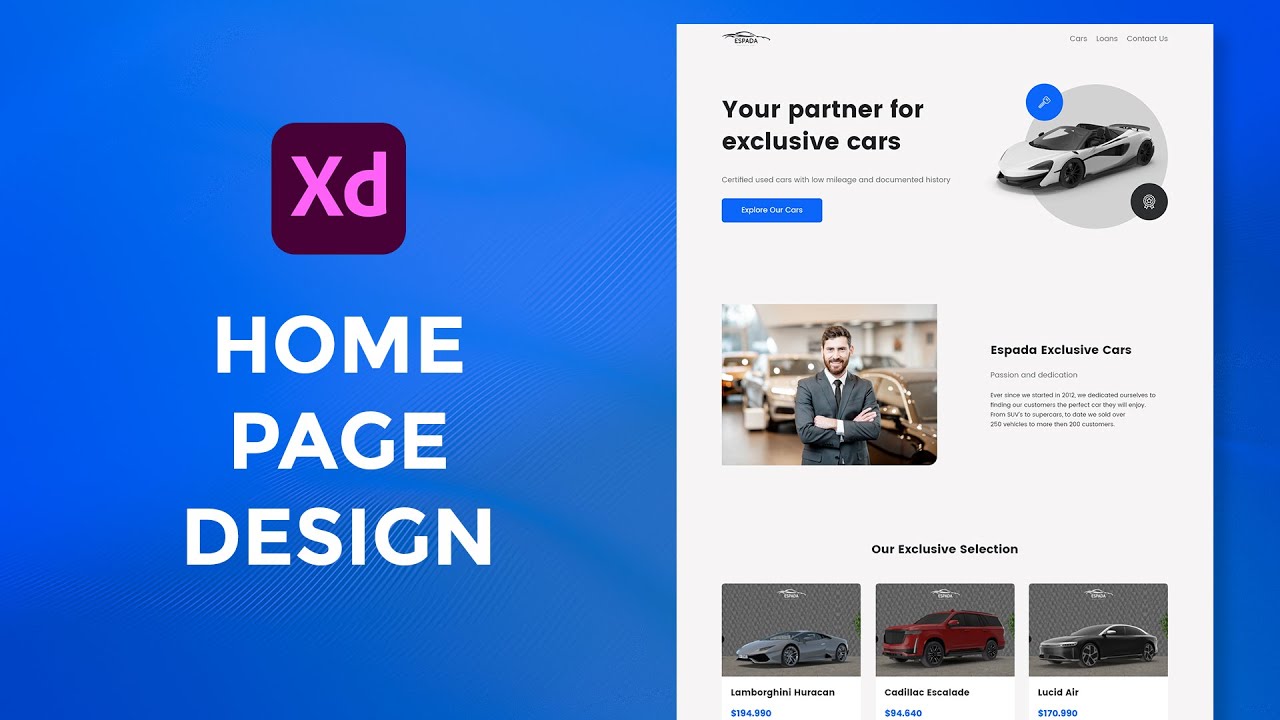
3D Website Design in Adobe Xd using Blender, Dimension and Photoshop
Автор: Alex On Design
Загружено: 2022-05-30
Просмотров: 2683
Описание:
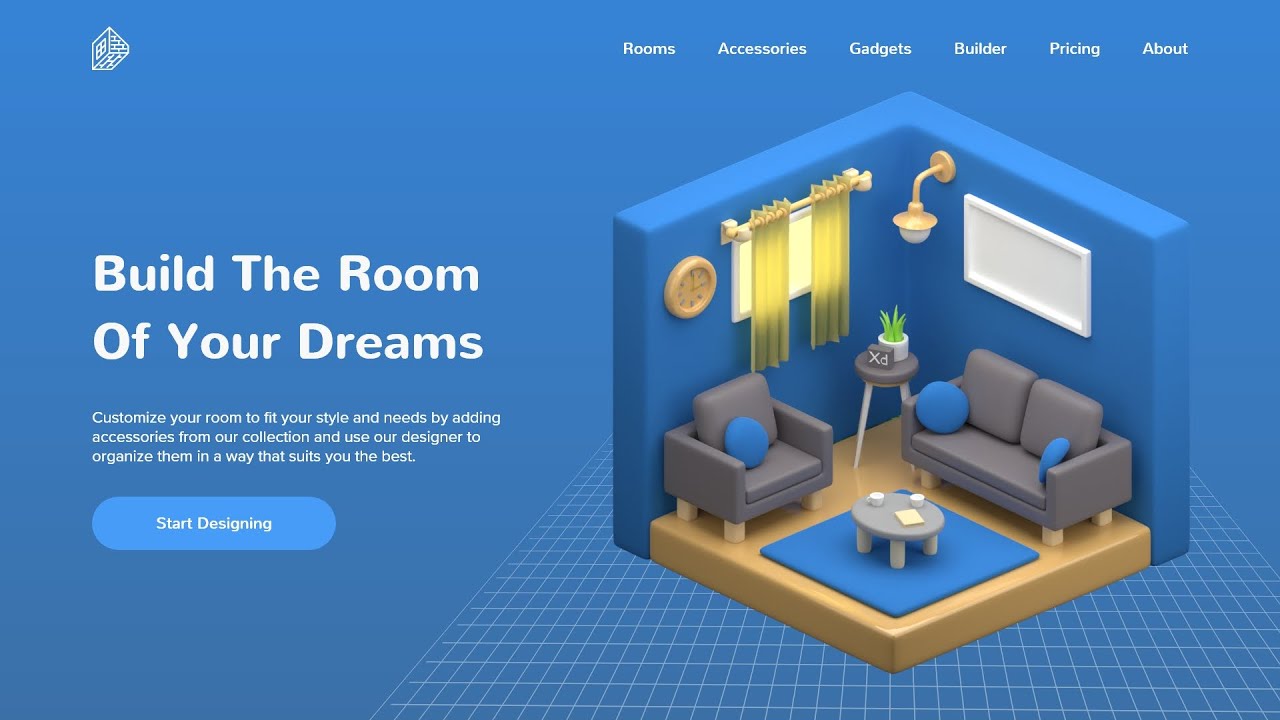
In this video I am going to show you how to take this cute 3D room created in Blender to Adobe Dimension, rotate, position it, apply some lighting and image and export it to Photoshop for further tweaking. Finally, we will bring it to Adobe Xd where we will create the final layout. Please keep in mind, I am a beginner in 3D so future tutorials will only get better and better. To create this same 3D room, please follow the tutorial from 3D Greenhorn linked bellow and to get the practice file, click the link bellow it.
3D Room Full Tutorial https://bit.ly/3z0ejfZ
Practice File https://bit.ly/38Vvsge
---------------------------------------------------------
👉 Check out my massive UX/UI design course https://webdonut.gumroad.com/l/mdhnbd and use the code YOUTUBE to get a discount.👈
📌 Check out design resources at https://www.webdonut.net/
TOOLS I USE
Design https://bit.ly/47aO1Xm
Graphics & Music https://bit.ly/3jRFtk9
Images & Icons https://bit.ly/3jRFtk9
Animation https://lottiefiles.com/
Illustrations https://bit.ly/3jRFtk9
Website Build https://bit.ly/3xkbWme
Domain https://bit.ly/39MdCs3
GEAR I USE
Check out my Kit https://bit.ly/3i6nb9t
YOU TUBE TOOL
Tube Buddy https://bit.ly/33hA77i
LEARN NEW SKILLS
Skillshare
Tuts+ https://bit.ly/31s8uWg
CHAPTERS
0:00 Intro
1:55 Blender Project
7:38 Working in Dimension
16:40 Working in Photoshop
21:39 Finishing it in Adobe Xd
25:24 Outro
✌ Thanks for watching 3D Website Design in Adobe Xd using Blender, Dimension and Photoshop and have a creative day!
Alex
Disclaimer: Links in the description are usually affiliate links. By using any of my affiliate links, I receive a very small commission at no extra cost to you.
#AlexOnDesign #AdobeXd #AdobeXdAmbassador
Повторяем попытку...
Доступные форматы для скачивания:
Скачать видео
-
Информация по загрузке:









![Почему работает теория шести рукопожатий? [Veritasium]](https://imager.clipsaver.ru/ggI1xKzoANs/max.jpg)
![Введение в интерфейс Adobe After Effects. Эпизод 2/48 [Adobe After Effects для начинающих]](https://imager.clipsaver.ru/O6KRRQm6meY/max.jpg)


![Best of Driving Deep House [2026] | Chill Vocal Mix to Boost Focus, Maximize Concentration #7](https://imager.clipsaver.ru/CDnUiT9PNWc/max.jpg)