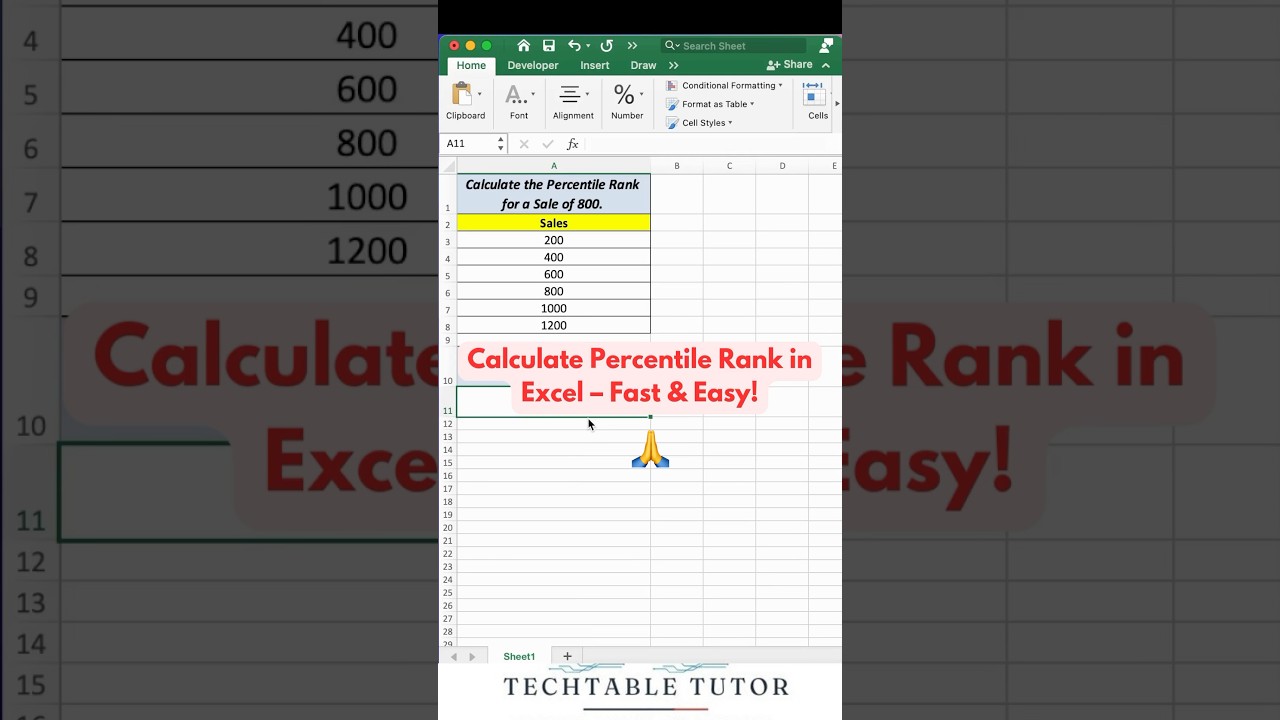
Excel Hack: Find Percentile Rank Quickly! 🚀
Автор: Tech Table Tutor
Загружено: 2024-11-07
Просмотров: 7240
Описание:
Excel Hack: Find Percentile Rank Quickly! 🚀
The PERCENTRANK function in Excel is used to determine the relative rank of a value in a data set as a percentage of the data range. It returns the rank of a value in a data set, expressed as a percentage between 0 and 1.
Syntax
PERCENTRANK(array, x, [significance])
array: The range of values you want to evaluate.
x: The value for which you want to find the rank.
significance (optional): The number of digits to which to round the result. If omitted, Excel will return the result with 3 decimal places.
The PERCENTRANK function in Excel is used for:
Determining Relative Position: It calculates the position of a value in a data set, expressed as a percentage.
Comparing Data Points: Useful for comparing individual values against a set of data to understand their relative standing.
Statistical Analysis: Helps in analyzing distributions and determining how a particular value ranks in relation to others.
Data Visualization: Can be used in creating charts that highlight relative data points.
Finance and Scoring: Often used in financial analysis or scoring systems to see how a value ranks within a range.
#ExcelTips #ExcelHacks #DataAnalysis #ExcelFunctions #ExcelTutorials #PercentileRank #ExcelForBeginners #DataScience #ExcelSkills #ExcelTipsAndTricks #MicrosoftExcel #ExcelHelp #ExcelFormulas #ExcelShortcuts #ExcelExperts
PERCENTRANK in Excel
Excel Percentile Rank
Excel Functions
Excel Data Analysis
Excel Formula for Ranking
Relative Rank in Excel
Excel Tutorials
Excel Tips and Tricks
Microsoft Excel Percentile
Data Ranking in Excel
Excel Statistical Functions
Excel Hacks
Percentile Calculation in Excel
Excel Rank Formula
Excel Tips for Beginners
Повторяем попытку...
Доступные форматы для скачивания:
Скачать видео
-
Информация по загрузке: