TRW Part 6 - Import and Align to DWG Coordinates
Автор: CONTRABIM
Загружено: 2020-05-22
Просмотров: 4222
Описание:
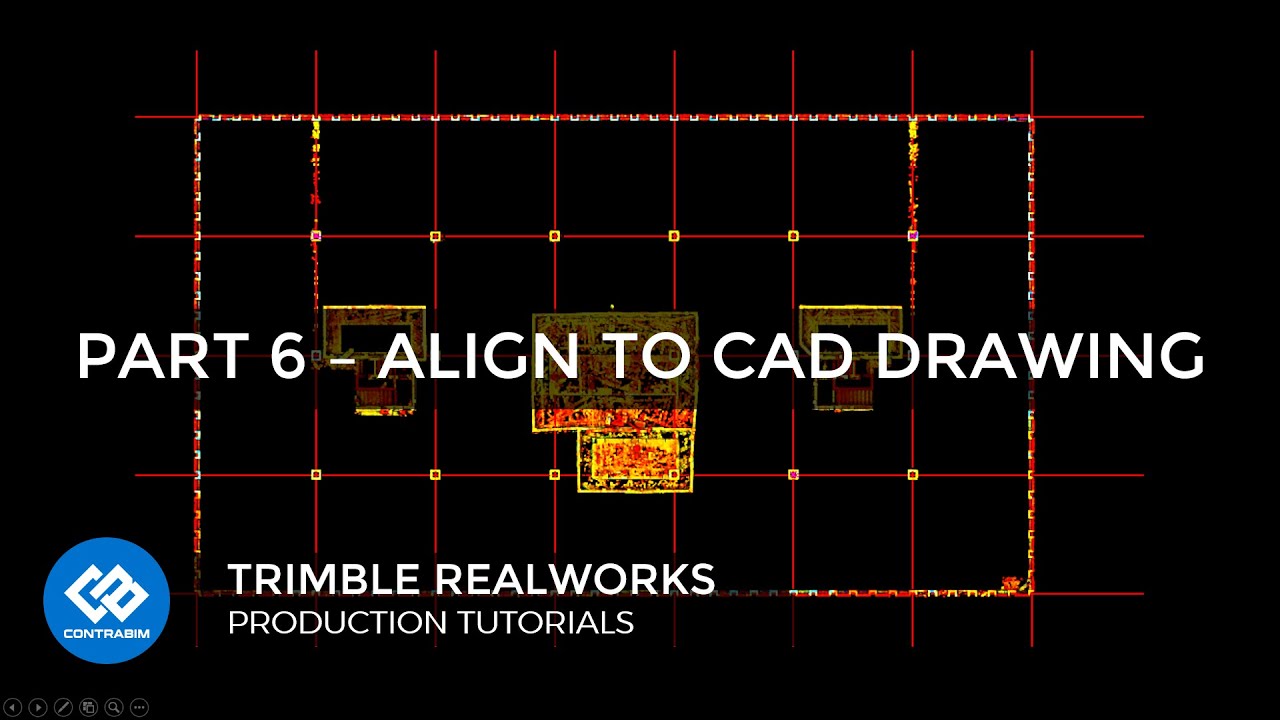
In Part 6 of the Trimble Realworks Production Tutorial Series, we'll import and reference a project DWG file, which helps us align our entire project to the coordinate system used in the project. This way, when we export our project to RECAP and DWG formats, it's already in the correct location to our project.
Part 1 – Alignment • Trimble Realworks Tutorials - Part 1 - Poi...
Part 2 – Cropping • TRW Part 2 - Cropping Point Cloud to Project
Part 3 – Segmentation • TRW Part 3 - Point Cloud Segmentation
Part 4 – Auto-Classify Floor • TRW Part 4 - Auto Classify Floor
Part 5 – Select and Delete • TRW Part 5 - Select and Delete Points
Part 6 – Import and Align DWG • TRW Part 6 - Import and Align to DWG Coord...
Part 7 – Cross Cut 2D Linework • TRW Part 7 - Cross Cut 2D Linework
Part 8 – Sampling Points • TRW Part 8 - Sampling Points
Part 9 – Exporting RECAP / DWG • TRW Part 9 - Exporting Recap and DWG Files
Повторяем попытку...
Доступные форматы для скачивания:
Скачать видео
-
Информация по загрузке:


![Как сжимаются изображения? [46 МБ ↘↘ 4,07 МБ] JPEG в деталях](https://image.4k-video.ru/id-video/Kv1Hiv3ox8I)


![Massive Attack • Portishead • Thievery Corporation- Special Coffeeshop Selection [Seven Beats Music]](https://image.4k-video.ru/id-video/YPJD1hF2kIY)


