Dynamic Lower Thirds, Multi-Graphic Playout & Bitfocus Companion Setup | Discover Captivate Webinar
Автор: NewBlue
Загружено: 2026-02-13
Просмотров: 93
Описание:
Unlock the full power of NewBlue Captivate in this Discover Captivate webinar, where we break down advanced live graphics workflows designed for professional broadcasts, live events, sports productions, and streaming.
In this session, you’ll learn how to:
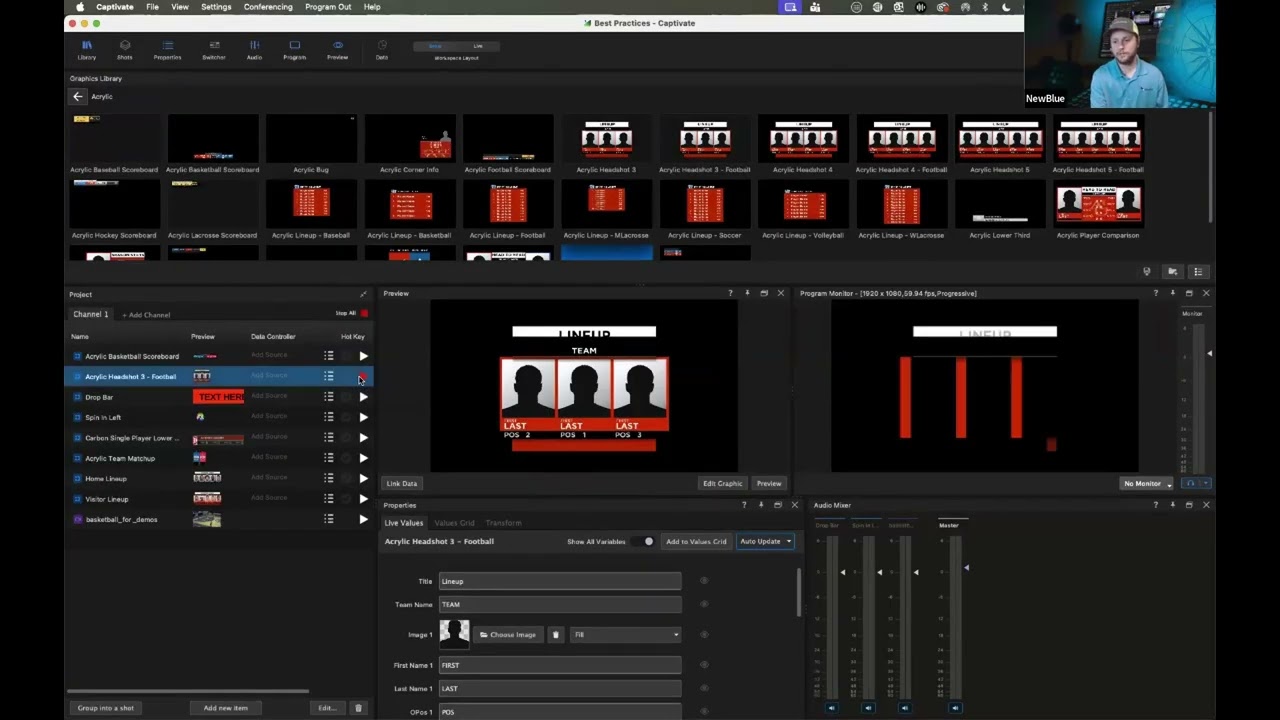
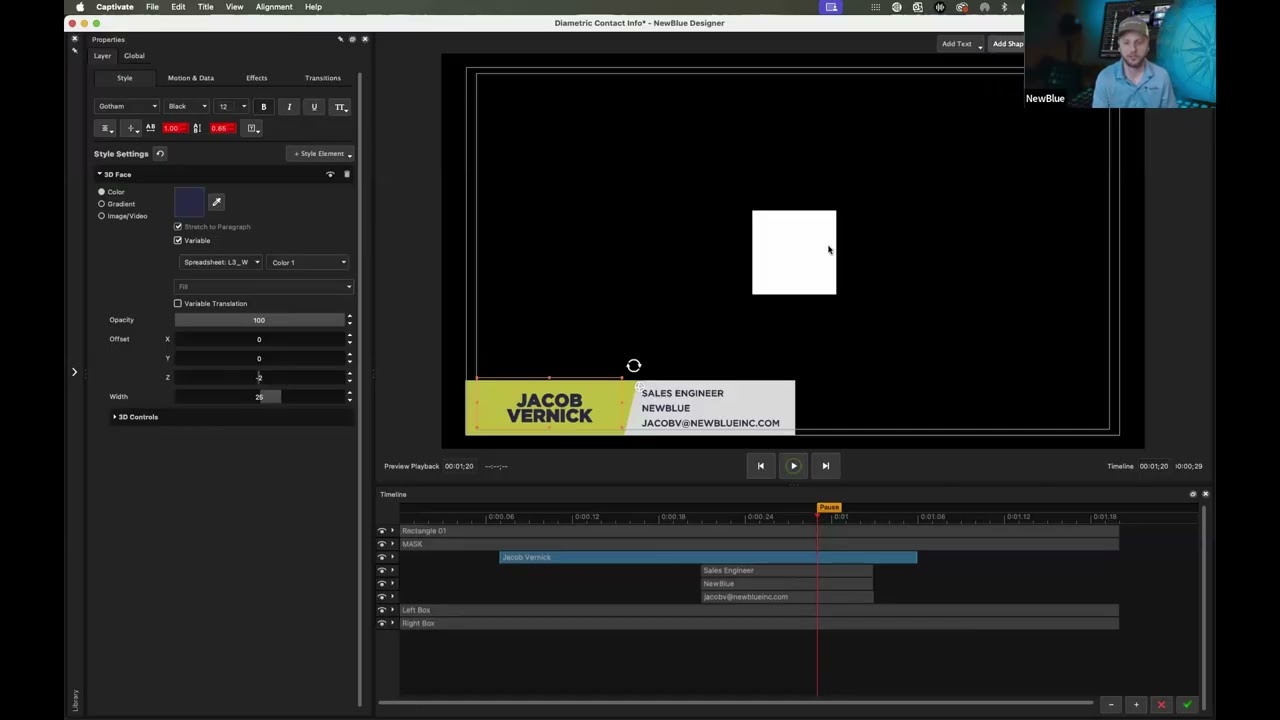
✅ Set up a dynamic Lower Third that connects multiple names and information fields, allowing you to switch talent, speakers, or players instantly during a live show
✅ Layer multiple graphics in a single shot and trigger them to play out simultaneously for polished, broadcast-ready productions
✅ Connect and configure Bitfocus Companion for flexible remote playout control using Stream Deck and other supported devices
Whether you’re producing sports broadcasts, government meetings, corporate events, news, or live shows, this step-by-step tutorial will help you streamline your graphics workflow, improve speed, and maintain professional on-air quality.
This webinar covers:
Lower third setup and data-driven workflows
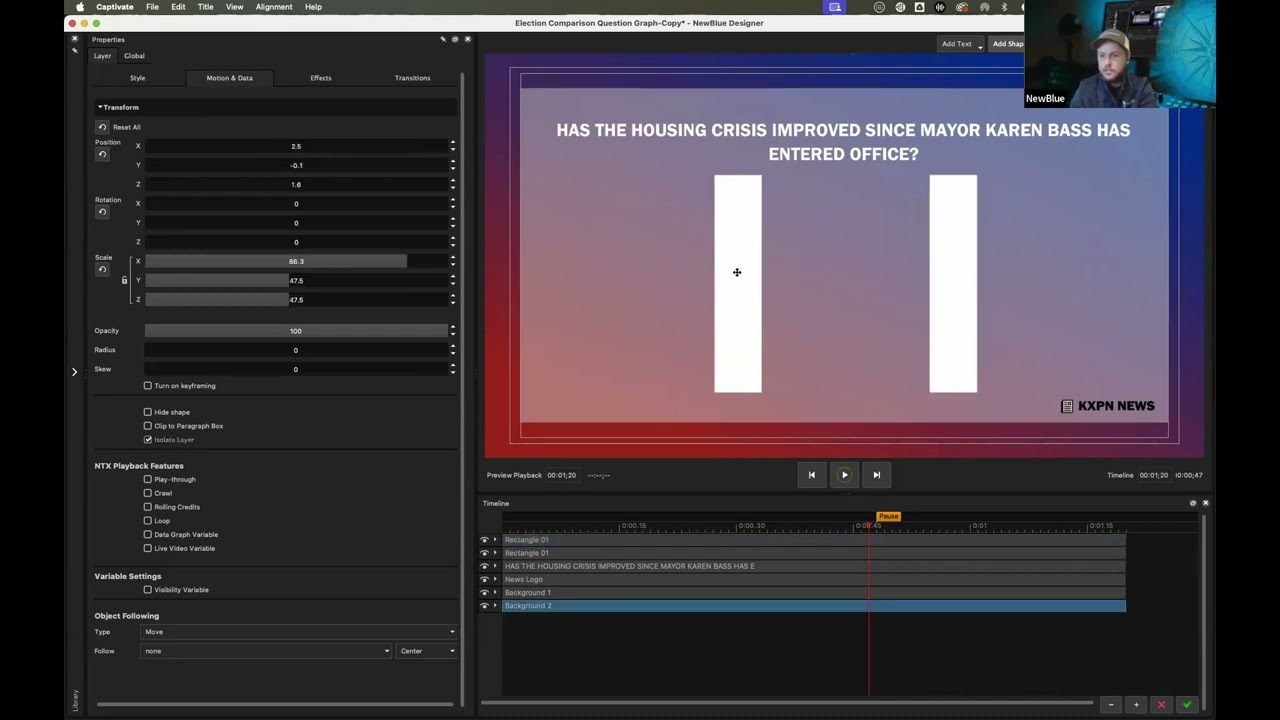
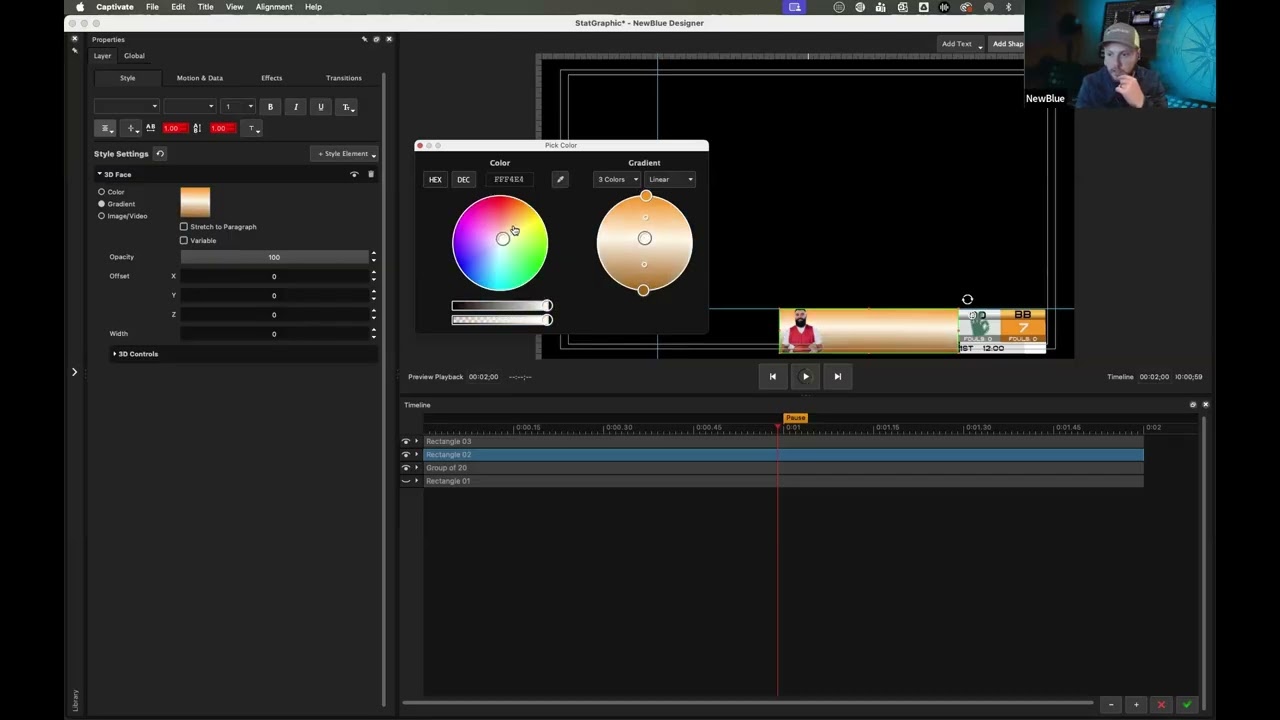
Managing multiple graphic layers in one scene
Live switching between names and titles
Remote playout control with Bitfocus Companion
Optimizing live graphics performance in Captivate
If you're looking to level up your live graphics production, automate your workflow, and gain more control over your broadcast environment, this session is for you.
👉 Try NewBlue Captivate free: https://newbluefx.com/newblue-captivate/
👉 Schedule a personalized demo: https://newbluefx.com/about/contact-s...
👉 Subscribe for more live production tips and tutorials
#NewBlueCaptivate #LiveGraphics #BroadcastGraphics #BitfocusCompanion #LowerThirds #LiveProduction #StreamingSetup #StreamDeck #SportsBroadcast #EventProduction
Повторяем попытку...
Доступные форматы для скачивания:
Скачать видео
-
Информация по загрузке: