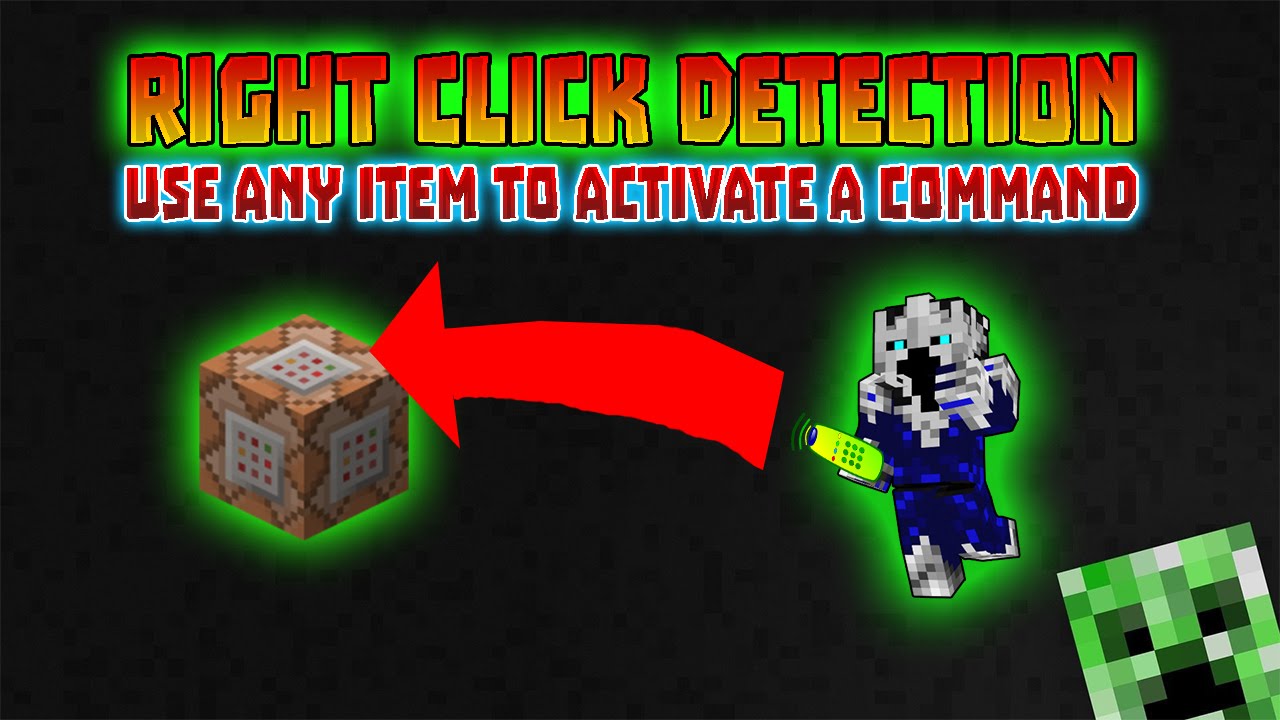
Minecraft : Right Click Detection (use any item to activate a command)
Автор: Frigo
Загружено: 2014-12-17
Просмотров: 59355
Описание:
World Download: http://adf.ly/1MnliK
This world download uses an Adfly link by clicking on it and waiting 5 seconds then clicking on skip ad in the top right corner you will get to the download.
By doing this you automatically support me.
COMMANDS!
RIGHT CLICK DETECTION
Clock:
Upper command block - /fill ~ ~-1 ~ ~-7 ~-1 ~ redstone_block 0 replace wool
Lower command block - /fill ~ ~1 ~ ~-7 ~1 ~ wool 0 replace redstone_block
FIRST TEST FOR ITEM
FIRST COMMAND BLOCK - /testfor @a {SelectedItemSlot:0,Inventory:[{tag:{display:{Name:"Costom item name goes here"}}}]}
SECOND COMMAND BLOCK /kill @e[name=Costom item name goes here]
SECOND TEST FOR ITEM
FIRST COMMAND BLOCK - /testfor @a {SelectedItemSlot:0,Inventory:[{tag:{display:{Name:"Costom item name goes here"}}}]}
SECOND COMMAND BLOCK - /summon ArmorStand ~ ~1 ~ {Invisible:1,ShowArms:1,CustomNameVisible:,Gravity:1,Invulnerable:1,CustomName:Costom name of the armor stand goes here}
TP ARMOR STAND TO PLAYER
FIRST COMMAND BLOCK - /tp @e[name=Costom name of the armor stand that you put in goes here] @a
TEST FOR ITEM IN ARMOR STANDS HAND
FIRST COMMAND BLOCK - /testfor @e[type=ArmorStand] {Equipment:[{id:"correct item name of the item your using"},{},{},{},{}]}
SECOND COMMAND BLOCK - now here goes your output or your command that you want and then /kill @e[name=Costom name of the armor stand that you put in goes here]
Follow me:
Facebook - / frigomc
Twitter - / frigoyt
Повторяем попытку...
Доступные форматы для скачивания:
Скачать видео
-
Информация по загрузке:





![Я Прошёл Все НЕВОЗМОЖНЫЕ Сиды в Майнкрафт! [Beppo на русском]](https://imager.clipsaver.ru/F8oEc9Y5ojM/max.jpg)