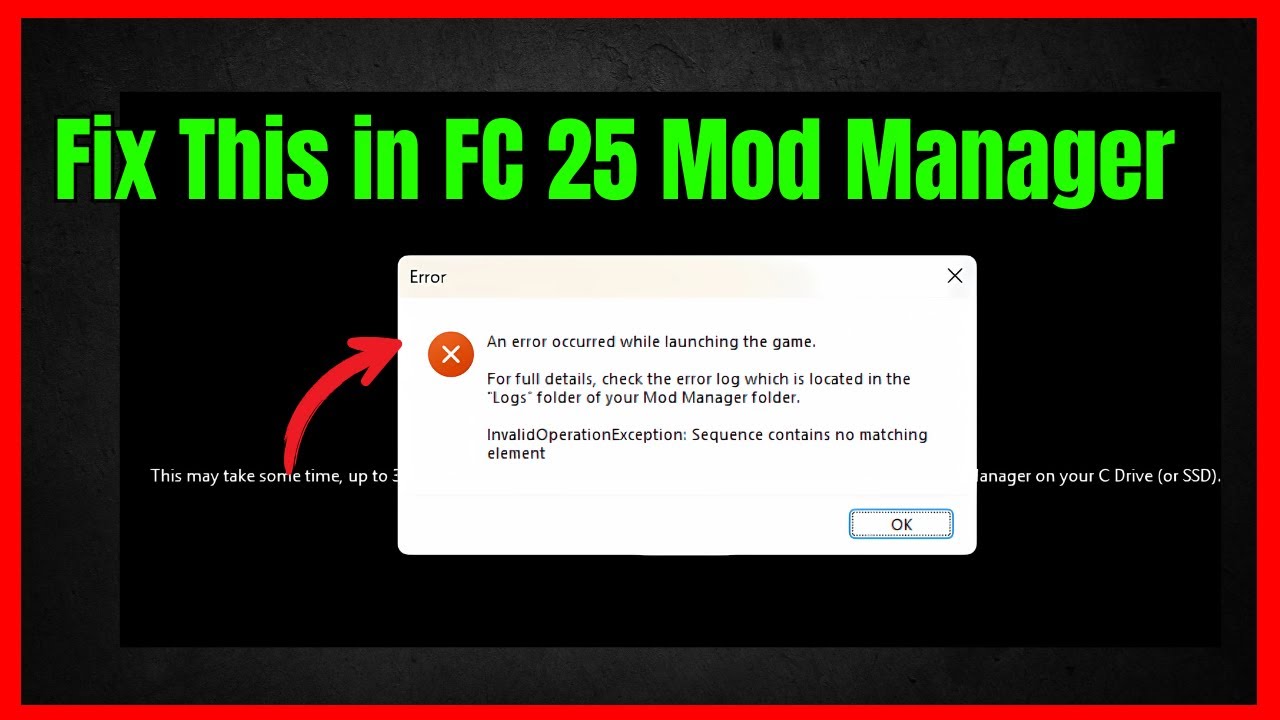
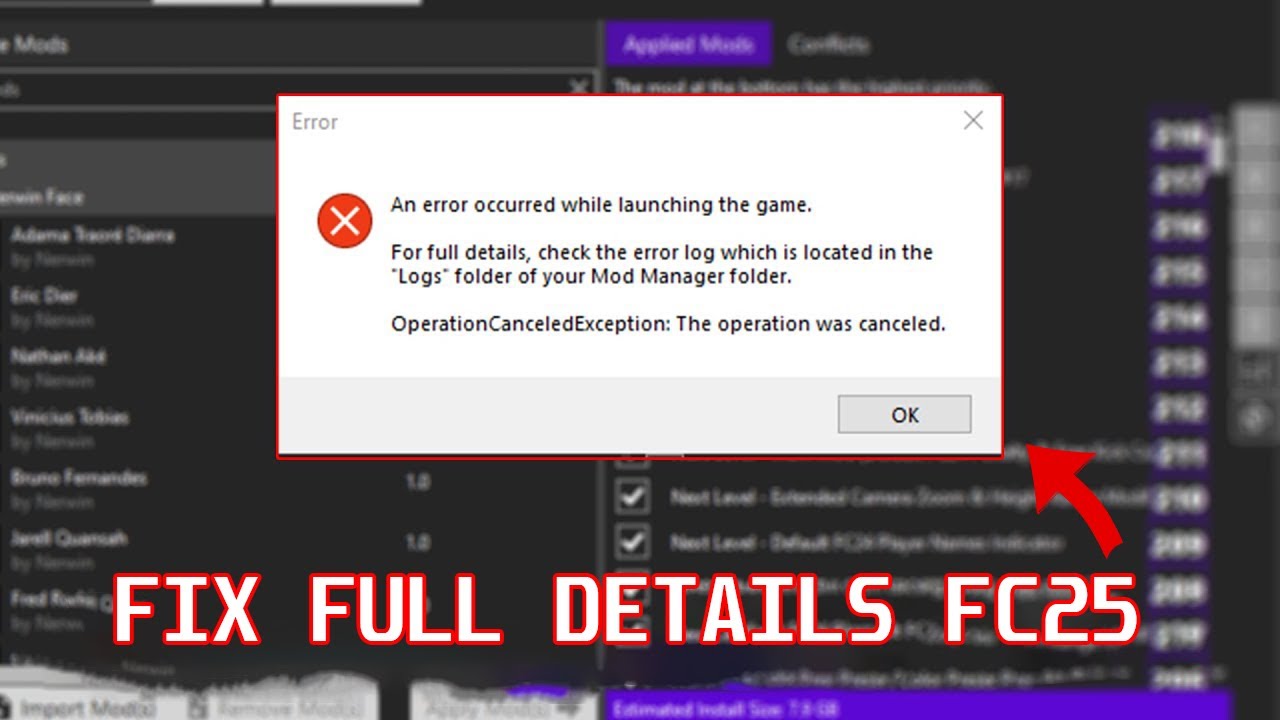
Fix an error occurred while launching the game FIFA mod manager FC 25
Автор: Global Success Narratives
Загружено: 2025-08-25
Просмотров: 23572
Описание:
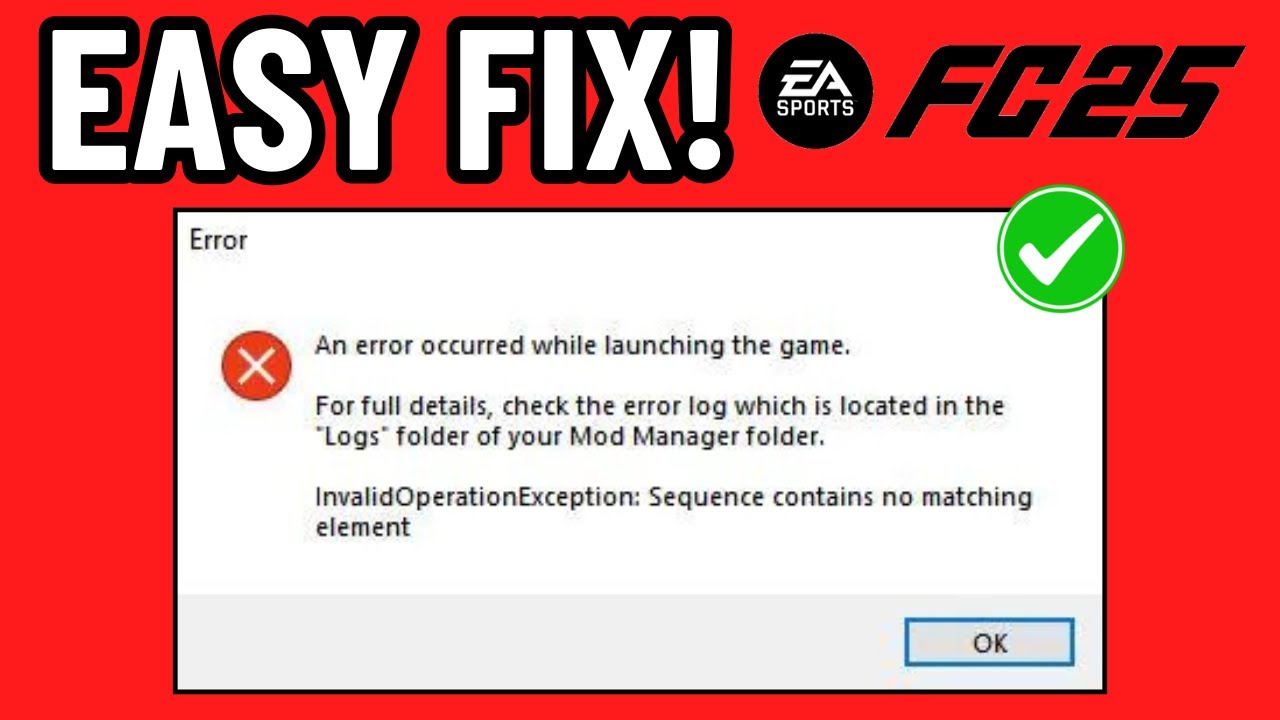
An error occurred while launching the game. FIFA Mod Manager FC 25
This error has started recently after the Title Update 21 (T21) Patch release. Follow the steps below to resolve this issue.
Delete Original_data and Original_patch Folders found on your FC 25 game folder
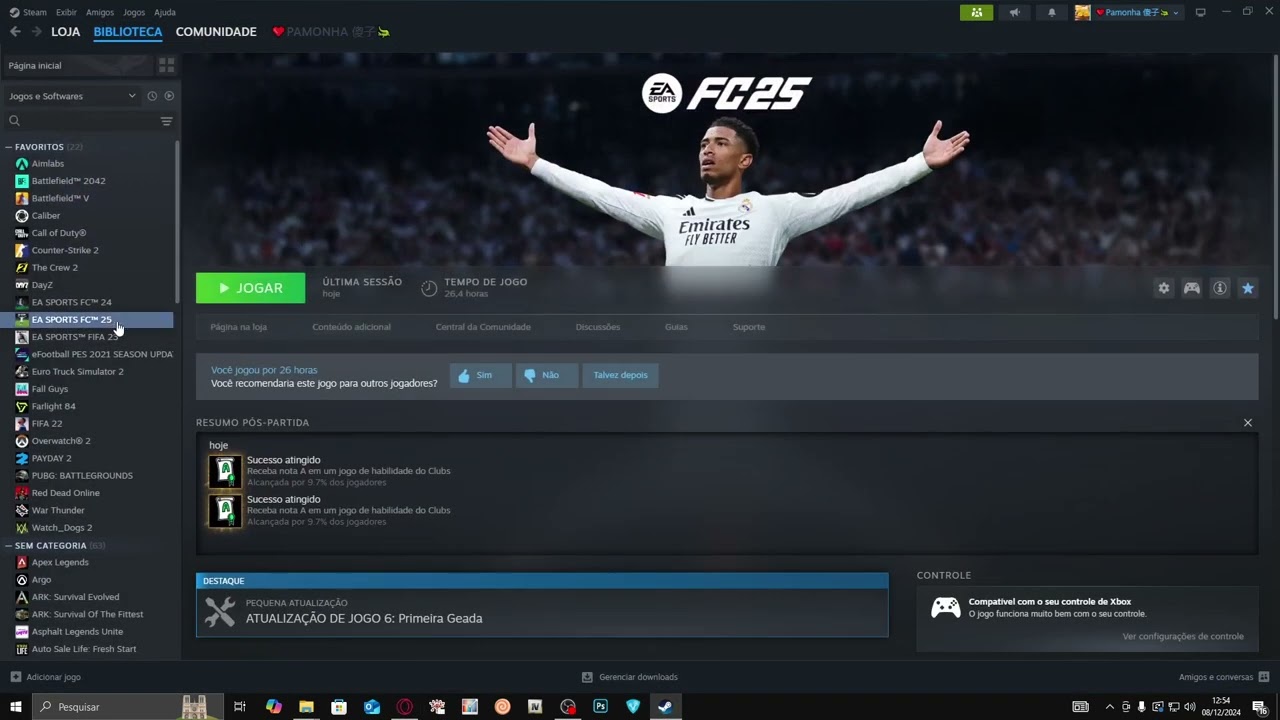
EA Sports FC 25 → Manage → Browse to local files
Verify the Integrity of your game files on Steam, and wait for the verification to finish.
Then start the game from the mod manager, and that's about it. This should fix your problem
If this doesn't fix your problem, try the steps below
Verify integrity of your game files on steam again
After the files have been validated, Go to your game folder EA sports FC 25 → Manage → Browse to local files
Look for the file named FIFAModData and delete it
Also go to Local Disk C:// and delete the FC 25 live Editor Folder
go to C://Users/(yourusername)/Appdata/Local/FIFA_Mod_Manager
And delete all the files inside the FIFA_Mod_Manager
C://Users/(yourusername)/Appdata/Local/FIFA_Editor_Tool
Delete all the files inside the FIFA_Editor_Tool Folder
C://Users/(yourusername)/Appdata/Local/FIFA Editor Tool Folder
Delete all the files inside the FIFA Editor Tool Folder
C://Users/(yourusername)/Appdata/Local/FIFA Editing Toolsuite
Delete all the files inside the FIFA Editing Toolsuite
Now add this command line to your FC 25 steam launch option -datapath FIFAModData
Now Launch the game from mod manager, wait for the mods to apply it will take few minutes then this should fix your problem
Повторяем попытку...
Доступные форматы для скачивания:
Скачать видео
-
Информация по загрузке:



![Винисиус казнил Ман Сити. Барселона будущего. Росеньор виноват? [1/8 Лиги чемпионов]](https://imager.clipsaver.ru/lT1sDAn3WWs/max.jpg)