Importing a Parts List to EPLAN
Автор: MultilineDesigns.com
Загружено: 2020-01-07
Просмотров: 17410
Описание:
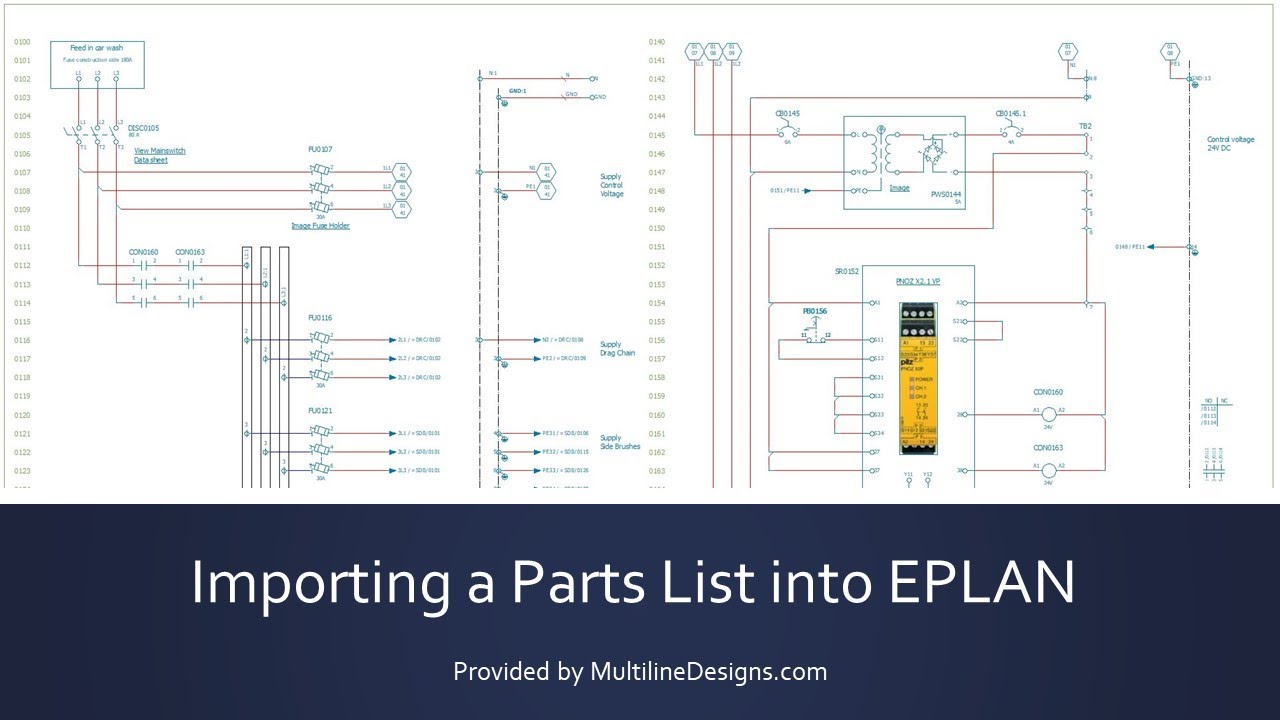
In this video I will demonstrate how to import a parts list from Excel into an EPLAN parts database using tools built into EPLAN.
Here are a list of short cuts
Backing up a parts database: 2:41
Locate the config file: 3:11
Modify the config file: 4:14
Save the config file: 6:00
Rename the config file: 6:11
Configure EPLAN for Data Export: 6:46
Select the config file type: 8:00
Select your config file: 8:14
Assign an output file name: 9:00
Generate your export file: 9:10
Launch Excel and Configure the data for import: 9:52
Review Data Property Names: 11:25
Save the Demo Parts Importer File 12:13
Prepare Import Parts List: 12:43
Eplaination of the EPLAN Part Number format: 14:36
Creating EPLAN Part Numbers: 14:56
Adding a Note: 16:38
Save the Import Parts List: 18:30
Open the Master Parts import Spreadsheet: 18:40
Begin the Final Data Import: 24:10
Field Assignment Tool: 26:01
Import the data: 27:02
Повторяем попытку...
Доступные форматы для скачивания:
Скачать видео
-
Информация по загрузке:
















![Леонид АГУТИН - ЛУЧШИЕ ПЕСНИ 2025 [СБОРНИК] @ХитЗаХитом](https://imager.clipsaver.ru/lAWkb8GArIw/max.jpg)