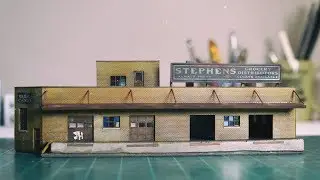
How to build Slim's Warehouse, a HO scale model railroad building HD 1080p
Автор: ABR Model Works
Загружено: 2022-09-02
Просмотров: 1480
Описание:
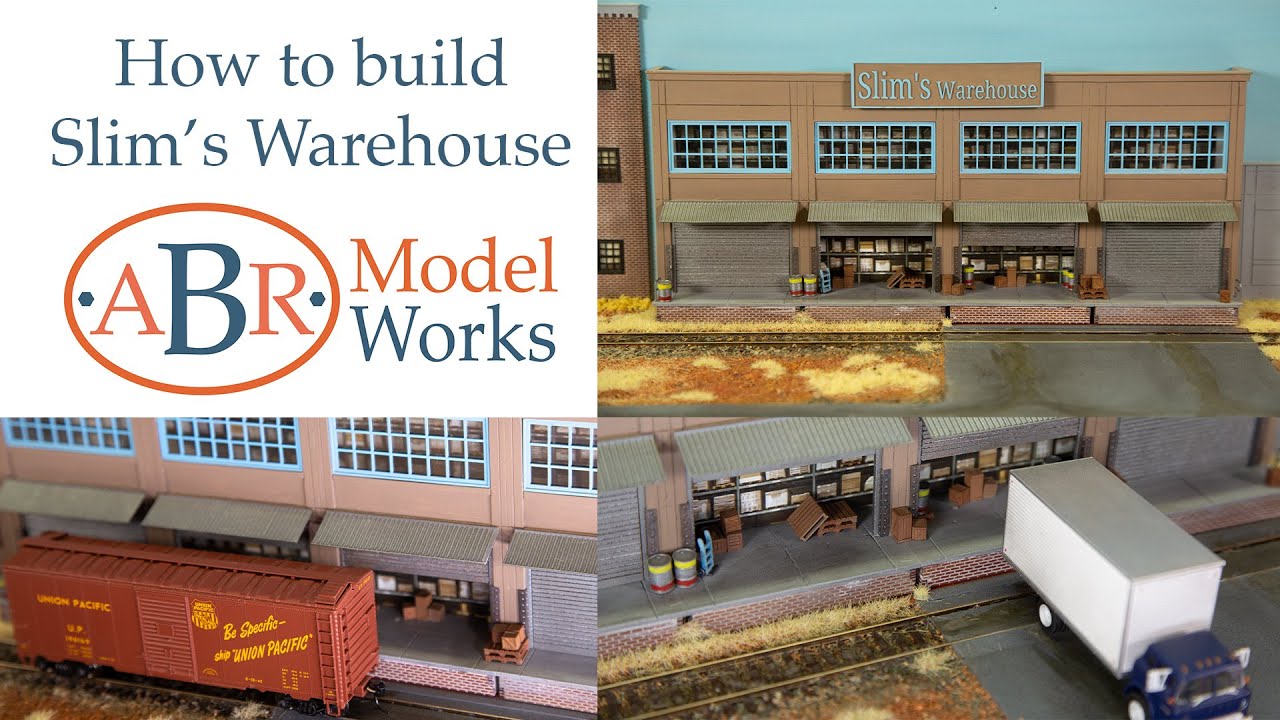
Slim's Warehouse is a background building used to produce the illusion that the scene goes on beyond the bench top of your railroad. This type of model building is often referred to as a 'low relief' or 'flat' that goes against the back wall of your layout.
The construction of this kit is based on our Modular Model Building System, which means that you have a vast array of options when comes to customing it to suit your layout.
We chose to build this model with a more modern look and feel, like the concrete, tilt-up style of buildings that are constructed today. However, the Modular Model Building System has been designed so you can build in many styles from the 1920s until now.
You can add panels to make it longer, wider and even taller, it can also be combined with other kits from the Model Modular Building System.
The kit comes as a 4 Panel wide (12" / 307mm), ¼ panel (0.827" / 21mm) deep, 2 storey high building with 63 x 3D printed Scenic detail parts.
Including...
205litre/44-gallon metal drums
Empty wooden pallets
Medium and large-sized crates
Hand trolly
Wall corner protectors
Guard rails
Windows
Awnings to go over the roller doors
Slim's Warehouse sign
You can add more scenic details to further enhance or change the look of the scene. Take a look at our range of scenic detail parts and part packs like the
Platform details & freight pack
Empty wooden pallets pack
Crates large, medium and small pack
along with heaps of other options
ho scale 3d printed parts ho scale modular model building system ho scale 3d printed scenic details model railroad structure kits ho scale buildings
Chapter markers
00:00 - Introduction
02:21 - Getting started
02:39 - Getting the parts ready for assembly
07:13 - Gluing the panels together
08:41 - Fitting the floor supports
11:05 - Sealing the panels and getting ready for painting
12:17 - Adding filler to finish the face of the building
16:05 - Pilasters and top of wall detail and cap
17:21 - Adding mortar to the platforms base
18:10 - Assembling the platforms base
20:45 - Painting the walls
21:40 - Prepairing the 3D parts for painting
26:01 - Painting the 3D parts
28:00 - Slim's Warehouse sign
29:20 - Slim's Warehouse sign second colour
31:44 - Adding all the parts to the building
33:26 - Fitting the roller doors
35:48 - Painting the background of the diorama
36:48 - Adding the finishing touches to Slim's Warehouse diorama
38:09 - The end
Повторяем попытку...
Доступные форматы для скачивания:
Скачать видео
-
Информация по загрузке: