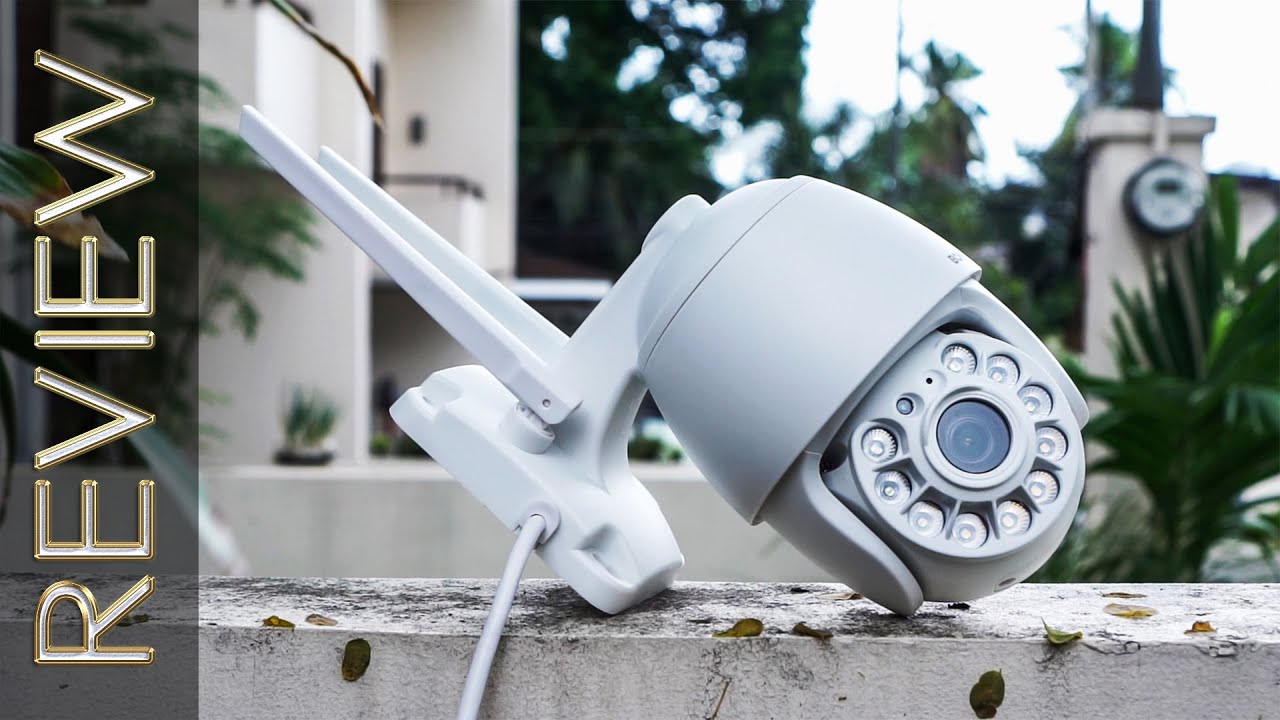
Boavision Support | Initial Setup for HD22M102M Security Camera outdoor wireless via CamHipro App
Автор: BOAVISION OFFICIAL
Загружено: 2021-07-06
Просмотров: 51122
Описание:
Technical Support Team: [email protected](Reply within 24hours!)
--------Click here to check more videos----------
Boavision Support | Andorid Phone Demo Video Setup WiFi Connection
• Boavision Support | Video Demo Setup WiFi ...
Boavision Support | Open Intelligent Auto Tracking
• Boavision Support | Open Intelligent Auto ...
Boavision Support |Setup Motion Detection Recording and Mail Push Alert
• Boavision Support |Setup Motion Detection ...
Boavision Support | How To Playback and Download Videos From Micro SD Card
• Boavision Support | How To Playback and Do...
Boavision Support | HiP2P Windows Client User Guide
• Boavision Support | HiP2P Windows Client U...
Boavision Support | How to SwitchThree modes of night vision,Ordinary/Color/Intelligent
• Boavision Support | How to SwitchThree mod...
Boavision Support | 3rd Party Software Connect Configuration
• Boavision Support | 3rd Party Software Con...
Quick Start For Best Outdoor Security camera HD22M102M
• Quick Start For Best Security camera outdo...
----------------------------------------------------------------------------------
Client Software For Windows
https://bit.ly/3hy5Ist
Client Software For Mac
https://bit.ly/3v1Y1i7
----------------------------------------------------------------------------------
Camera Works On Other Devices
ONVIF: If you want to add the camera to 3rd party onvif software/device, please find the camera ip address from device information (setting page), usually we should use.
information below: Protocol: ONVIF , Ip address , Onvif port : 8080 , User: admin , Password: admin.
RTSP:
The camera RTSP port is 554, and there are two live H.264 rtsp stream,
main stream: http://ip address:554/11
sub steam: http://ip address:554/12
E.g. If camera ip address is 192.168.1.123, main steam: http://192.168.1.123:554/11
Boavision Support | 3rd Party Software Connect Configuration
• Boavision Support | 3rd Party Software Con...
Technical Support Team: [email protected](Reply within 24hours!)
Повторяем попытку...

Доступные форматы для скачивания:
Скачать видео
-
Информация по загрузке: