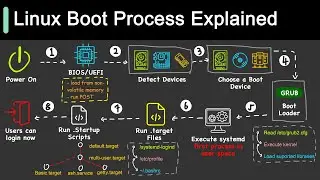
BIOS Basics - All about the BIOS
Автор: Josh Parsons
Загружено: 2020-04-21
Просмотров: 4701
Описание:
In this video, I give a basic overview into the BIOS and it's functions and purpose in your computer. If you like the video, leave a like and hit that subscribe button!
As always, leave any questions or comments down below.
My notes for this video:
In your computer is a dedicated chip or part of a chip that serves as the Basic Input Output System of your computer. This is abbreviated BIOS and is what we will talk about today. Basic- it is the base of the computer. This means it is written at a low level assembly language. It is able to process data in and out of it and it is a system of multiple parts all working together. It is quite a standardized system on the up ways. The same BIOS can interact with a Windows and a Mac PC.
In the early days of computers; the BIOS would handle all input/output and it would be ready for any device you plugged into it. Which sounds cool but keep in mind there were kind of only 3 different input devices back then. Nowadays we install a driver at our operating system level. This driver which is loaded into RAM is linked to the BIOS and acts as an extension to it. This allows us to add devices that weren’t originally built into the BIOS. In Fact a portion of your computer's RAM is reserved for this kind of extension.
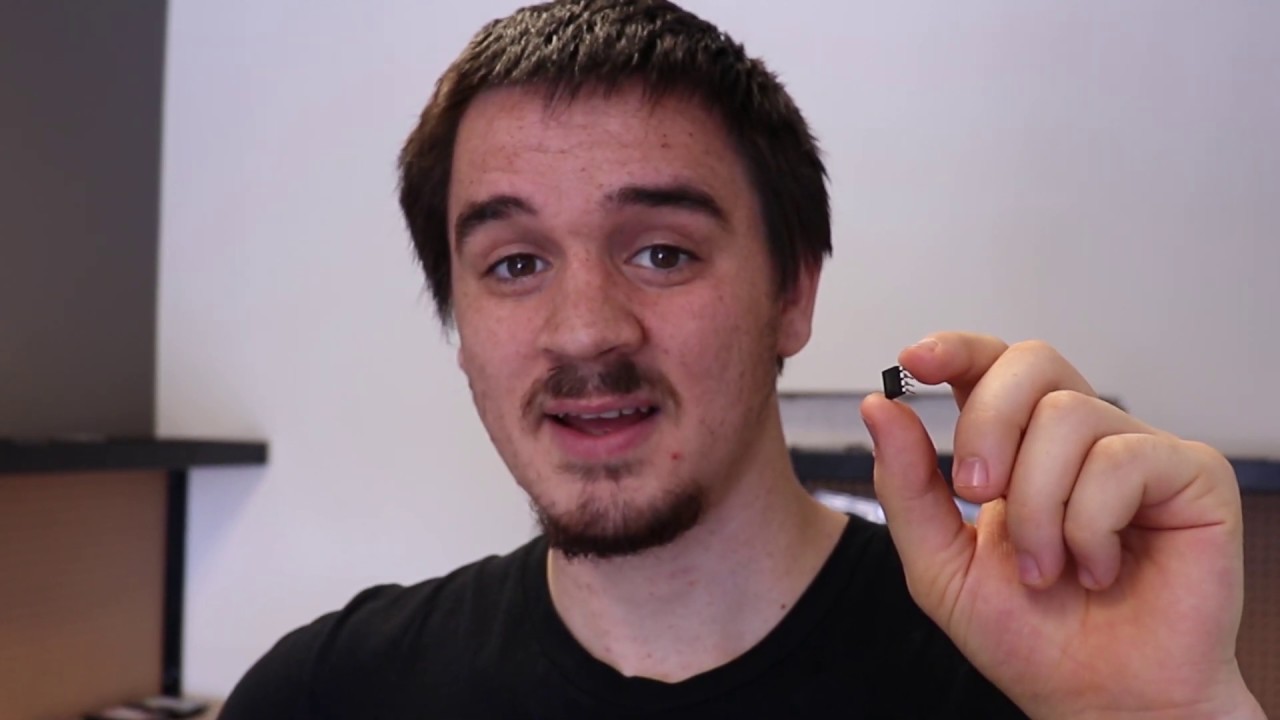
The BIOS is the link between the computer's hardware and your operating system. Take for example these two ethernet chips(pictured) and sound cards. They are made by two different companies and probably use two different interfaces to talk to. What the BIOS does with these chips is takes the normal audio stream from your computer such as my voice and translates those instructions to chip specific instructions. Same for the network card pictured here. I might want to download a video but my device drivers acting as an extension of my BIOS are the ones translating that into move this and buffer this and that. Windows might load a driver or the device itself might have a ROM that is dynamically linked to the BIOS. For core system components the ROM is more common.
The physical components of the BIOS break down into a stand alone chip that is linked to the southbridge or PCH of your system. For some boards, such as this one (H97) it is actually removable. The BIOS is a ROM chip meaning it is Read Only Memory. It can only be rewritten so many times and the writing process is tedious. It is written to update the BIOS program. This is done to either patch problems or to enhance compatibility with newer products on the market. An example is a A320 chipset BIOS being flashed to recognize and support a 3rd generation Ryzen processor.
Your BIOS is able to store some important settings about your computer at boot time. This can include what drives to boot to. What fan speeds should be set at. What devices to disable and so on. I won’t go into great detail because these are mainly motherboard specific. For some higher end motherboards you can overclock and the settings are stored here in this part of the BIOS. Overclocking is making the CPU have more clock cycles and use more power to get stuff done faster. (for lack of a better explanation)
All of these configurations along with the system time are stored on some dedicated NVRAM that is powered by a watch battery. This watch battery can last up to 3 years without power! It is a C2032 for most systems and can be found where you buy watch batteries. If you remove this you will change all your BIOS settings back to default and reset any BIOS passwords that might have been set.
BIOS will throw an error for a variety of reasons. If your computer fails it’s Power On Self Test that is administered by the BIOS it will throw an error. If there is no boot device it will throw an error. Which is common if your hard drive dies by the way. You can find out what the post error is by listening to the codes or watching the blinking lights and finding the manufacturer documentation online.
Last is the UEFI! This is the successor to BIOS in a lot of ways. It allows for bigger and newer drives to be booted to. It allows for more control to devices that are not a core of the system. While I will make a video highlighting some of these improvements some day. It is okay to know that the UEFI does all the BIOS does and more. =)
Повторяем попытку...
Доступные форматы для скачивания:
Скачать видео
-
Информация по загрузке: