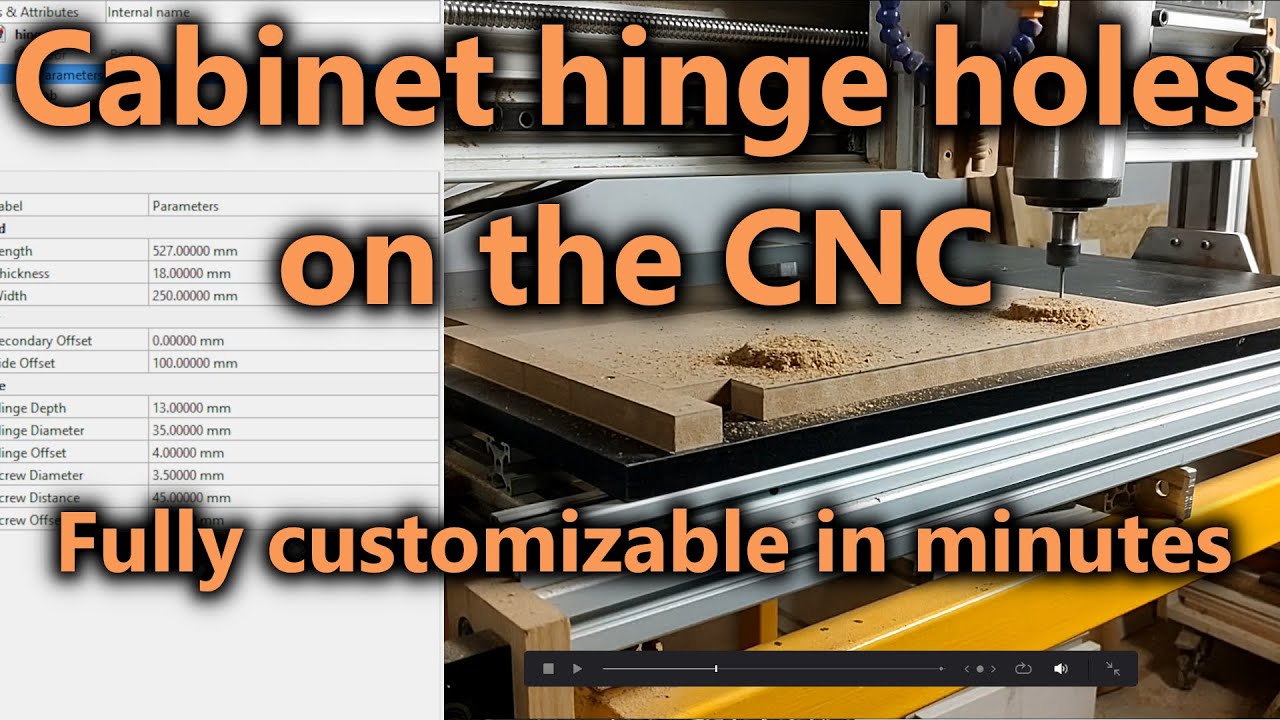
Milling Cabinet Door Hinge Holes on the CNC | FreeCAD Parametric CAM Workflow
Автор: Open Source CNC
Загружено: 2025-03-16
Просмотров: 2573
Описание:
Learn how to CNC mill hinge holes for cabinet doors using a FreeCAD parametric design workflow. In this step-by-step tutorial, I go from 3D modeling to parametric variables, CAM setup, G-Code generation, and live CNC machining. With parametric design, hinge hole toolpaths update automatically when you change dimensions — saving huge amounts of time on cabinetmaking projects.
In this video, you’ll learn:
Why parametric design is essential for hinge holes in cabinet doors
Setting up the CNC table for fast board changes
Creating a simple cabinet door model in FreeCAD
Using VarSet (Variable Set) to control parameters for door and hinge design
Making hinge hole sketches parametric (diameters, offsets, positioning)
Defining hinge pockets & mirroring with datum planes
Setting up a FreeCAD CAM job for hinge hole milling
Creating a helix toolpath for accurate hinge hole machining
Exporting and running G-Code for CNC cabinet door projects
Final results and benefits of parametric toolpaths in FreeCAD
Related Playlists:
CNC CAD to G-Code Workflow – Real Projects & CAM Tutorials (FreeCAD): • CNC CAD to G-Code Workflow – Real Projects...
FreeCAD CAM Parametric CNC Projects & G-Code Workflows: • FreeCAD CAM Parametric CNC Projects & G-Co...
This workflow is perfect for cabinetmakers, woodworkers, and CNC hobbyists who need precise hinge holes for cabinet doors. With FreeCAD’s parametric design + CAM integration, you can speed up production and achieve consistent results.
00:00 Why Parametric Design for CNC Hinge Holes
01:00 Fast CNC Table Setup for Cabinet Doors
01:34 Full Parametric Hinge Hole Workflow in FreeCAD
04:46 Why Learn Parametric Modeling & CAM
05:30 Modeling a Simple Cabinet Door in FreeCAD
06:42 Creating Parameters with VarSet
08:08 Adding & Managing VarSet Values
09:52 Making the Door Model Fully Parametric
11:56 Sketching Accurate Parametric Hinge Holes
13:10 Setting Hinge Dimensions with Parameters
15:45 Turning Hinge Holes into Parametric Features
19:21 Creating & Mirroring the Pocket Operation
21:49 Creating the FreeCAD CAM Job
23:44 Helix Operation for Milling Hinge Holes
25:13 Exporting G-Code for CNC
25:41 Final Thoughts on Parametric CAM
If you want to support me, you can purchase a super thanks or subscribe to my Patreon page. Subscribing to my Patreon page means you also have access to this video without interruptions. You can also buy a one time support through the following links:
My Patreon page:
/ opensourcecnc
Big Thanks ($10):
/ one-time-big-thanks-244233
Thanks ($3):
/ one-time-thank-you-244228
You can book a one on one session with me, to sort things out if you need help with certain projects or situations:
/ one-hour-one-on-138672386
#FreeCAD #CNC #CabinetDoors #HingeHoles #ParametricDesign #Woodworking
Повторяем попытку...
Доступные форматы для скачивания:
Скачать видео
-
Информация по загрузке:


