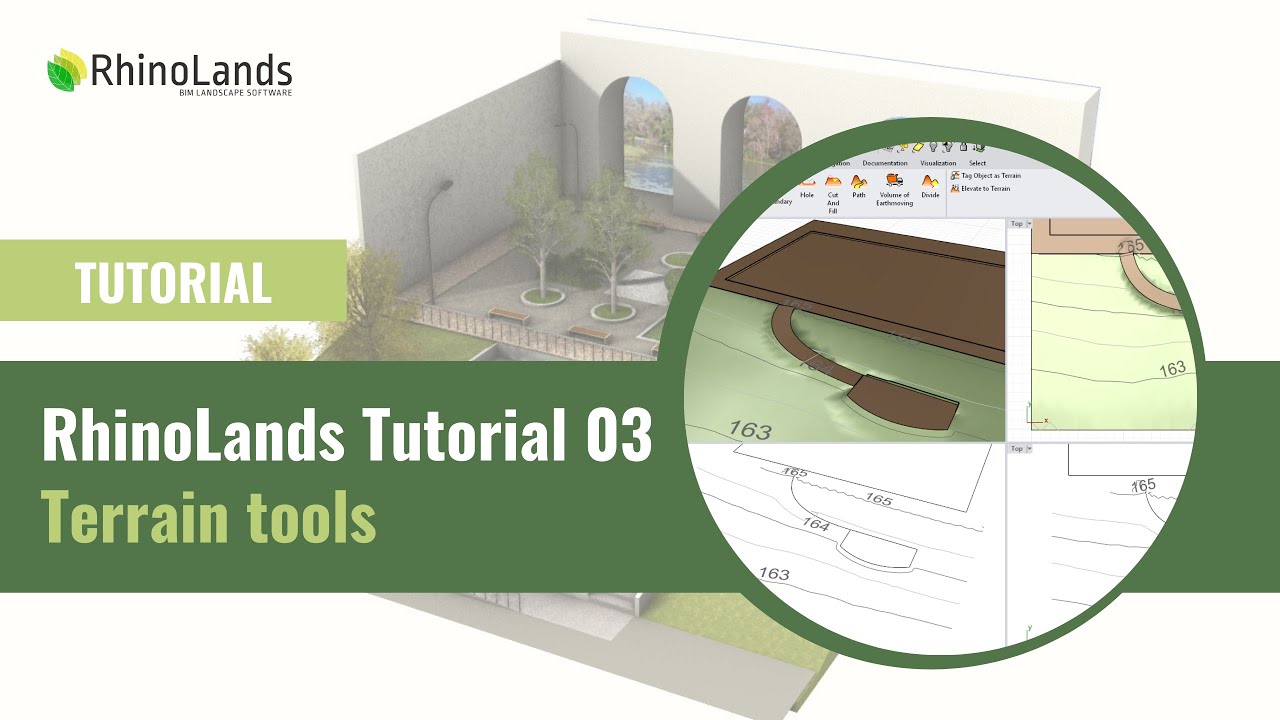
RhinoLands Tutorial 03: Terrain Tools
Автор: RhinoLands | BIM Software
Загружено: 2025-02-14
Просмотров: 2127
Описание:
Master Topography Modeling & Grading with RhinoLands – Ultimate Tutorial
Discover the power of RhinoLands for topography modeling, grading operations, and earthwork calculations in landscape design, urban planning, and civil engineering. This tutorial walks you through automatic excavation and fill volume calculations, making terrain modeling fast, precise, and intuitive.
Whether you come from a CAD background or are new to the software, this tutorial will guide you through using its cutting-edge grading tools for landscape design, urban planning, and civil engineering
📌 Key topics covered:
✔️ Topography modeling – Create and modify terrain with ease
✔️ Excavation & fill volume calculations – Automated and precise
✔️ Grading & earthworks – Advanced tools for civil & landscape projects
✔️ Seamless CAD integration – Works with your existing workflow
0:00 Import a terrain
03:57 Elevate curves
05:35 Generate terrain from curves, points, or meshes
07:00 Overview of the editing panel
08:57 Terrain object parameters
10:16 Elevation data
11:46 Add contour or inner contour to terrain
13:18 Add a hole in the terrain
14:45 Cut & Fill
16:40 Terrain divisions
17:11 Path in Terrain
20:14 Tutorial project development
25:14 Organize terrain operations
25:59 Earthworks volume
26:34 Mark the object as terrain
26:50 Elevate to terrain
RhinoLands – The Ultimate BIM Software for Landscape & Urban Design
RhinoLands is a powerful BIM solution designed for landscape architecture and urban design. From technical 2D drafting and 3D modeling to realistic rendering and comprehensive project documentation, it provides all the tools you need for efficient and professional design workflows.
Learn more: https://rhinolands.com/
Повторяем попытку...
Доступные форматы для скачивания:
Скачать видео
-
Информация по загрузке: