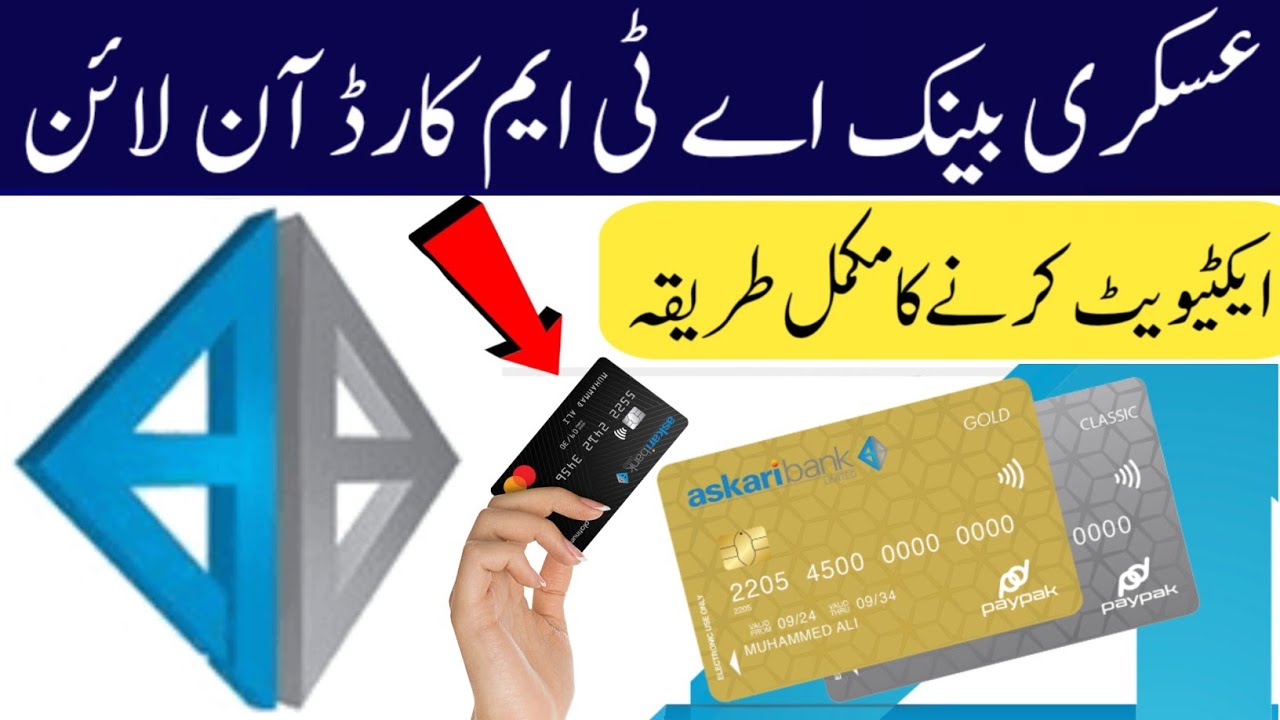
Askari bank ATM card activation | askari bank ATM card activate karney ka tarika | askari debit card
Автор: Technical waseem Akram
Загружено: 2026-03-03
Просмотров: 4058
Описание:
#askaribankatmcard#onlineactivation
Here’s how you can activate your Askari Bank ATM / debit card online or over phone — so you can use it for ATM withdrawals, payments and online transactions 👇 �
Askari Bank +1
✅ 1) Activate Card via Mobile Banking / iNet Banking
If you already have Askari Bank mobile app or Internet Banking:
Log in to Askari Mobile Banking (app) or iNet Banking online.
Go to Card Management / ATM Card Management (in menu).
Select your new ATM/Debit card.
Choose Activate Card.
You may be asked to enter:
• Card number (16 digits)
• A One-Time-Password (OTP) sent to your registered mobile number
• Set your PIN (choose your 4-digit ATM PIN)
After verification, you’ll see a confirmation that your card is activated. �
Askari Bank
👉 In the Askari app, there’s also usually an option to activate your debit/credit card for e-commerce (online shopping) under card settings. �
Askari Bank
✅ 2) Activate by Calling Askari Bank Helpline
If you don’t want to use online banking:
📞 Call Askari Bank 24/7 Helpline: 111-000-787 from your registered mobile number with the bank.
• Follow the automated voice instructions or talk to a representative.
• They will verify your account details and help activate your new ATM/Debit card. �
Askari Bank
This is often the easiest way — useful if you don’t have internet banking set up yet. �
Askari Bank
✅ 3) Activate at an ATM
You can also activate the new ATM card directly at any Askari Bank ATM:
Insert your new card into the ATM.
Choose a language (such as English/Urdu).
Follow the on-screen prompts — many ATMs will ask you to enter a new PIN and confirm it.
After that, the card becomes active for cash withdrawals & POS use. �
Askari Bank
Notes
Make sure your mobile number is updated with the bank, because OTPs for activation will go to this number. �
Askari Bank
If you want to use your card for online shopping (internet transactions), you may need to activate the online/e-commerce session either via app/iNet or by calling the helpline first. �
Askari Bank
Повторяем попытку...
Доступные форматы для скачивания:
Скачать видео
-
Информация по загрузке: