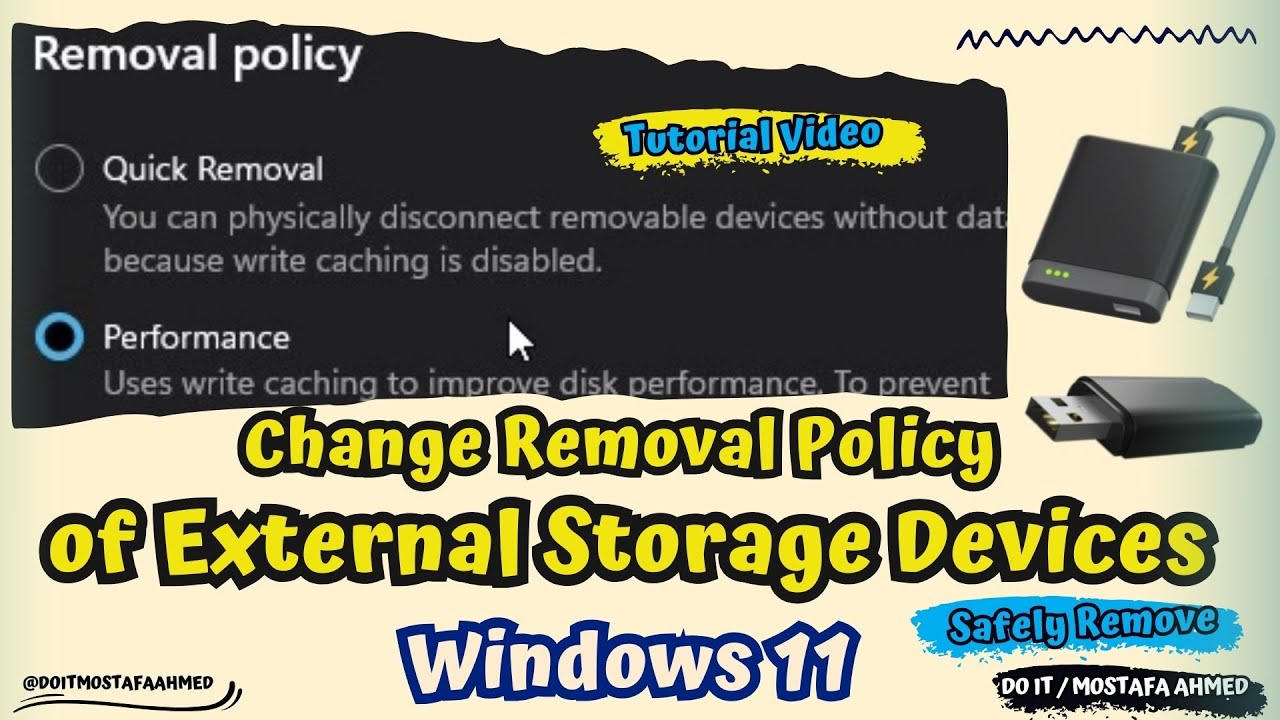
How to Change Removal Policy of External Storage Devices | Windows 11
Автор: DO IT / mostafa ahmed
Загружено: 2024-10-21
Просмотров: 1201
Описание:
In this video, I explain how to Change Removal Policy of External Storage Devices on Windows 11. And external storage devices such as USB flash drives or external drives. Windows defines two main removal policies, which are the Quick Removal Policy, which is the default, and the Better Performance Policy, which controls how the system interacts with removable drives.
Quick removal: This policy manages storage operations in a manner that keeps the device ready to remove at any time. You can remove the device without using the Safely Remove Hardware process. However, to do this, Windows can't cache disk write operations. This can degrade system performance.
Better performance: This policy manages storage operations in a manner that improves system performance. When this policy is in effect, Windows can cache write operations to the external device. However, you must use the Safely Remove Hardware process to remove the external drive. The Safely Remove Hardware process protects the integrity of data on the device by making sure that all cached operations finish.
----------------------------------------------------------------------------------------------------------------
#howto #windows11 #windows11tips #windows11tutorial #removal #usb #usbflashdrive #usbstick #storage
How to Change Removal Policy of External Storage Device Via Settings on windows 11,
Change Removal Policy of External Storage Device Using Disk Management,
Change Removal Policy of External Storage Device in Device Manager on Windows 11,
Change Removal Policy for External Drives in Windows 10 / 11,
Windows default media removal policy in Windows 11,
Change in default removal policy for external storage in Windows 11 / 10,
Change in default removal policy for external storage media in Windows 11 / 10,
Safely remove hardware in Windows, How to change USB policy in Windows 10,
Windows 11 Unable to remove USB hard drive, Safely Remove Hardware,
Change removal policy defaults for current and all future drives,
Quick removal option, Better performance option For removal External Storage policy,
Quick Removal Policy vs Better Performance Policy,
Windows 11 Disk Removal Policy, Manage Removable Storage on Windows Devices,
Safely Remove Option for USB Flash Drive,
How to Remove External Storage from Your Computer,
How to Optimize USB Drives for Better Performance in Windows 11,
How to Change the USB drive policy from Quick removal to Better performance,
Safely Remove Hardware in Windows 11, USB Safely Remove,
How to Eject a USB Flash Drive in Windows 11, USB Safely Remove for Windows,
----------------------------------------------------------------------------------------------------------------
Can See More Videos: / @doitmostafaahmed
----------------------------------------------------------------------------------------------------------------
Music In Video : https://www.youtube.com/audiolibrary_...
-----------------------------------------------------------------------------------------------------------
Thanks for watching
Please Like and Subscribe
Thank you for the support
SHARE, SUPPORT, SUBSCRIBE
Повторяем попытку...
Доступные форматы для скачивания:
Скачать видео
-
Информация по загрузке:

![Как сжимаются изображения? [46 МБ ↘↘ 4,07 МБ] JPEG в деталях](https://imager.clipsaver.ru/Kv1Hiv3ox8I/max.jpg)