SewWhat-Pro/SWP Copy Paste Multiple Designs in Your Hoop
Автор: Terri Laughlin
Загружено: 2015-03-06
Просмотров: 5840
Описание:
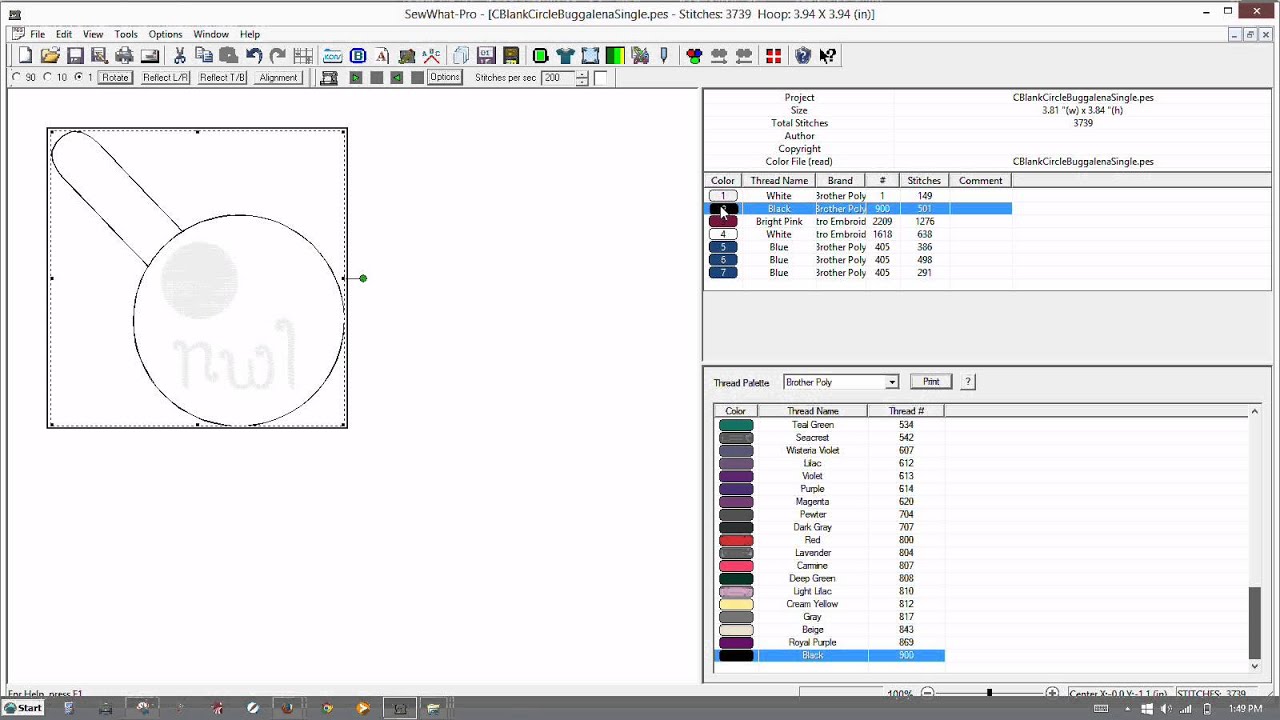
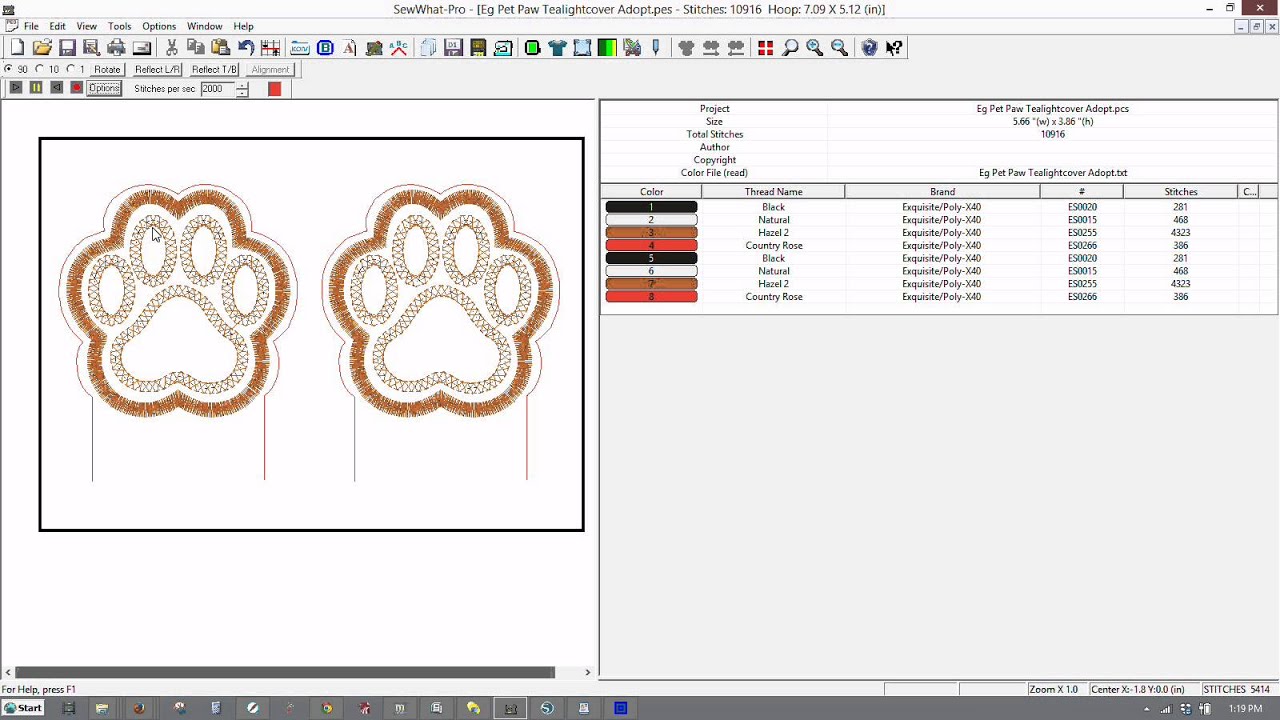
I am using an embroiderygarden.com tealight cover design) This video shows you how to copy a design and paste it so you have two designs in the hoop. This lesson teaches you the following:
1. Change the embroidery hoop size
2. Copy and paste a design in the hoop
3. Change your stitching order
4. Add comments in SWP
5. How to move a design using the mouse or the arrow keys
Tutorial for resizing lettering or embroidery designs.
The official SewWhat-Pro Yahoo support group: https://groups.yahoo.com/neo/groups/S...
SewWhat-Pro Users Facebook group: / 352537858160289
Machine embroidery help: / futuraembroidery
Sewing help: / sweetstitchesoflove
Thanks for stopping by.
Повторяем попытку...
Доступные форматы для скачивания:
Скачать видео
-
Информация по загрузке:




![KRYM PO 12 LATACH OKUPACJI PUTINA - SZPITALE WOJSKOWE ZAMIAST SANATORIÓW [BOJKE]](https://imager.clipsaver.ru/9wOp5s-3yRU/max.jpg)