Connect android and smartwatch via Bluetooth with "SmartWatch Sync & BT notifier" android app Guide
Автор: Smart Watch Sync
Загружено: 2020-02-17
Просмотров: 486857
Описание:
“Smartwatch Sync” application allows establishing a Bluetooth connection between android device and android smartwatch or Android Wear smartwatch.
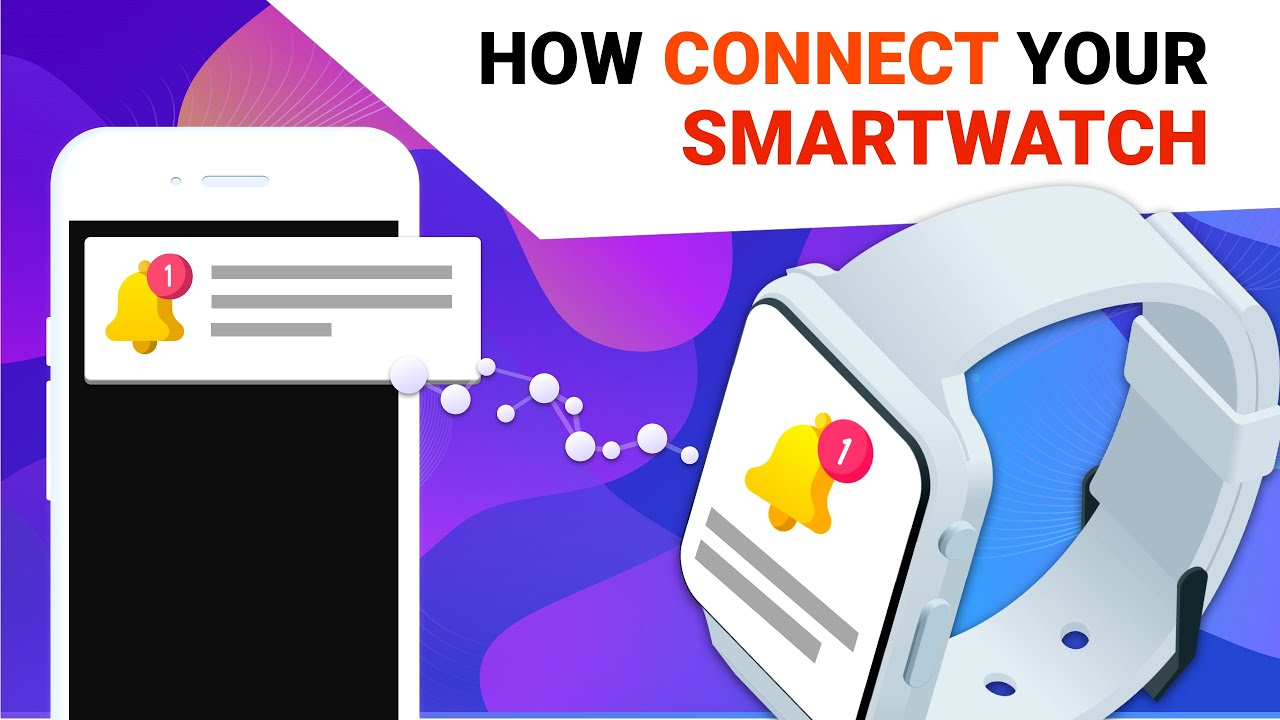
When Smartwatch Sync is configured on both devices, SmartWatch Sync will display all notifications from your phone on your smartwatch screen.
“Smartwatch Sync” works with all android/ android Wear watches! All of china’s watches are supported.
Download “Smartwatch Sync”:
https://play.google.com/store/apps/de...
Step-by-step guide
(Full GUIDE with illustrations is available on our site: smartwatchsync.icu)
1. Install SmartWatch Sync & Bluetooth notifier from Google Play BOTH on your Smartphone and Smartwatch device
2. Open SmartWatch Sync on your smartwatch. Click “Enable Bluetooth” button. Afterward, make Smartwatch discoverable by clicking “Make discoverable”.
3. Open Smart watch Sync app on your phone. Press "Enable Permissions" to allow SmartWatch Sync to access notifications. You will be sent to the Notification Settings screen of your phone, where you should Turn on tumbler for SmartWatch Sync. After you are done with settings, click back, to be redirected to SmartWatch Sync bt notifier app.
4. Click “Enable Bluetooth” and, after BT is enabled, click “Connect device”.
5. Find from the appeared list the bluetooth name of your Smart watch device and connect it.
6. Press "Pair/Ok" on both your devices and confirm pairing devices, if needed (click ok/allow).
Done! Your android phone and android/wear watch are now connected!
Test your connection
You can test a connection by entering any text inside textinput “Send msg” field on your device. The bt notification should appear on your smart clock on the screen.
Download “Smartwatch Sync”:
https://play.google.com/store/apps/de...
Повторяем попытку...
Доступные форматы для скачивания:
Скачать видео
-
Информация по загрузке:


