MicroMain GLOBAL Create Filters in MicroMain
Автор: MicroMain
Загружено: 2018-06-15
Просмотров: 1811
Описание:
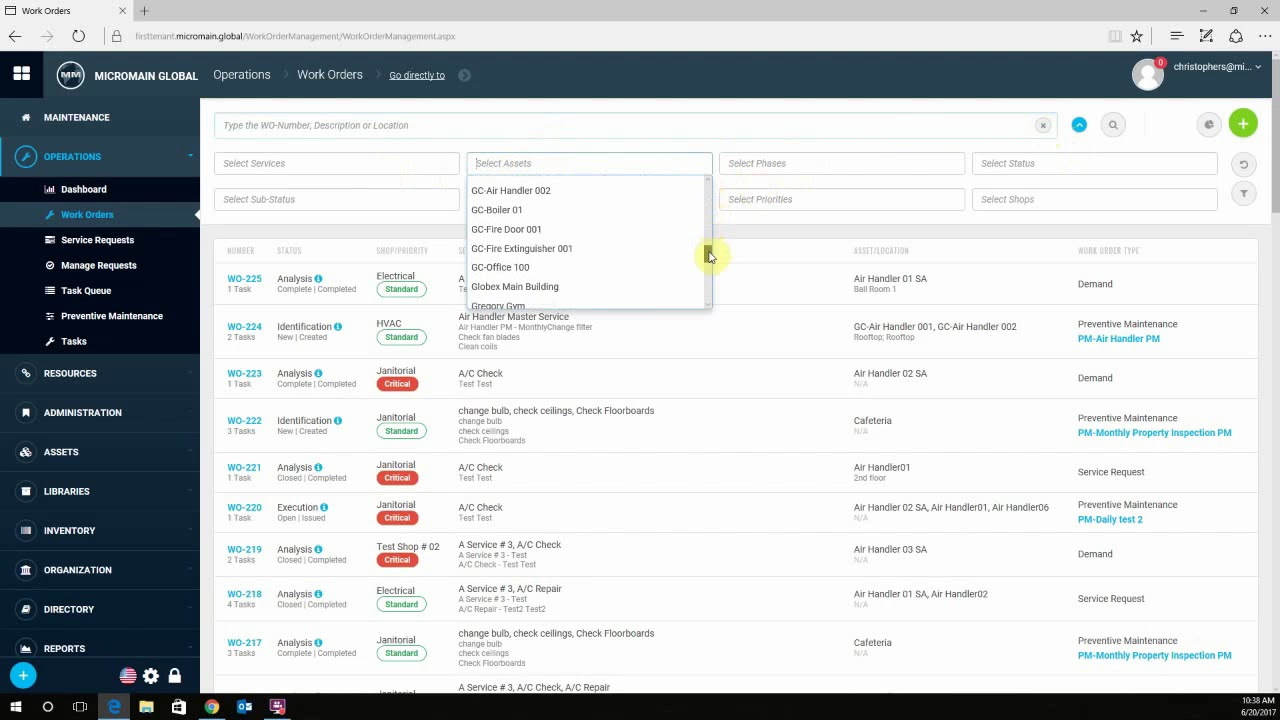
Explore the process of creating filters in MicroMain GLOBAL to enhance maintenance management efficiency. This tutorial provides step-by-step guidance on utilizing filters to organize and manage data effectively.
📌 TOPICS COVERED:
Introduction to creating filters in MicroMain GLOBAL
Step-by-step guide for setting up filters
Utilizing filters for efficient data organization
📺 Watch more!!!
• MicroMain GLOBAL Link Service Request
• MicroMain GLOBAL: Saved Filters
• MicroMain GLOBAL Manual Task Time
• Advanced Analytics in 1 Min
✨------------- KEY POINTS:
Creating filters in MicroMain GLOBAL
Streamlining maintenance management tasks
Organizing data efficiently
🔧 ------------- TOOLS MENTIONED:
MicroMain GLOBAL
📋 ------------- Timestamps:
00:00 - Introduction to creating filters in MicroMain GLOBAL
00:30 - Accessing filter creation options
01:00 - Setting filter criteria
01:30 - Saving and applying filters
02:08 - Conclusion
------------ 🤔 FAQs:
How do I access the filter creation options in MicroMain GLOBAL?
To access the filter creation options in MicroMain GLOBAL, navigate to the designated menu or section where filters are managed. Look for options such as "Create Filter" or "Manage Filters" to begin creating your custom filters.
What criteria can I set for filters in MicroMain GLOBAL?
You can set various criteria for filters in MicroMain GLOBAL, including asset types, maintenance priorities, work order statuses, assigned personnel, and more. These criteria help you tailor the filters to your specific maintenance management needs.
How do I save and apply filters once they are created?
After setting up your desired filter criteria, simply save the filter settings using the designated option provided. Once saved, you can easily apply the filters to your data views or reports to streamline your workflow and focus on relevant information.
------------- 🤝 Connect with us:
🌐 Visit our website at www.micromain.com for more information.
For inquiries or concerns, reach out to us via email:
General Inquiries: [email protected]
Sales: [email protected]
Support: [email protected]
------------- 📞 Contact us at:
Phone: (512) 328-3235
Toll-free: +1 (888) 888-1600
Ready to get started? Try our FREE trial by heading to this link:
https://www.micromain.com/free-trial/
Interested in a personalized demo? You can book one here:
https://www.micromain.com/book-a-demo/
-------------💭 FOLLOW US ON OUR SOCIAL MEDIA
Instagram: / micromaincmms
LinkedIn: / mycompany
Twitter: / micromaincorp
Facebook: / micromain
Повторяем попытку...
Доступные форматы для скачивания:
Скачать видео
-
Информация по загрузке: