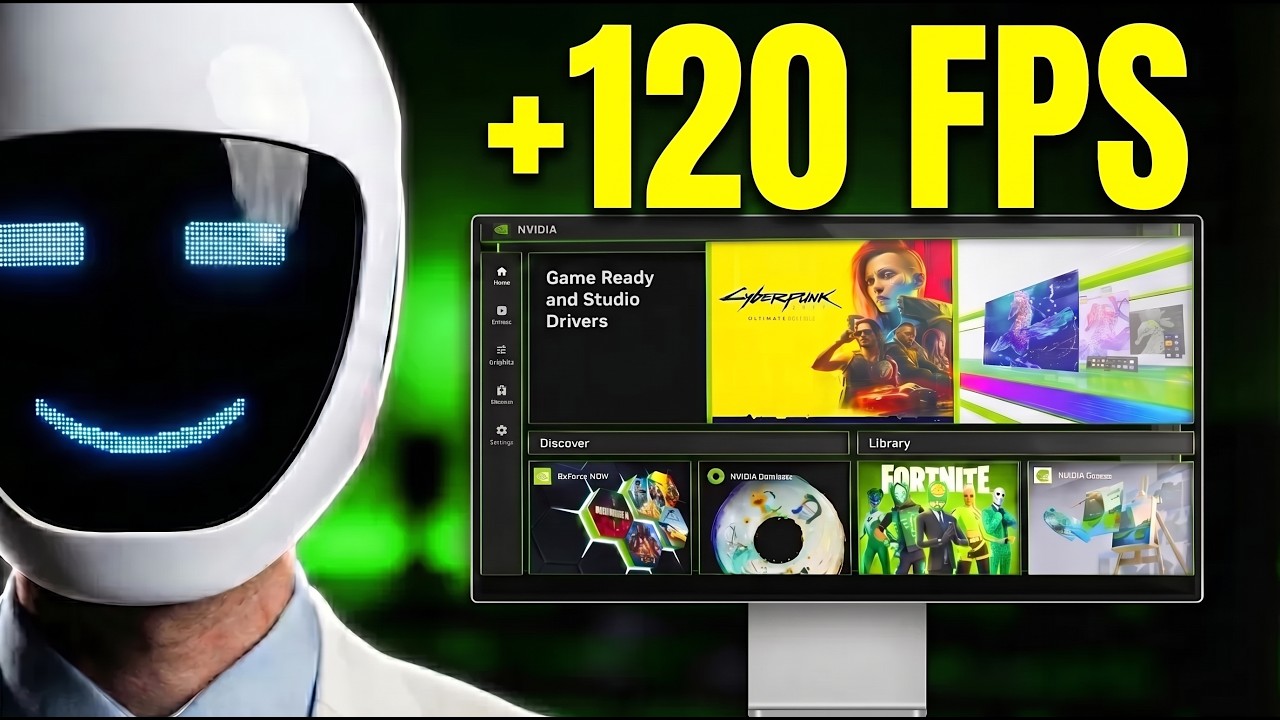
Your NVIDIA APP Settings Are WRONG (Here's Proof)
Автор: Krounder
Загружено: 2026-09-15
Просмотров: 23147
Описание:
NVIDIA App best settings for 2026: boost FPS with 13 settings and a full NVIDIA App optimization walkthrough. Learn NVIDIA App best settings for shader cache, DLSS overrides, frame caps and per-game options, plus the overlay fix behind reported losses of up to 15% FPS. Follow this NVIDIA App optimization walkthrough to boost FPS with the settings your GPU supports in 2026.
NVIDIA App → Settings → Features → NVIDIA overlay; NVIDIA App → Settings → Features → Game filters and Photo mode
NVIDIA App → Graphics → Global Settings → Driver Settings → Shader Cache → Automatic Shader Compilation → System Utilization
NVIDIA App → Graphics → Global Settings → Driver Settings → Shader Cache → Cache Size
NVIDIA App → Graphics → Global Settings → Driver Settings → Show Legacy Settings → Background Application Max Frame Rate
NVIDIA App → Graphics → Global Settings → Driver Settings → DLSS Override - Model Presets → Custom → Super Resolution / Frame Generation / Ray Reconstruction
NVIDIA App → Graphics → Global Settings → Driver Settings → Power Management Mode
NVIDIA App → Graphics → Global Settings → Driver Settings → DLSS Override - Frame Generation Mode → Multiplier
NVIDIA App → Graphics → Global Settings → Driver Settings → Max Frame Rate
NVIDIA App → Graphics → Global Settings → Driver Settings → Vertical Sync; Your game → Settings → Vertical Sync
NVIDIA App → Graphics → Program Settings → Your game → Driver Settings → Smooth Motion
NVIDIA App → Graphics → Program Settings → Your game → Driver Settings → Vulkan/OpenGL Present Method; NVIDIA App → Graphics → Global Settings → Driver Settings → Vulkan/OpenGL Present Method
NVIDIA App → Graphics → Program Settings → Your game → Driver Settings → Resizable BAR
NVIDIA App → System → Performance → Automatic Tuning
Your FPS is being held back, I find the fixes, subscribe for more FPS.
Testing broken stuff costs time and hardware. If this saved your PC, buy me a coffee. - https://buymeacoffee.com/krounder
🎮 GPU I actually use and recommend:
https://amzn.to/4uKUKD2
🎮 AMD GPU alternative I reccomend:
https://amzn.to/4dx2Jxi
As an Amazon Associate I earn from qualifying purchases.
#FPSBoost #Windows11 #PCOptimization #LowerInputDelay #MaxFPS
Повторяем попытку...
Доступные форматы для скачивания:
Скачать видео
-
Информация по загрузке: