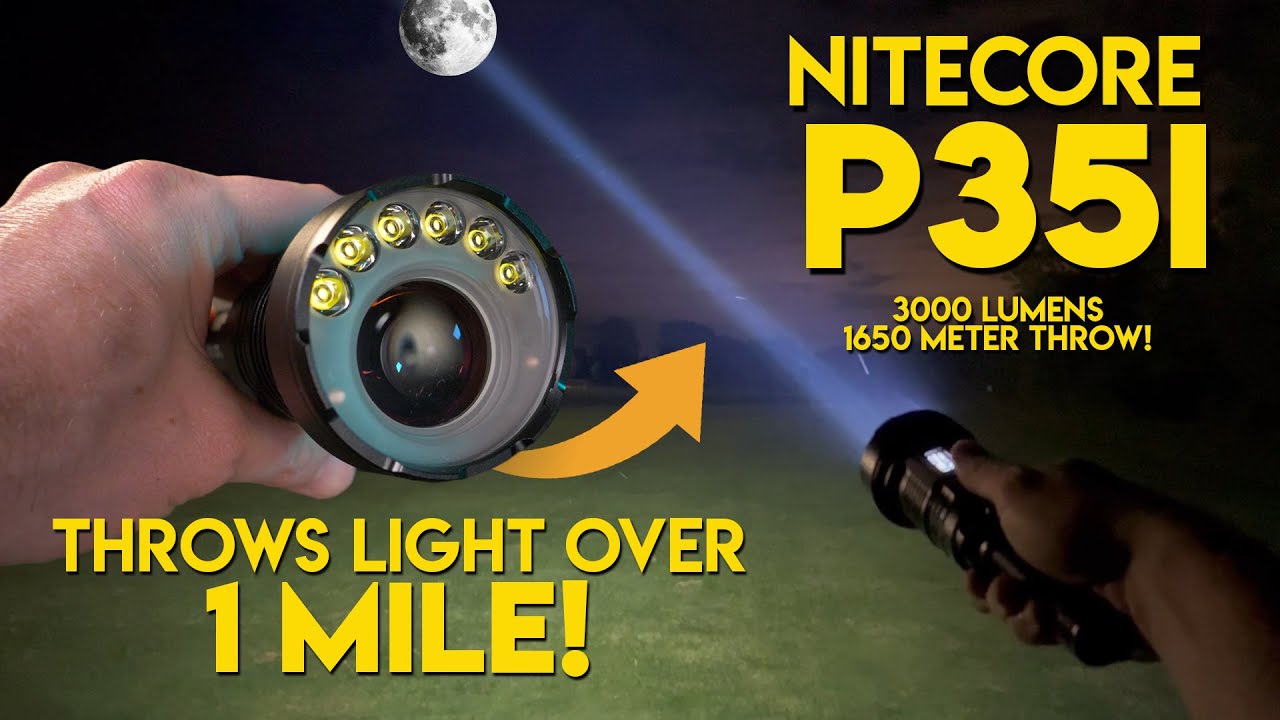
NITECORE P35i LEP laser flashlight with 6 x CREE XP-G3 LED's for flood!! OLED display & Type-C port!
Автор: FLASHAHOLIC
Загружено: 2022-09-09
Просмотров: 33086
Описание:
Get 25% OFF the the NITECORE P35i here using discount code: FLASHSAVE https://www.nealsgadgets.com/products...
FLASHBOX v2: I measured 2920 lumens / 764,991cd (1749m) @turn on (Mix Mode)
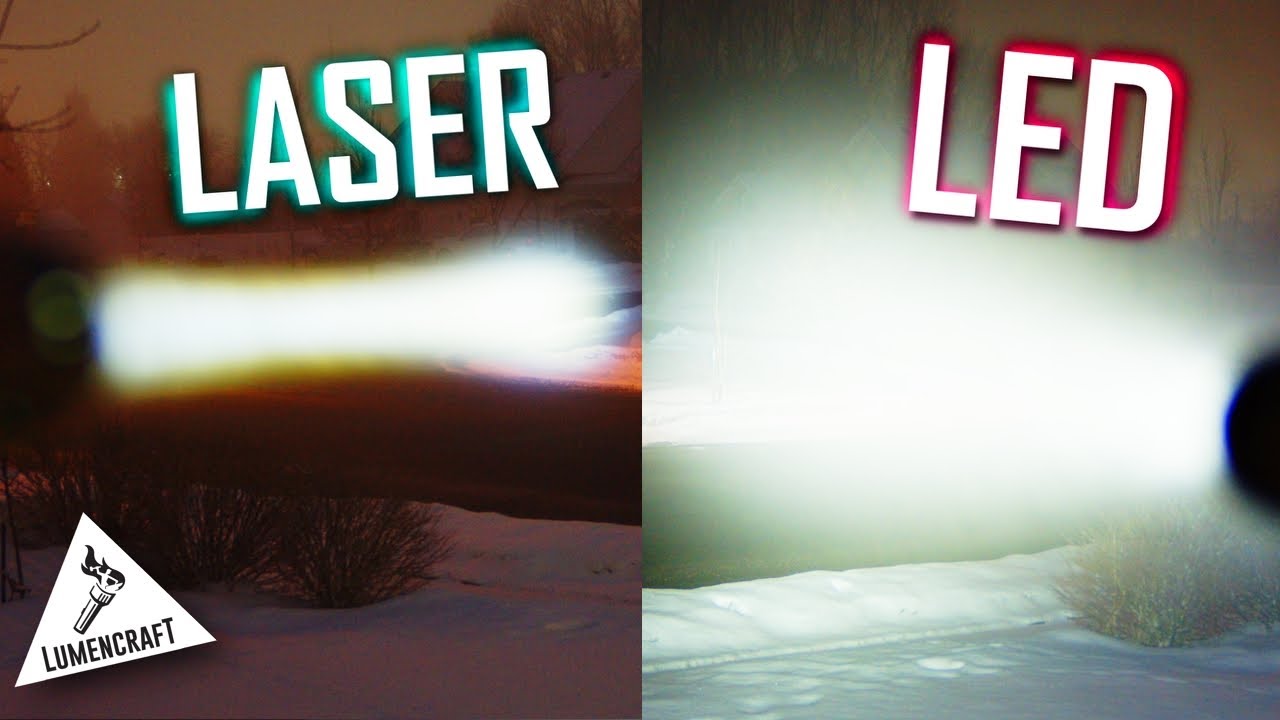
LEP Spot: I measured 391 lumens / 750,918cd (1733m) @turn on
FLASHBOX v1: I measured 3260 lumens / 764,991cd (1749m) @turn on (Mix Mode)
P35i Features
• Ultra long distance dual beam LEP flashlight
• Equipped with the spotlight and floodlight with a dual-lens
system to provide a max output of 3,000 lumens
• The spotlight uses a Class 1 LEP light with a max output of
410 lumens
• The floodlight uses 6 x CREE XP-G3 LEDs with a max output
of 3,000 lumens
• Max peak beam intensity of 678,000cd and max throw of
1,650 meters
• Powered by a 21700 i Series Battery while compatible with
CR123 batteries, to provide a runtime up to 60 hours
• Multifunctional OLED real-time display for brightness, throw
distance, battery voltage, runtime, etc.
• Intelligent Li-ion battery charging circuit with a USB-C
charging port
• Highly efficient constant current circuit
• Incorporated Advanced Temperature Regulation (ATR) module
(Patent No. ZL201510534543.6)
• NITECORE 21700i Li-ion battery (NL2150HPi 5,000mAh) and
Remote Switch RSW2i (Cable Part) included
Tactical Momentary Illumination
Half press and hold the Tail Switch to turn on the light
momentarily. Release to turn it off.
On / Off
On: When the light is off, press the Tail Switch until a click
sound is heard to turn it on.
Off: When the light is on, press the Tail Switch until a click
sound is heard to turn it off.
Direct Access to TURBO
When the light is on, long press the Mode Button to access
TURBO directly. Short press the Mode Button to return to the
previous brightness level, or it will automatically return to the
previous brightness level if there is no operation in 30 seconds.
User Mode Selection
• The P35i provides 3 user modes: Flood Mode, Spot Mode and
Mix Mode.
• When the light is off, click the Tail Switch while holding the
Mode Button to cycle through the following modes: Spot
Mode – Flood Mode – Mix Mode. Release to select the desired
user mode.
Note: The P35i has a memory function. When reactivated, it
will automatically access the previous memorized brightness
level.
Flood Mode / Spot Mode
Brightness Levels
When the light is on, short press the Mode Button to cycle
through the following brightness levels: ULTRALOW – LOW –
MID – HIGH – TURBO.
Mix Mode
Brightness Levels
When the light is on, short press the Mode Button to cycle
through the following brightness levels: LOW – MID – HIGH –
PRESET.
PRESET Level Setting
When the light is off, long press the Mode Button for 5 seconds
to access the PRESET level setting mode.
1. Beam Distance Setting: Short press the Mode Button to cycle
in the following order: 350m – 650m – 900m – 1200m –
1650m. Long press the Mode Button to select the desired
beam distance and switch to the brightness setting.
2. Brightness Setting: Short press the Mode Button to cycle in
the following order: 10 Lumens – 70 Lumens – 300 Lumens
– 1000 Lumens. Long press the Mode Button to select the
desired brightness and exit the setting mode.
Remote Switch
As Illustrated, plug in the cable part of the RSW2i to the USB
port and clip to fasten the cable on the tail cap.
Tactical Momentary Illumination
When the light is off, press and hold Button B to turn it on
momentarily. Release to turn it off.
On / Off
On: When the light is off, short press Button A to turn it on.
Off: When the light is on, short press Button A to turn it off.
Brightness Levels
When the light is on, short press Button B to cycle through the
brightness levels.
STROBE READY™
• When the light is off, press and hold Button A to access the
STROBE Mode. Release to turn it off.
• When the light is on, press and hold Button A to access the
STROBE Mode. Release to return to the previous status.
OLED Real-time Display
The multifunctional OLED display can show the brightness,
throw distance, battery voltage, runtime and more in real time.
The screen will automatically go off if there is no operation in
30 seconds. After the screen goes off, short pressing the Mode
Button can reactivate the screen.
ATR
(Advanced Temperature Regulation)
The integrated ATR technology regulates the output of the P35i
according to the working condition and ambient environment to
maintain the optimal performance.
Specifications
Length: 186.9mm (7.36")
Head Diameter: 65mm (2.56")
Tube Diameter: 25.4mm (1")
Tail Diameter: 28mm (1.10")
Weight: 296.6g (10.46 oz)
#NITECORE #NITECOREP35i #P35i #AttackOnTitan #BeastTitan #LEP #LEPFlashlight #Flashlight #OLED #oleddisplay #TYPECCHARGING #Searchandrescue #Camping #Hiking #military #emergencyservices #Police
Повторяем попытку...

Доступные форматы для скачивания:
Скачать видео
-
Информация по загрузке: