FREE AI Low Poly 3D Character from ANY Image! | ComfyUI + Trellis 2 + Pixal3D + Blender
Автор: Comfyui Tutorial
Загружено: 2026-07-02
Просмотров: 4864
Описание:
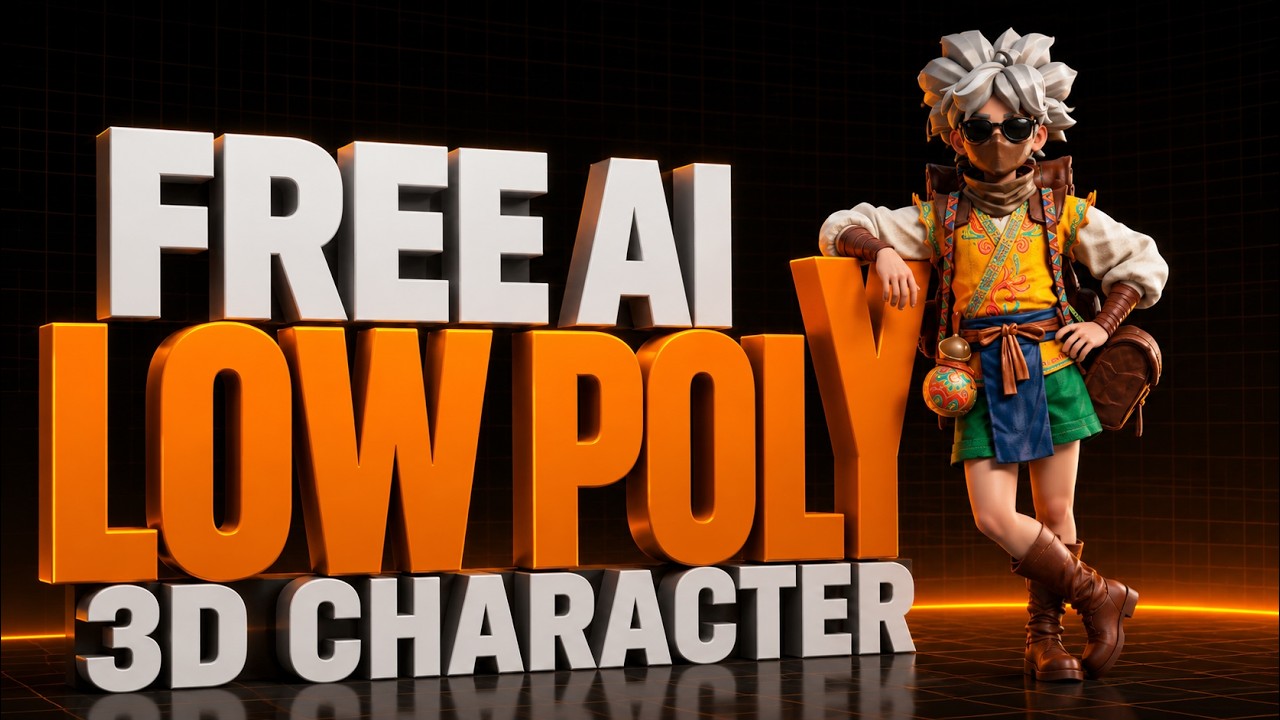
🔥 Learn how to create a FULLY RIGGED & ANIMATED LOW POLY 3D CHARACTER from any 2D image — completely FREE! Using ComfyUI, Microsoft TRELLIS 2, and Tencent Pixal3D, we generate a high-quality 3D mesh, convert it to a clean LOW POLY model in Blender, add textures, and rig it on Mixamo. Perfect for game developers, 3D artists, and AI creators! 🚀
🔑 THIS VIDEO = LOW POLY 3D CHARACTER CREATION USING FREE AI — No expensive software. No coding required!
---------------------
🔗 DOWNLOAD LINKS
📂 My ComfyUI Low Poly Workflow File :
https://drive.google.com/drive/folder...
🎓 Trellis 2 Installation Tutorial (Step by Step):
• Trellis 2 on ONLY 4GB VRAM! Best Open-Sour...
🎓 Pixal3D Installation Tutorial (Step by Step):
• Pixal3d Comfyui: Create Realistic 3D Sculp...
🌐 Adobe Mixamo — Free Auto-Rigging + Animations
https://www.mixamo.com/
------------------
⚙️ REQUIRED TOOLS — INSTALLATION LINKS
✅ ComfyUI Easy Install (by Pixaroma — One-Click Setup, No Python needed!)
📦 GitHub: https://github.com/Tavris1/ComfyUI-Ea...
▶️ Pixaroma YouTube: / @pixaroma
✅ Microsoft TRELLIS 2 — ComfyUI Custom Nodes
(Texture Generation for Low Poly Characters | 4B Parameter Model | PBR Materials)
📦 Official TRELLIS 2 GitHub: https://github.com/microsoft/TRELLIS.2
📦 ComfyUI TRELLIS 2 Nodes: https://github.com/PozzettiAndrea/Com...
✅ Tencent Pixal3D — ComfyUI Custom Nodes
(High-Fidelity Mesh Generation | SIGGRAPH 2026 | Base for Low Poly Conversion)
📦 Official Pixal3D GitHub (TencentARC): https://github.com/TencentARC/Pixal3D
📦 ComfyUI Pixal3D Nodes: https://github.com/Saganaki22/Pixal3D...
✅ Blender — Free 3D Software (Low Poly Conversion using Remesh + Decimate!)
🌐 https://www.blender.org/download/
✅ Adobe Mixamo — Free Auto-Rigging + Animations for Low Poly Characters
🌐 https://www.mixamo.com/
⏱️ TIMESTAMPS
00:00 – Intro: 2D Image to Low Poly Animated 3D Character
00:30 – Tools Overview (ComfyUI + Trellis 2 + Pixal3D)
00:54 – Loading the Low Poly Workflow in ComfyUI
02:09 – STEP 1: Generating High-Quality Mesh with Pixal3D
03:00 – GPU & VRAM Usage During Generation (8GB)
03:27 – Checking the Generated 3D Mesh Result
03:40 – STEP 2: Import Mesh into Blender for Low Poly Conversion
03:56 – Cleaning the Mesh (Removing Extra Faces)
04:42 – STEP 3: Creating Low Poly — Remesh Modifier (Voxel 0.003)
05:08 – STEP 4: Reducing Faces — Decimate Modifier (24K Low Poly!)
05:33 – Export Low Poly Mesh as GLB
05:54 – STEP 5: Texture Generation with Microsoft TRELLIS 2
06:31 – Exporting Textured Low Poly as FBX for Mixamo
07:03 – STEP 6: Auto-Rigging Low Poly Character on Mixamo
07:32 – Adding Animation to Low Poly Character
07:52 – Final Result: Animated Low Poly 3D Character!
🎮 WHAT IS A LOW POLY CHARACTER?
Low Poly characters use a reduced number of polygon faces, making them:
✅ Perfect for games and real-time engines (Unity, Unreal Engine)
✅ Lightweight and fast to render
✅ Easy to rig and animate
✅ Popular in indie games and stylized 3D art
In this video, we go from 1 LAKH (100,000) faces → 24,000 faces (LOW POLY)
using Blender's Remesh + Decimate modifiers — fully automatic!
📌 WHAT YOU WILL LEARN IN THIS VIDEO
✔️ How to generate a 3D mesh from a 2D image using Tencent Pixal3D in ComfyUI
✔️ How to convert a HIGH POLY mesh into a LOW POLY character in Blender
✔️ How to use Blender's Remesh modifier for clean low poly topology
✔️ How to use Blender's Decimate modifier to reduce faces (100K → 24K)
✔️ How to add color & textures to a low poly character using Microsoft TRELLIS 2
✔️ How to export a low poly character from Blender as FBX with embedded textures
✔️ How to auto-rig your low poly character on Adobe Mixamo for FREE
✔️ How to add animations to a low poly 3D character and import back to Blender
🙏 CREDITS
💛 ComfyUI Easy Install — Tavris1 / Pixaroma Community
🔗 https://github.com/Tavris1/ComfyUI-Ea...
🌐 https://pixaroma.com/ | / @pixaroma
💜 Microsoft TRELLIS 2 — Microsoft Research
🔗 https://github.com/microsoft/TRELLIS.2
💜 ComfyUI-TRELLIS2 Nodes — PozzettiAndrea
🔗 https://github.com/PozzettiAndrea/Com...
🧡 Pixal3D (Pixel 3D) — TencentARC / Tsinghua University (SIGGRAPH 2026)
🔗 https://github.com/TencentARC/Pixal3D
🧡 ComfyUI-Pixal3D Nodes — Saganaki22
🔗 https://github.com/Saganaki22/Pixal3D...
💚 Blender Foundation — https://www.blender.org/
💙 Adobe Mixamo — https://www.mixamo.com/
👍 Like this video if it helped you!
🔔 Subscribe for more FREE AI tutorials every week!
💬 Comment below if you get stuck — I'll help you!
📤 Share with a fellow creator or game developer!
#LowPoly #LowPolyCharacter #ComfyUI #AI3D #FreeAI #Blender #BlenderLowPoly
Повторяем попытку...
Доступные форматы для скачивания:
Скачать видео
-
Информация по загрузке: