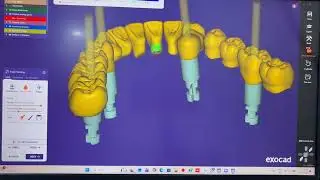
Exocad Tutorial Osstem Implant System Screw-Retained Two Joint Crown Design Step by Step
Автор: Air Dental Lab
Загружено: 2026-02-05
Просмотров: 2
Описание:
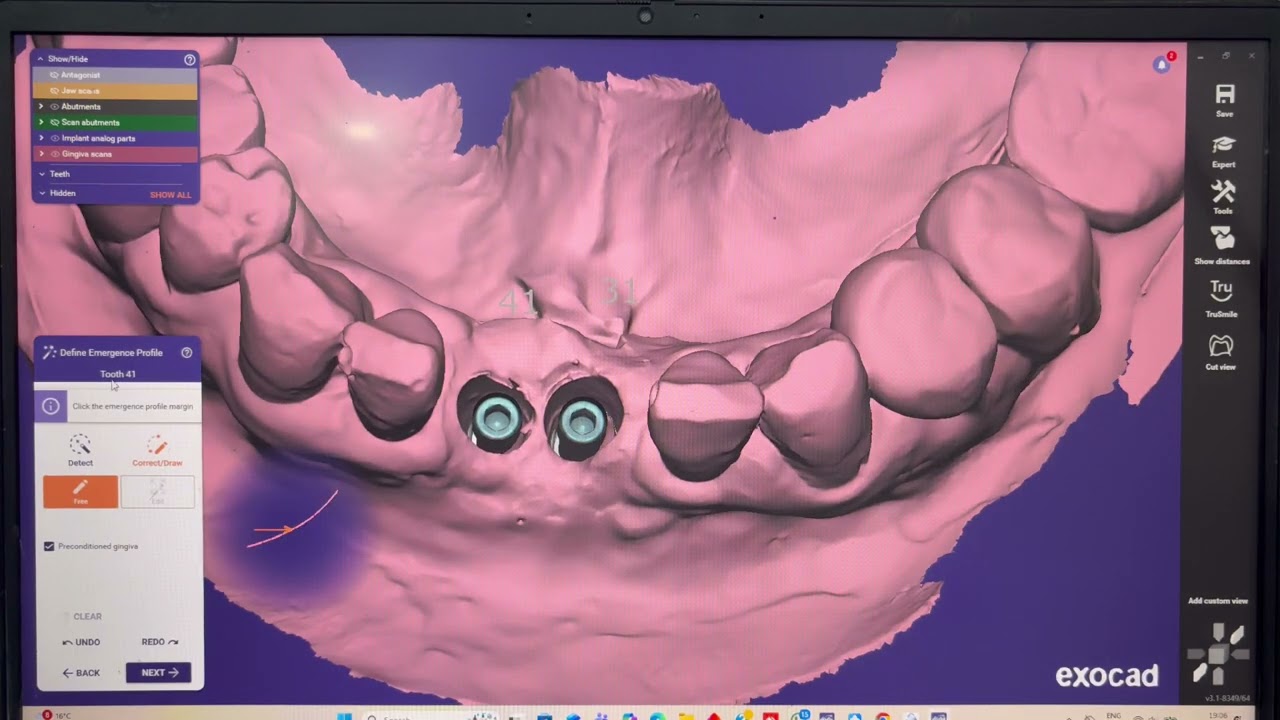
In this video, you will learn how to design a screw-retained two joint crown using the Postem Implant System in Exocad step by step.
This complete Exocad CAD tutorial covers implant setup, library selection, screw channel positioning, crown morphology, and final adjustments for accurate clinical results.
This video is helpful for:
• Dental CAD designers
• Dental technicians
• Implant crown designers
• Beginners & advanced Exocad users
🔹 Software: Exocad
🔹 Implant System: Postem
🔹 Restoration Type: Screw-Retained Two Joint Crown
If you find this video useful, don’t forget to Like, Share & Subscribe for more Exocad implant tutorials.
Повторяем попытку...
Доступные форматы для скачивания:
Скачать видео
-
Информация по загрузке: