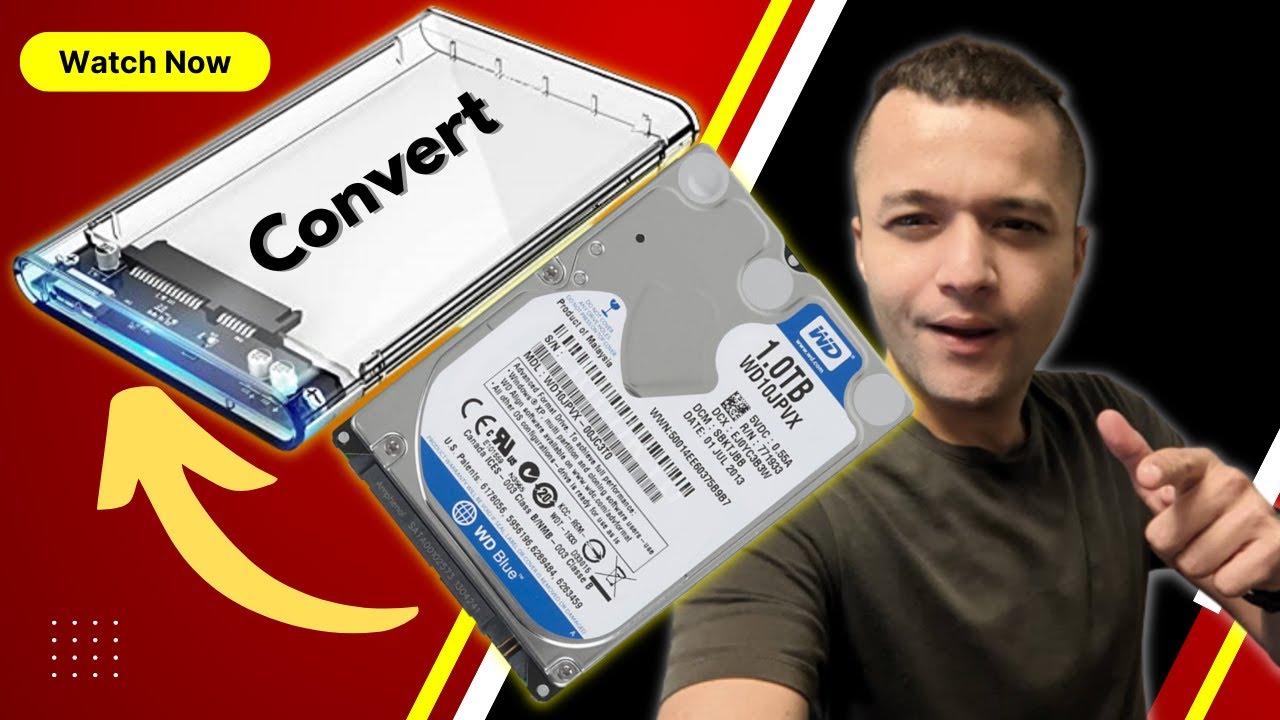
How to use HD PVR/DVR hard drives for your PC computer? Reformat/partition required.
Автор: Henry Q
Загружено: 2018-12-25
Просмотров: 67801
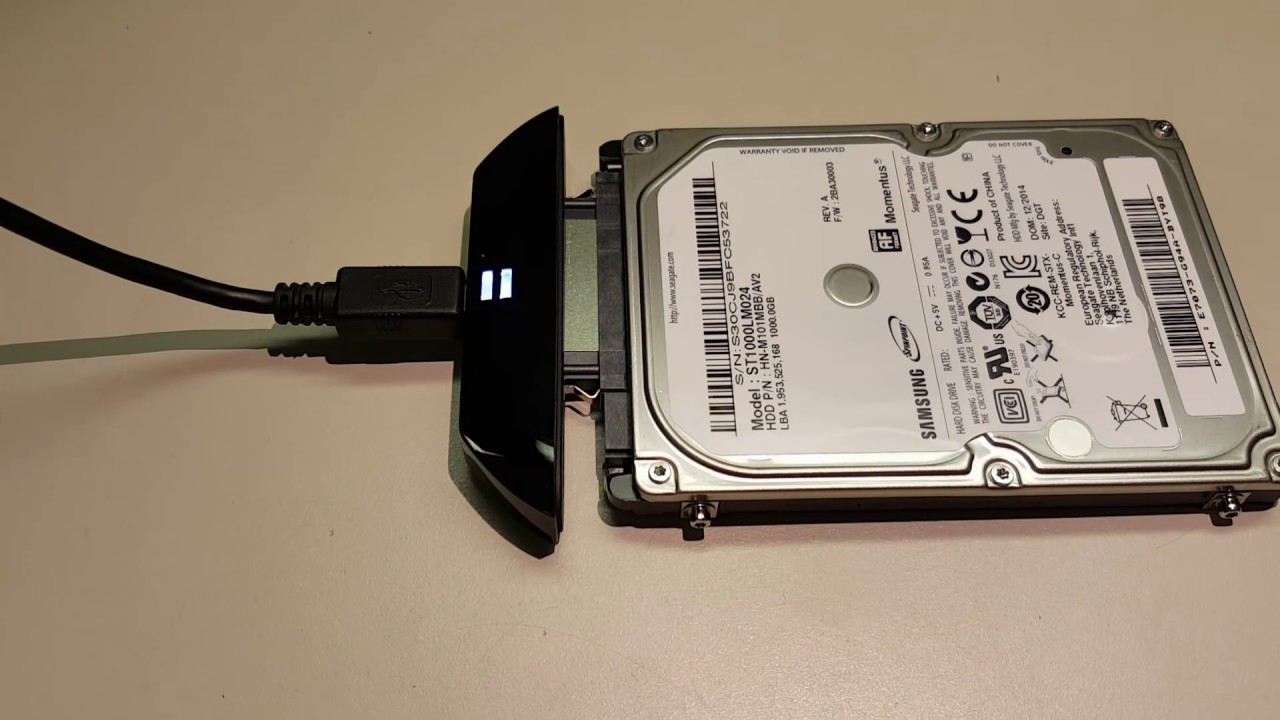
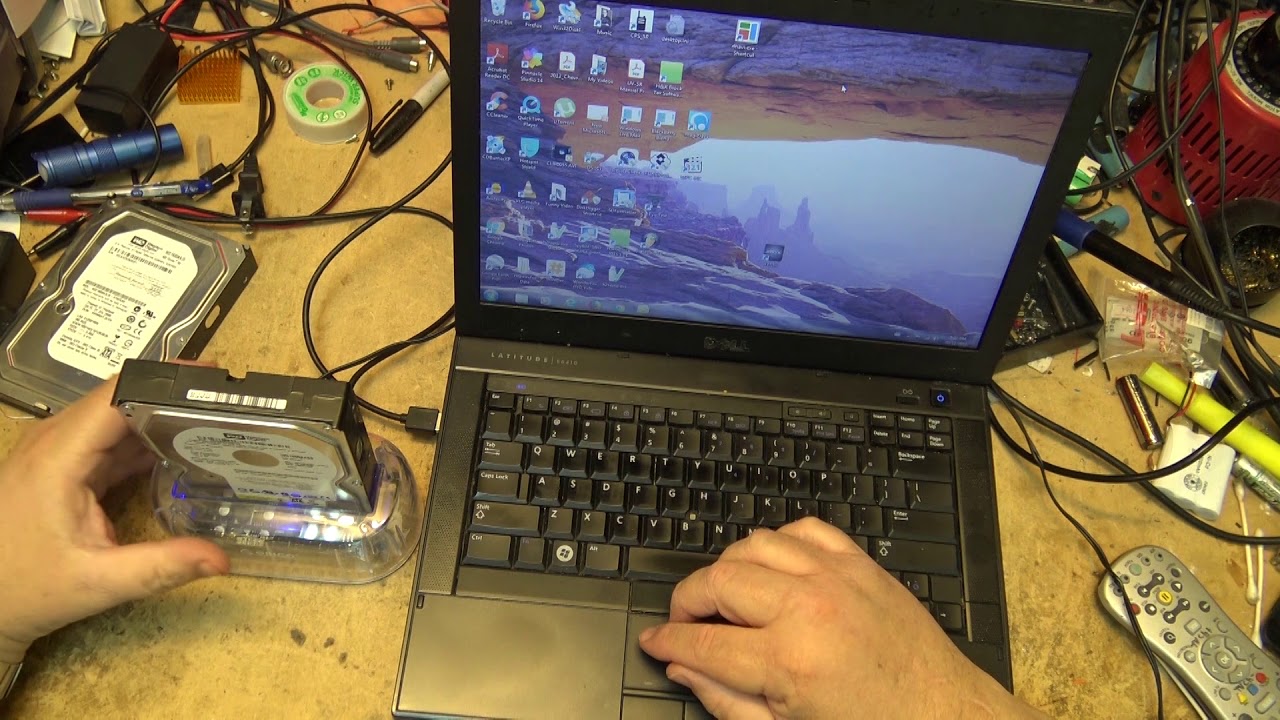
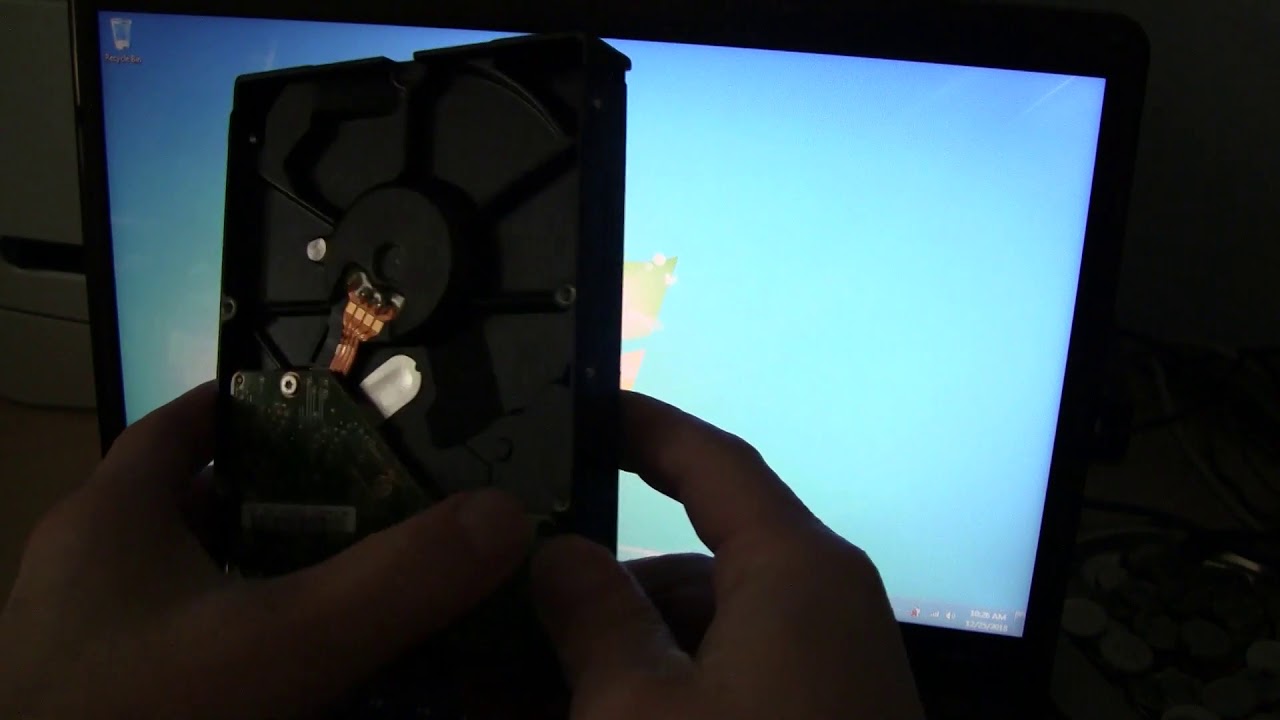
Описание: When you have a broken HD PVR TV box, or you have a black listed box that your service provider won't activate or allow you to sell, you may want to salvage the SATA hard drive in there. However, this drive will not be recognized by your computer, and appears to be not working. That's because it's partitioned and formatted with a non NTFS format. To use this for your computer internal hard drive or an external USB drive enclosure, you need to unlock this drive by re-format and re-partition it. This video will show you how to open your DVR box and take out the hard drive, then use Windows 10/7 software tools to change the partition and re-format it.
Повторяем попытку...
Доступные форматы для скачивания:
Скачать видео
-
Информация по загрузке: