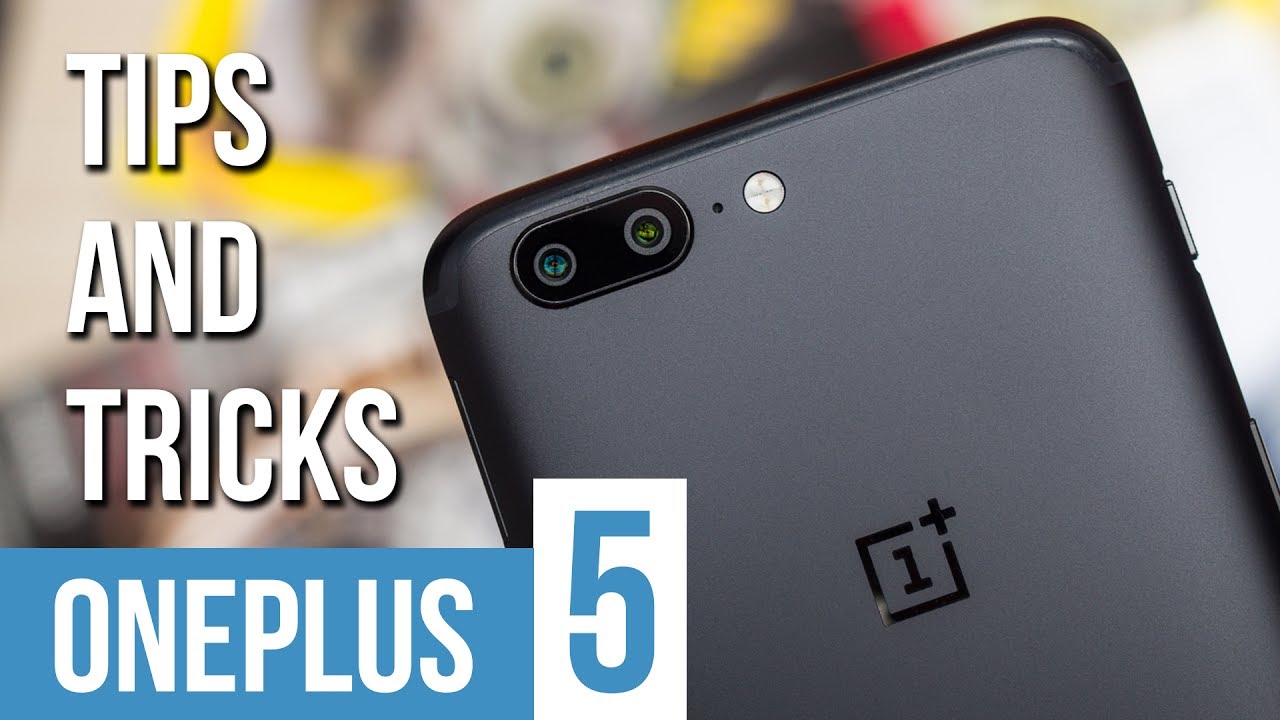
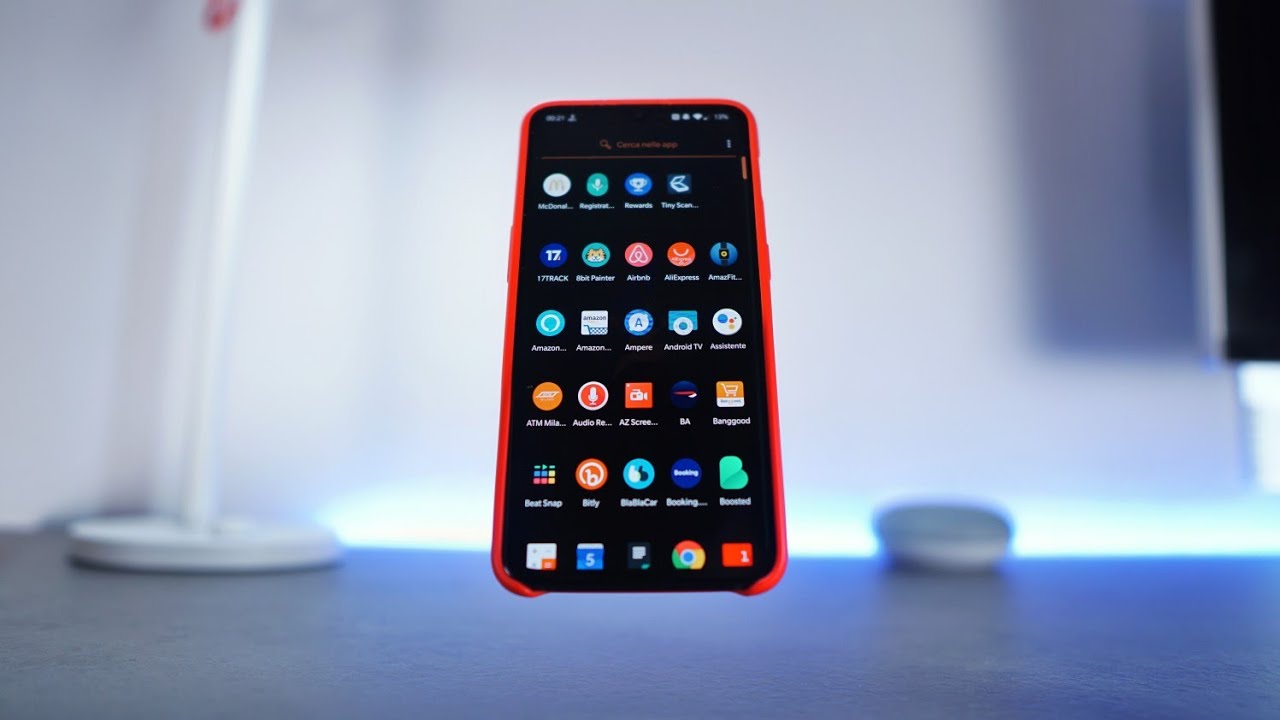
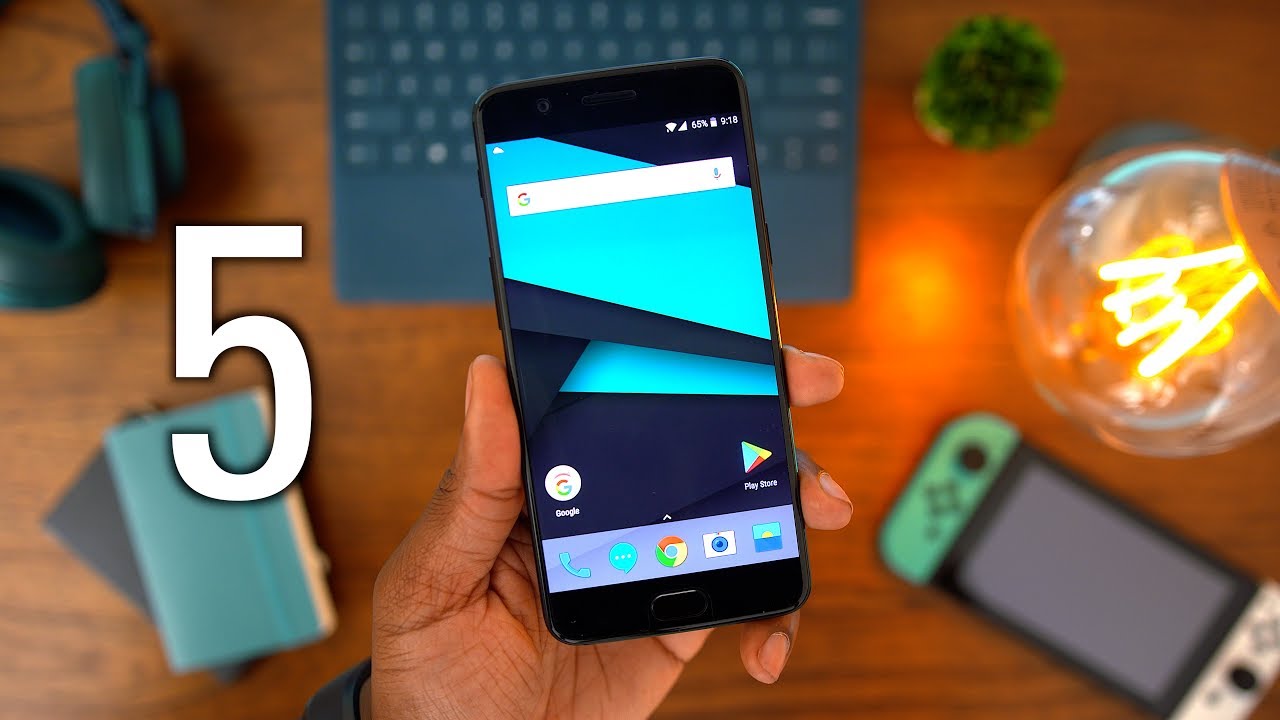
What's on my OnePlus 5!
Автор: HowToMen
Загружено: 2017-07-13
Просмотров: 45331
Описание:
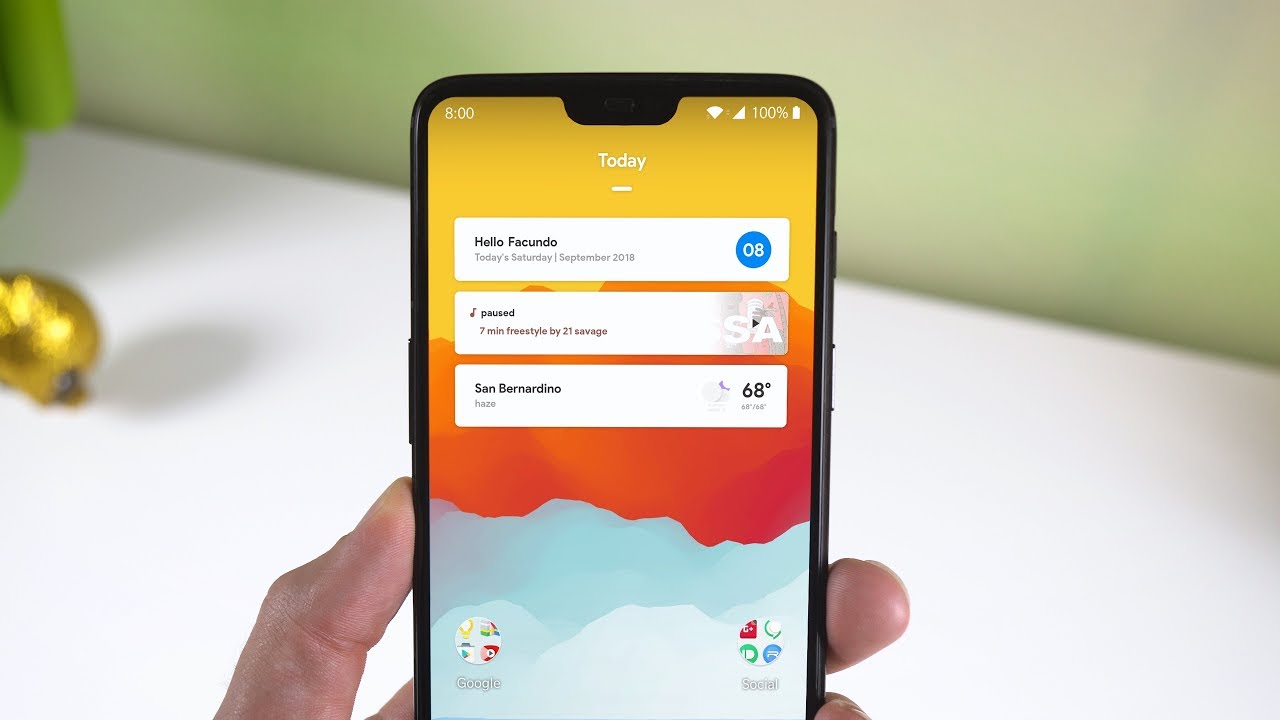
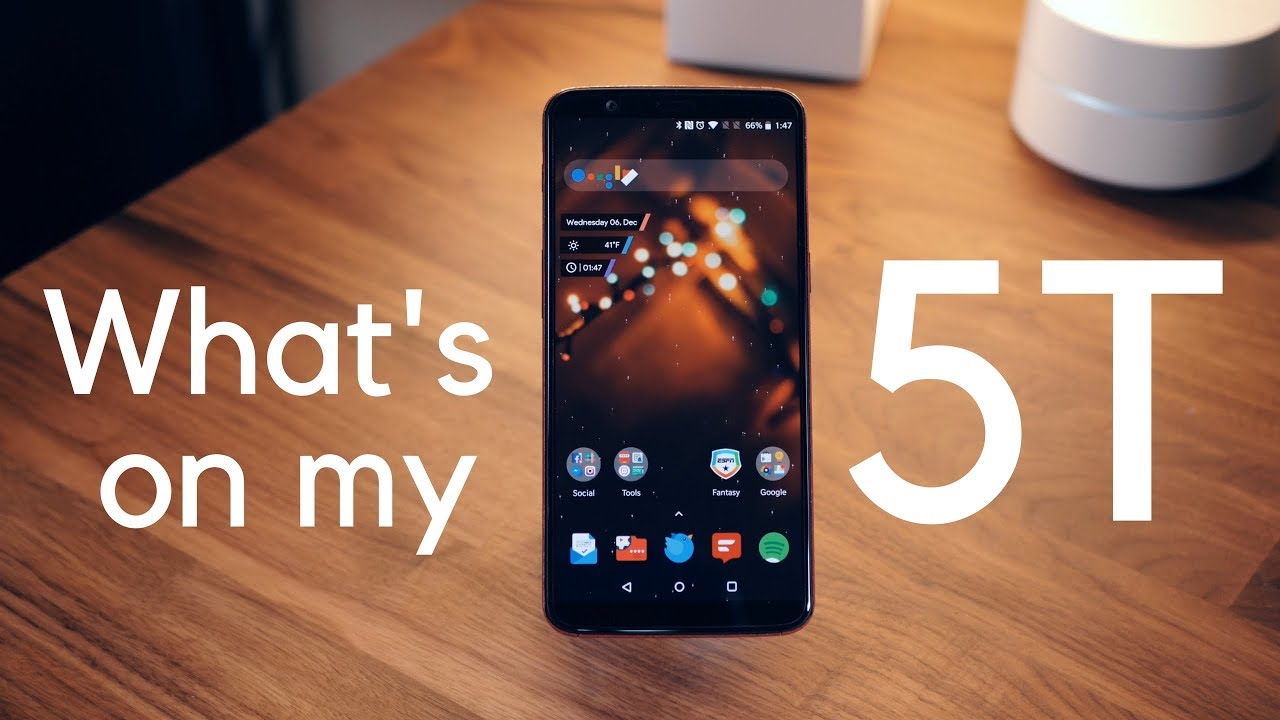
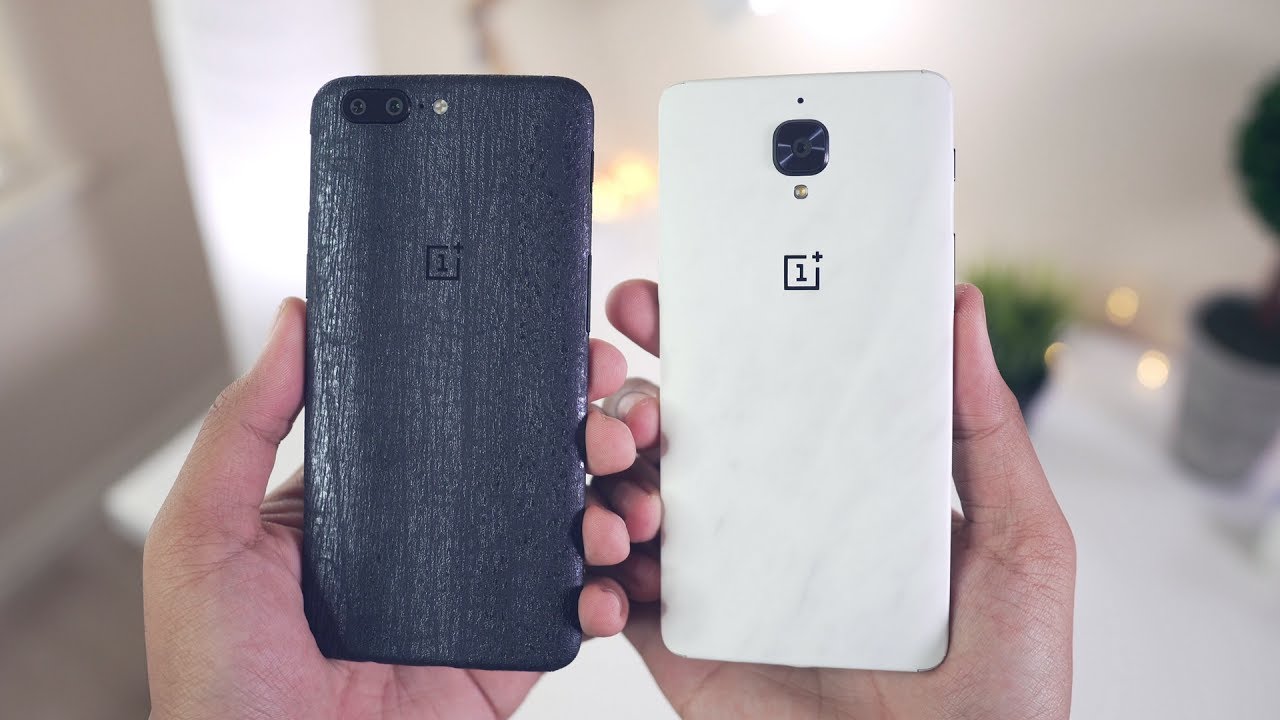
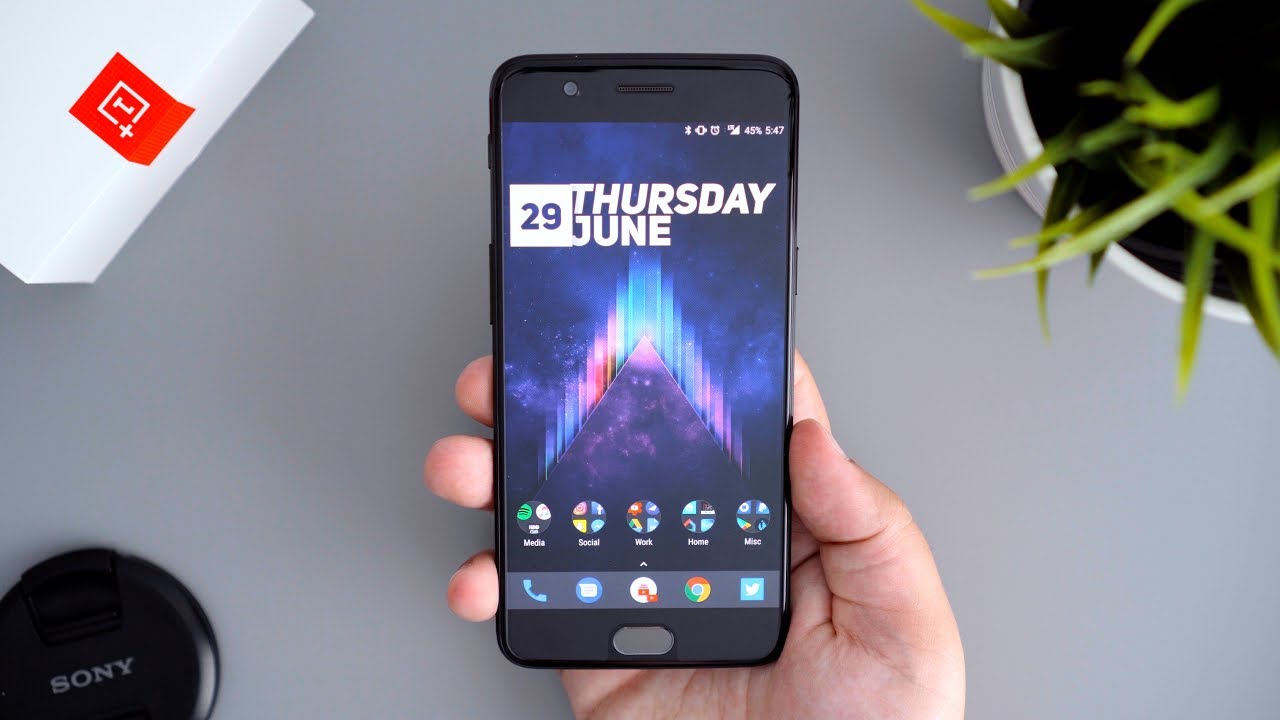
With such a high request, here is What's on my Android. In this video, I show off my Nova Launcher setup on the OnePlus 5. All the files, wallpapers, and apps required for this setup are down below! Enjoy!
______________________________________________
Follow us on our social media pages for a chance at winning a promo code to Nova Launcher Prime. We are giving away 10!
➨ Twitter
http://twitter.com/#!/howtomen
➨ Instagram
/ howtomen
______________________________________________
➨ Nova Launcher
https://play.google.com/store/apps/de...
➨ Pixup Zooper
https://play.google.com/store/apps/de...
➨ Zooper Widget
https://play.google.com/store/apps/de...
➨ Pixel Icon Pack
https://play.google.com/store/apps/de...
➨ Music Player Widget
https://drive.google.com/file/d/0B_Hr...
➨ KWGT Kustom Widget Maker (Make sure to get the Pro version as well)
https://play.google.com/store/apps/de...
➨ Nova Google Companion
http://www.apkmirror.com/apk/teslacoi...
➨ Nova Launcher Settings
https://drive.google.com/open?id=0B_H...
➨ Wallpaper
https://zheanoblog.eu/yager-wallpaper/
______________________________________________
Instructions to create Music Widget:
1. Download KWGT and the Pro version from the Play Store.
2. Open the app and follow the on-screen instructions to allow it to make a custom folder in your internal storage.
2. Download the "Music Player Widget" file from above.
3. Place the file in the following location within your phone's storage: Kustom, widgets.
4. Place a 4x4 KWGT widget on your homescreen. (Resize if the widget size doesn't look right)
5. Tap on it and scroll over to the "Exported" tab.
6. Select the "Music Widget" file
7. Go to the homescreen and it should be there.
8. Just play a song from any music player and it should work.
______________________________________________
(⊙.⊙(☉_☉)⊙.⊙) ▏ Social ▏(⊙.⊙(☉_☉)⊙.⊙)
➨ Instagram
/ howtomen
➨ Snapchat
/ howtomen
➨ Twitter
http://twitter.com/#!/howtomen
➨ Facebook
/ howtomen
______________________________________________
➨ Outro, Lower Thirds, and Thumbnailed created by Devil Cube:
/ @designpilot
______________________________________________
➨ Background Music by Andriy Mashtalir
/ soundeg0
______________________________________________
Повторяем попытку...

Доступные форматы для скачивания:
Скачать видео
-
Информация по загрузке: