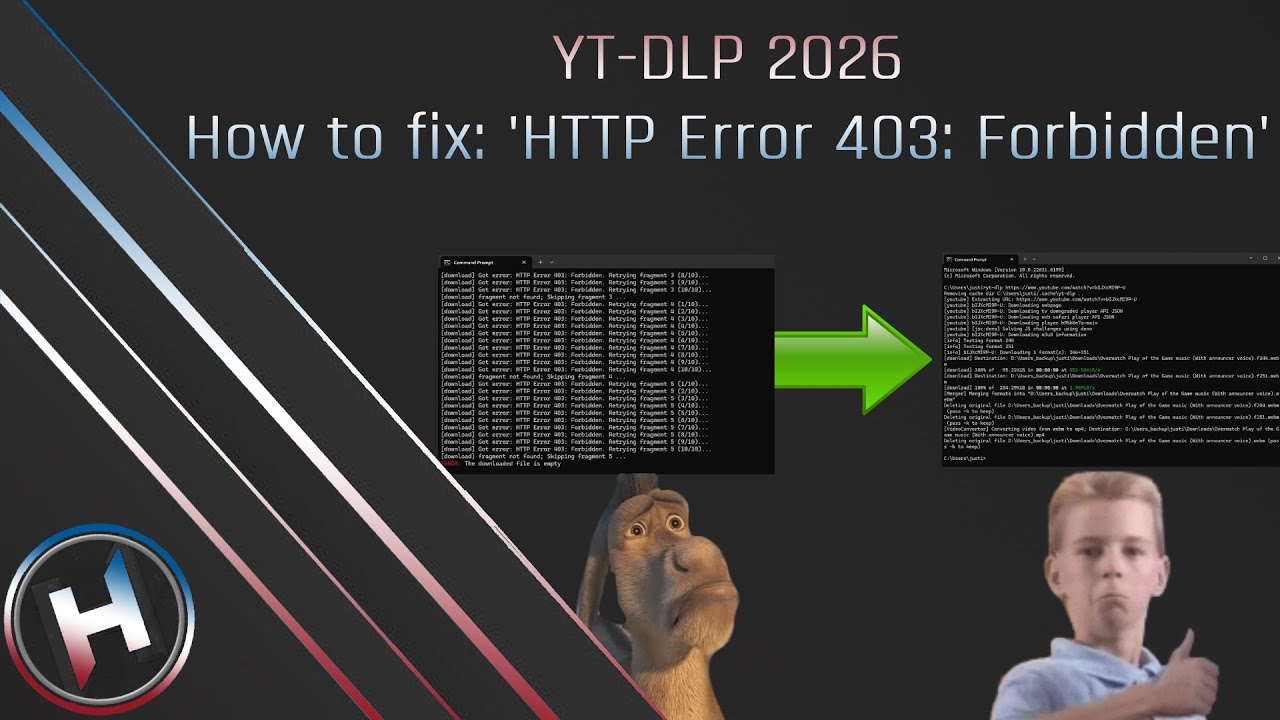
How to fix: yt-dlp - 'HTTP Error 403: Forbidden' 2026 | Harmony
Автор: HarmonyMLG
Загружено: 2026-01-17
Просмотров: 3522
Описание:
UPDATE 2/7/26 - If the error fixed but is happening again, in cmd type: yt-dlp --update-to nightly
Hit enter and try again. | Video Instructions in description:
-------
How to fix: 'HTTP Error 403: Forbidden'
1. Go to Deno - https://deno.com/
2. Copy irm https://deno.land/install.ps1 | iex
3. Open Windows Powershell
4. Go to where Deno was installed in Windows Explorer (C:\Users\YOURUSERNAME\.deno\bin)
5. Go to search - environment variables
6. Click PATH - 'edit', then 'new' and paste in (C:\Users\YOURUSERNAME\.deno\bin)
7. Open your comf. file
8. Paste above all other -'s:
--impersonate chrome
--check-formats
--rm-cache-dir
-4
9. Download as normal
10. Enjoy, if you have any questions write a comment and I will do my best to help -HMLG
Повторяем попытку...
Доступные форматы для скачивания:
Скачать видео
-
Информация по загрузке: