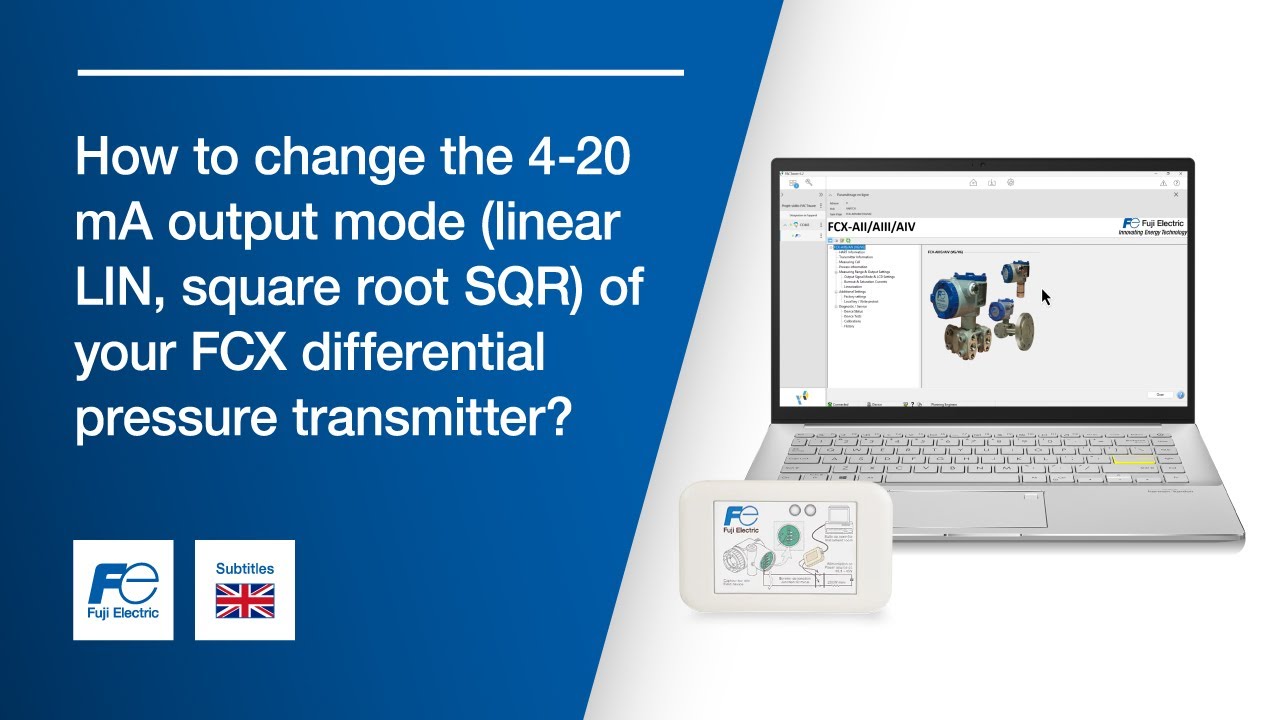
Tutorial FCX pressure transmitter, HART® modem: How to change 4–20 mA output mode with PACTware?
Автор: Fuji Electric France
Загружено: 2025-06-24
Просмотров: 14
Описание:
In this tutorial, learn step by step how to change the 4–20 mA output mode on your FCX pressure transmitter Fuji Electric using PACTware.
0:00 Click on the dropdown menu bearing the name of your device to display the list of available parameters
0:06 Click on the dropdown menu: "Measuring Range & Output Settings"
0:12 Click on the menu: "Output Signal Mode & LCD Settings"
0:18 Select the output mode of your choice. After a few seconds, the output signal is updated
You have successfully changed the 4–20 mA output mode of your FCX pressure transmitter from Fuji Electric using PACTware.
► Discover all our measurement solutions for energy and the environment: https://www.fujielectric.fr/en
► Follow us on LinkedIn: / fuji-electric-france-s-a-s
► Stay in the loop! Subscribe to our channel for the latest tutorials and updates! / @fujielectricfrance
#FujiElectric #PACTware #PressureTransmitter #HARTModem #IndustrialAutomation
Повторяем попытку...
Доступные форматы для скачивания:
Скачать видео
-
Информация по загрузке: