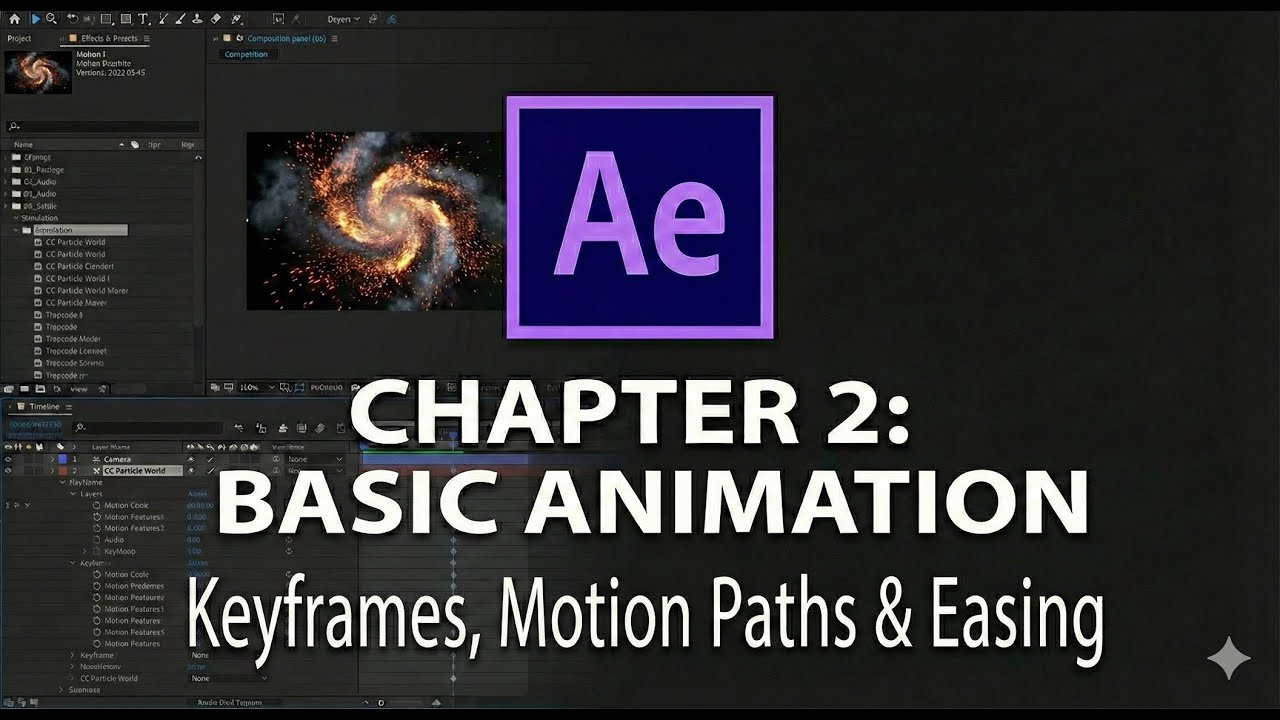
Chapter 2 Bringing Static Assets to Life Core Animation Principles
Автор: Ahmed Khorshid
Загружено: 2026-01-15
Просмотров: 0
Описание:
Welcome to Chapter 2 of our practical guide to Adobe After Effects! 🎬 In the previous chapter, we got comfortable with the interface and created our first composition. Now, it's time for the most exciting part: bringing your layers to life.
This lesson is arguably the most important in the entire series because we are covering the absolute foundation of all motion graphics: Keyframes. We will move beyond static images and learn the secrets to creating smooth, dynamic animation using motion paths and easing techniques.
In this video, we will cover:
0:00 - Introduction: It's Time to Animate!
1:45 - What is a Keyframe? The Core Concept Explained
4:15 - Animating Basic Properties: Position, Scale, and Rotation
7:30 - Understanding Motion Paths (Spatial Interpolation)
10:00 - Why your animation looks "robotic" (Linear vs. Bezier)
12:15 - The Secret to Smooth Motion: Introduction to "Easy Ease" (F9)
15:00 - Adjusting timing by moving keyframes in the Timeline
17:30 - Summary & Getting Ready for Chapter 3
By the end of this tutorial, you will understand the fundamental mechanics of motion in After Effects and be able to create your very first professional-looking animations.
▶️ Watch the previous lesson: [Link to Chapter 1 Video Here]
▶️ Next up: Stay tuned for Chapter 3: Working with Text & Shapes, where we apply these new skills to create dynamic titles!
Don't forget to: 👍 Like this video if you finally understand keyframes! 🔔 Subscribe and turn on notifications so you don't miss the next chapter. 💬 Comment below: What is the first thing you plan to animate? A bouncing ball, a flying logo, or something else?
#AdobeAfterEffects #AfterEffectsTutorial #Keyframes #AnimationBasics #MotionGraphics #EasyEase #BeginnersGuide #LearnAfterEffects #Chapter2
Повторяем попытку...
Доступные форматы для скачивания:
Скачать видео
-
Информация по загрузке:
![Введение в интерфейс Adobe After Effects. Эпизод 2/48 [Adobe After Effects для начинающих]](https://image.4k-video.ru/id-video/O6KRRQm6meY)