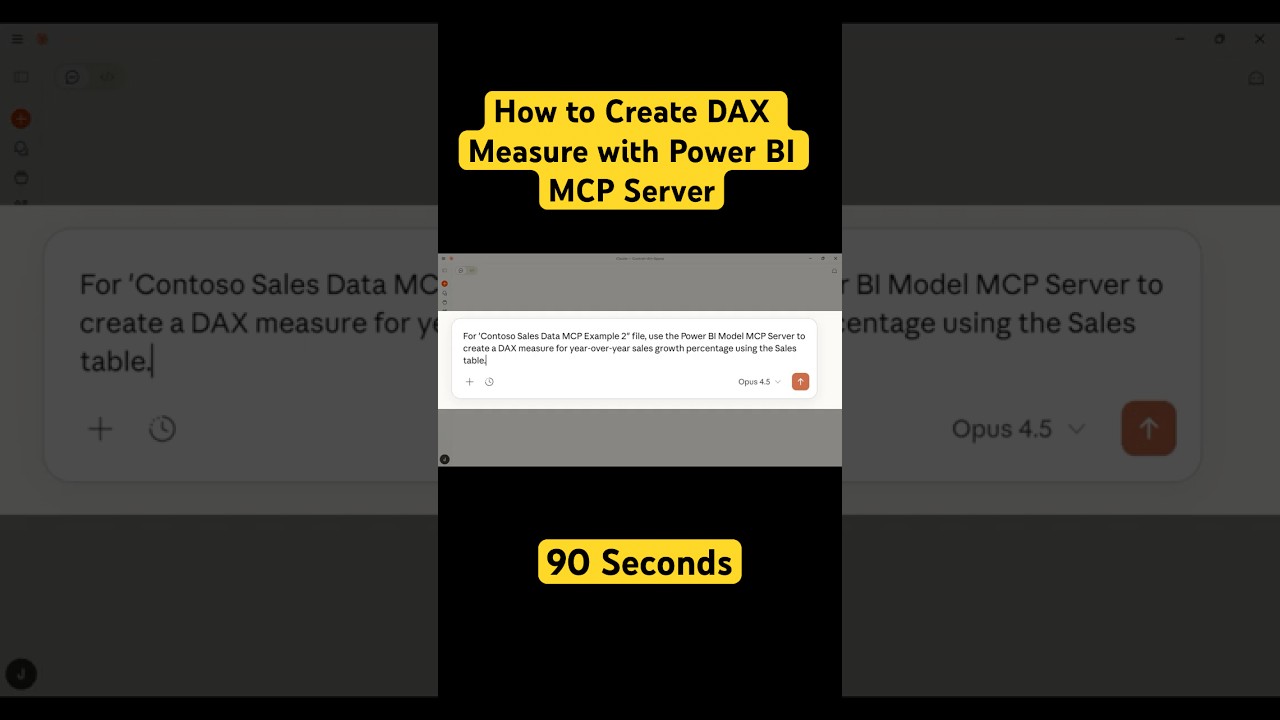
How to Create DAX Measures with Power BI MCP Server in 90 Seconds
Автор: Jules Martin
Загружено: 2025-12-18
Просмотров: 951
Описание:
#aiagent #mcp #powerbi #microsoft
Learn how to create complex DAX measures in Power BI using Claude Desktop and the Power BI MCP Server in just 90 seconds. This tutorial shows you how to auto-generate year-over-year sales growth calculations with AI.
Link to Power BI Demo Data: https://www.microsoft.com/en-us/downl...
WHAT YOU'LL LEARN
✅ How to connect Claude Desktop to Power BI via MCP
✅ Auto-generate complex DAX measures with AI
✅ Create year-over-year calculations in seconds
✅ Leverage MCP servers for data analytics workflows
WHO IS THIS FOR?
Power BI analysts and developers
Business intelligence professionals
Accounting and finance teams using Power BI
Anyone wanting to speed up DAX development with AI
MORE POWER BI MCP EXAMPLES
This is part of my Power BI MCP Server tutorial series. Subscribe to see more examples covering:
Calculated columns and measures
Complex time intelligence
Data model optimization
M code generation
And more!
ABOUT MCP SERVERS
MCP (Model Context Protocol) servers let Claude Desktop connect directly to your tools and data. The Power BI MCP Server gives Claude read access to your Power BI data models, enabling intelligent DAX and M code generation.
💬 QUESTIONS?
Drop a comment below! What DAX measure should I create in Example #3?
🔔 SUBSCRIBE for more AI-powered Power BI tutorials
Повторяем попытку...
Доступные форматы для скачивания:
Скачать видео
-
Информация по загрузке: