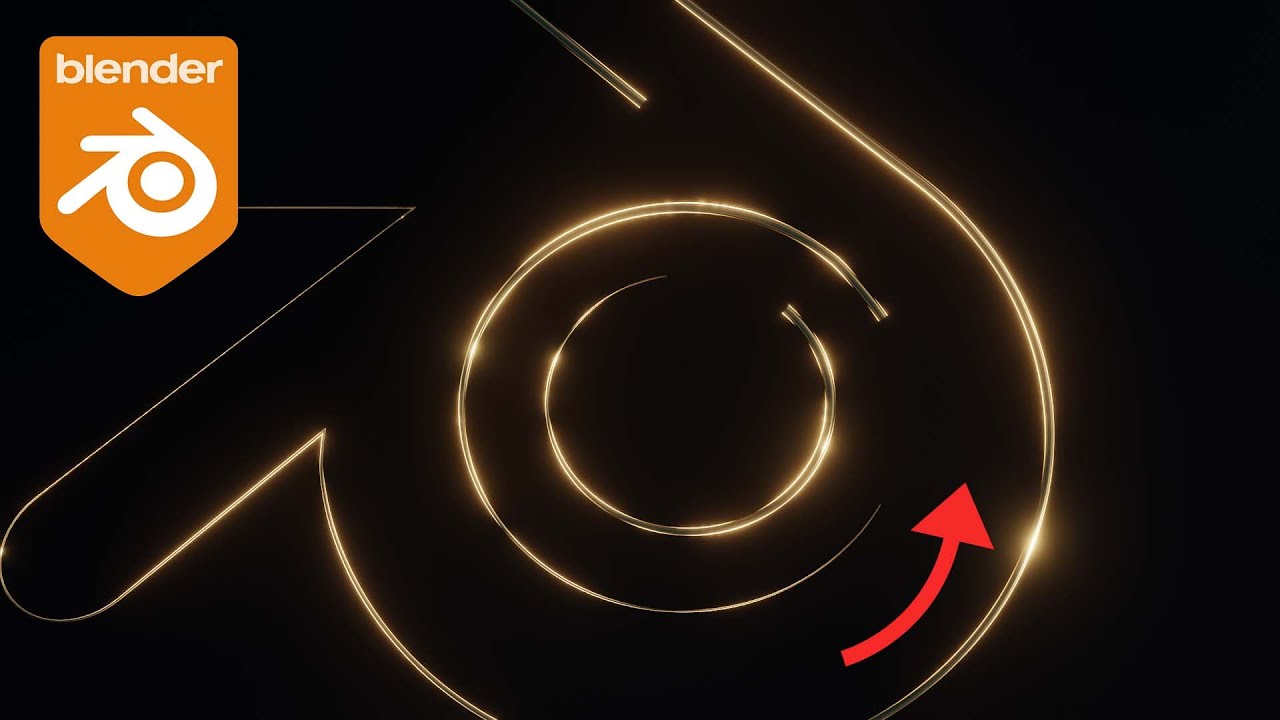
Cinematic 3D Title & Logo Reveal Animation in Blender 4.0 | Step-by-Step Tutorial
Автор: Cosme
Загружено: 2024-11-05
Просмотров: 4510
Описание:
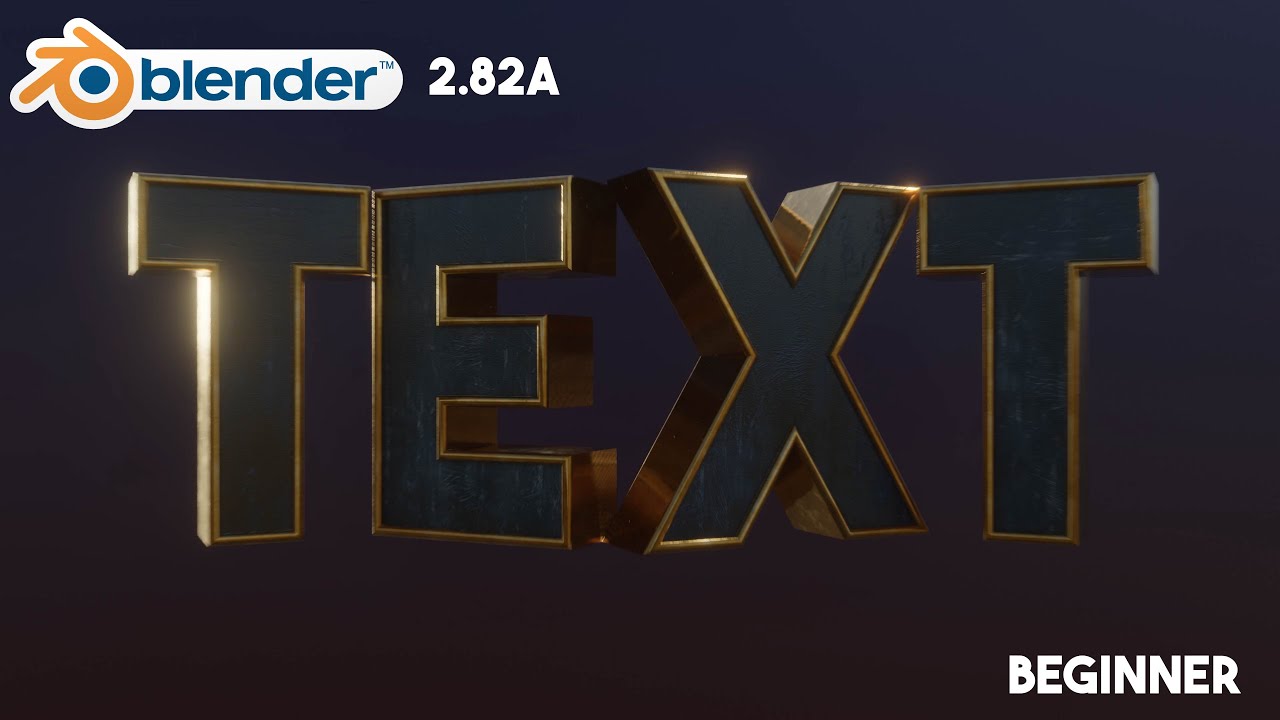
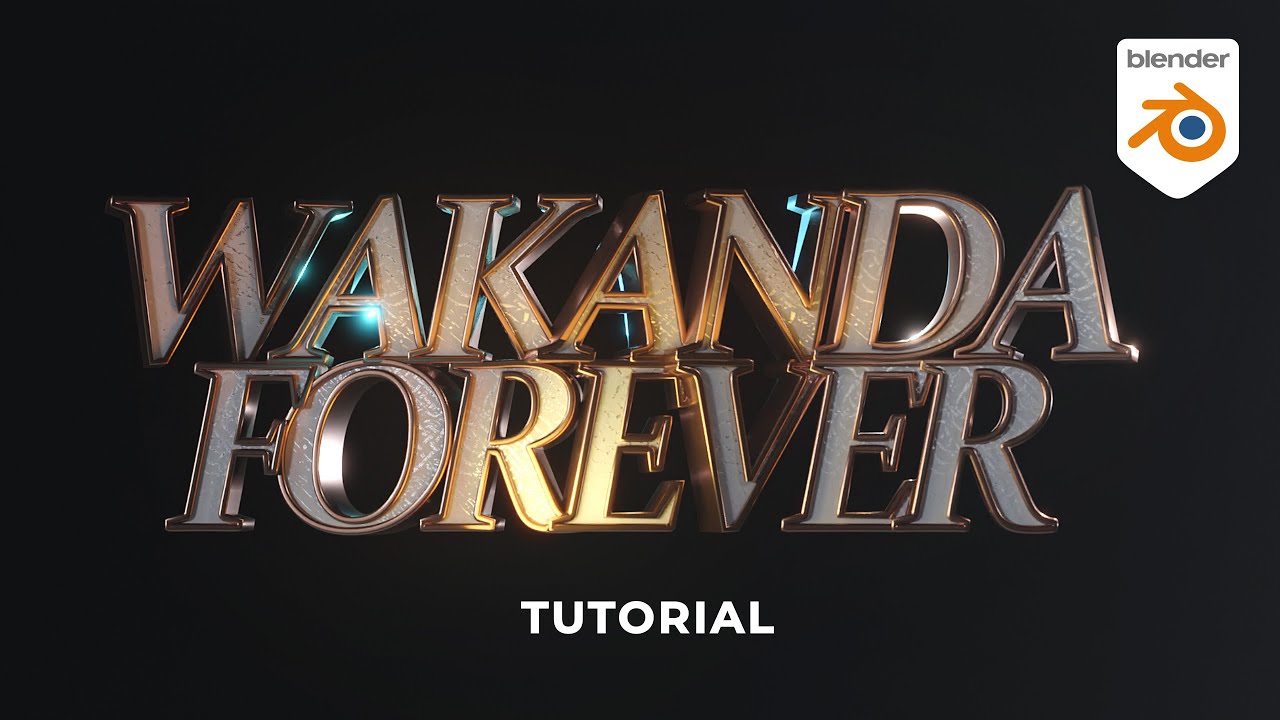
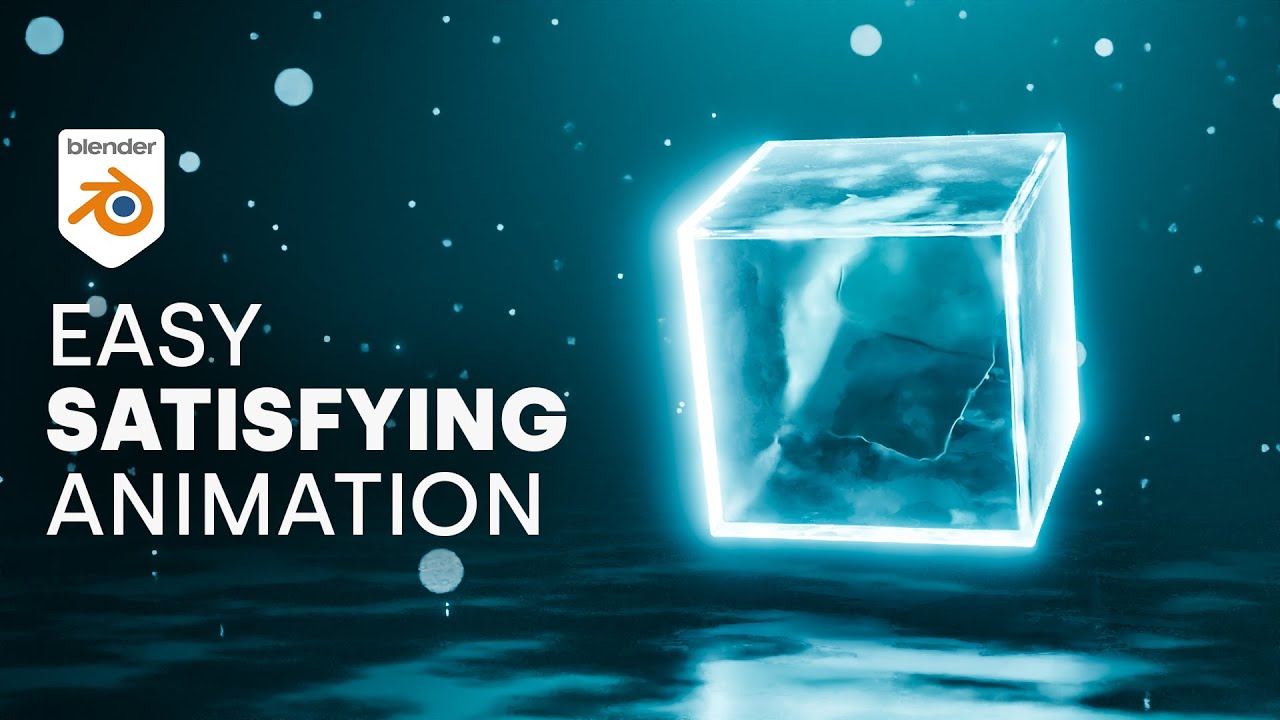
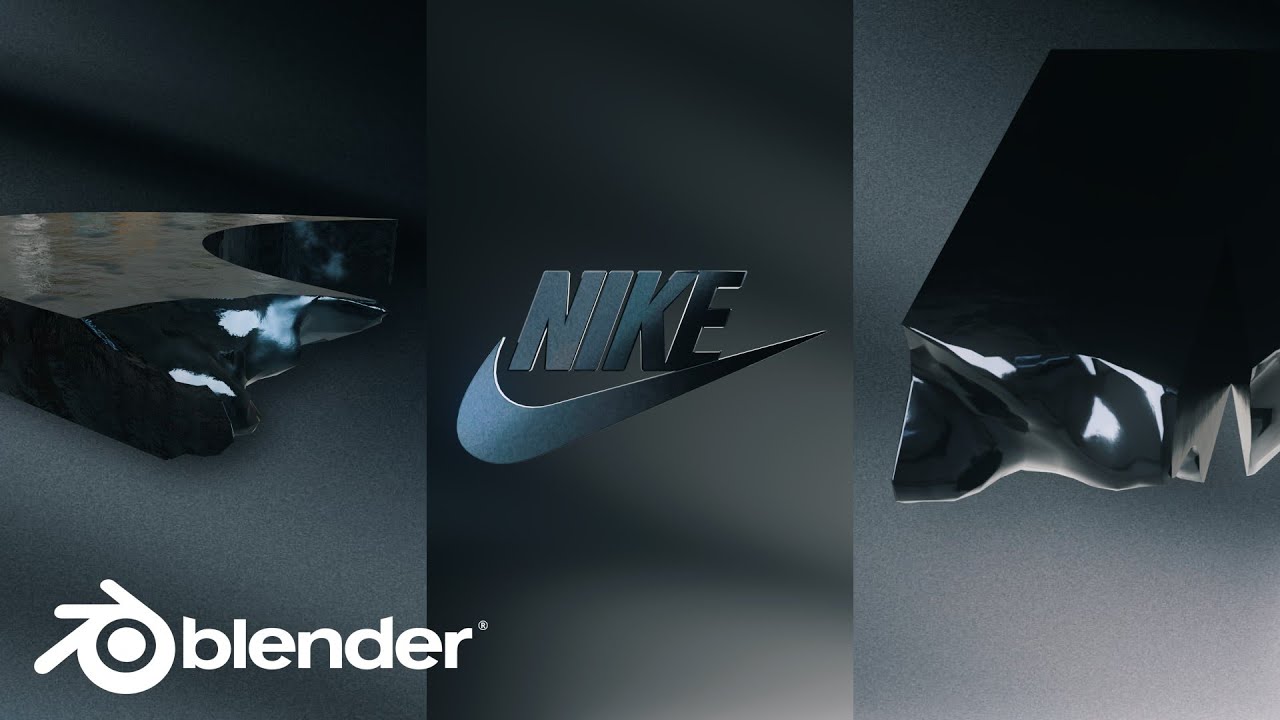
Welcome to this step-by-step tutorial where we dive into creating cinematic 3D title and logo animations using Blender 4.0! In this video, you’ll learn how to set up, animate, and render a stunning logo reveal that’s perfect for intros, branding, and more. Whether you’re a beginner or an advanced user, this tutorial will guide you through each detail to bring your creative vision to life.
💡 What You'll Learn:
-Setting up text and logo elements for cinematic animations
-Lighting techniques to enhance the 3D feel
-Adding realistic materials and reflections using EEVEE
-Keyframing animations to reveal your title/logo
-Tips for creating a professional cinematic look
If you enjoy this tutorial, please give it a thumbs up and consider subscribing for more Blender content! Don’t forget to leave a comment if you have questions or requests for future tutorials.
📂 Get the Project File
You can download the full project file on my Patreon for in-depth exploration and custom adjustments.
Links
🔗 Patreon: / cosme370
🔗 Instagram: / cosmecoart
📧 Email: [email protected]
🌐 Website: cosmeart.com
Повторяем попытку...

Доступные форматы для скачивания:
Скачать видео
-
Информация по загрузке: