Make Your Videos Look Cinematic in Filmora – Complete Color Grading Guide
Автор: Filmora for Creators
Загружено: 2026-02-24
Просмотров: 643
Описание:
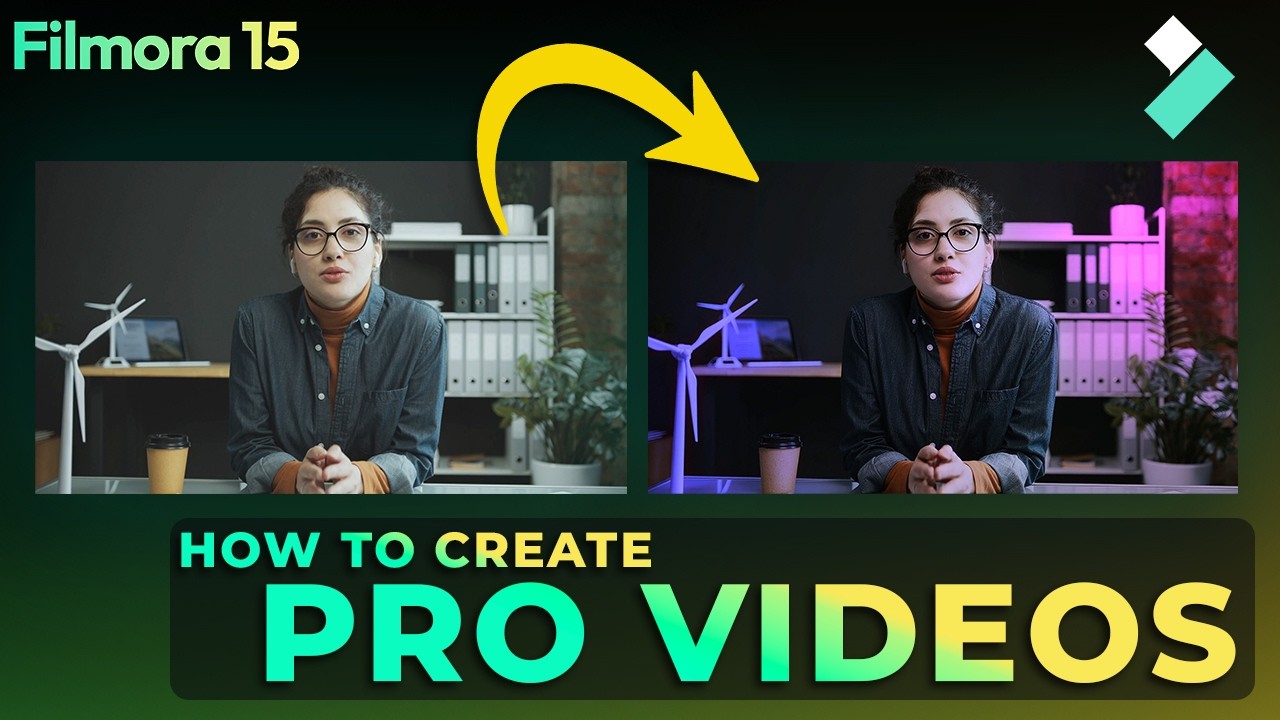
Ever wondered why some videos instantly look professional… even when they’re shot on simple cameras?
Try Filmora 15 Now: https://bit.ly/4nRneGo
The secret isn’t the camera — it’s color grading.
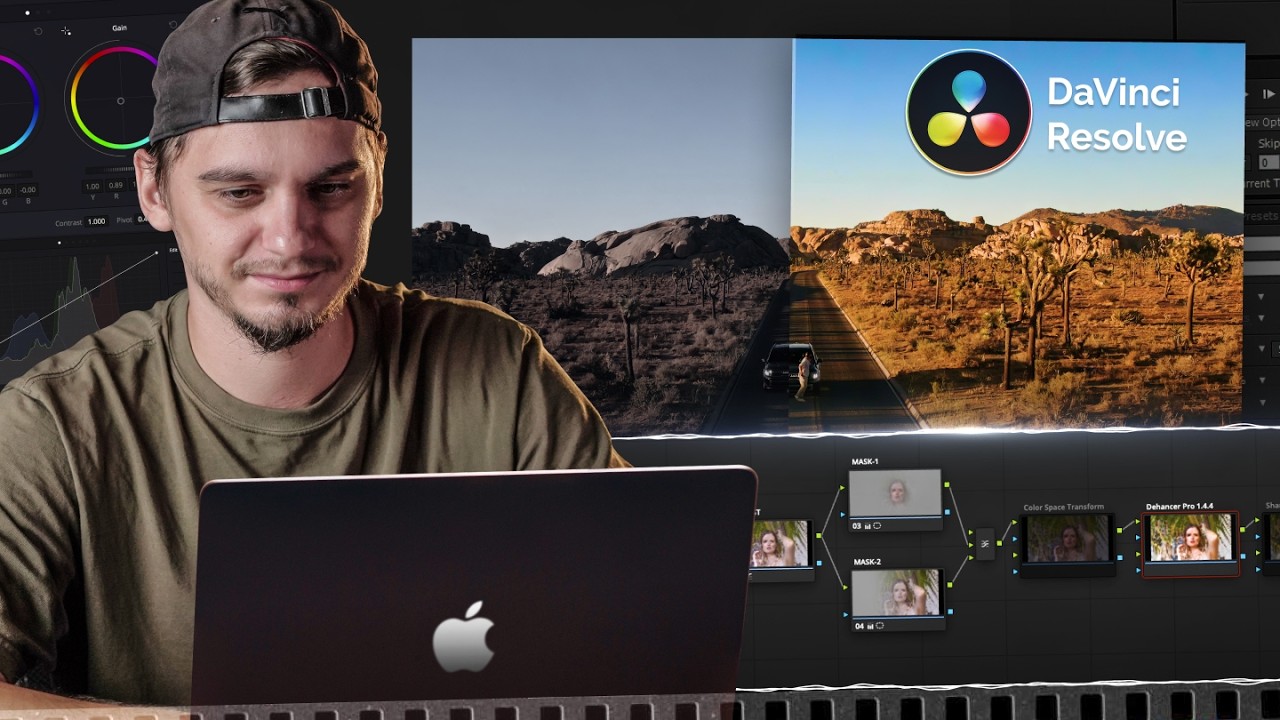
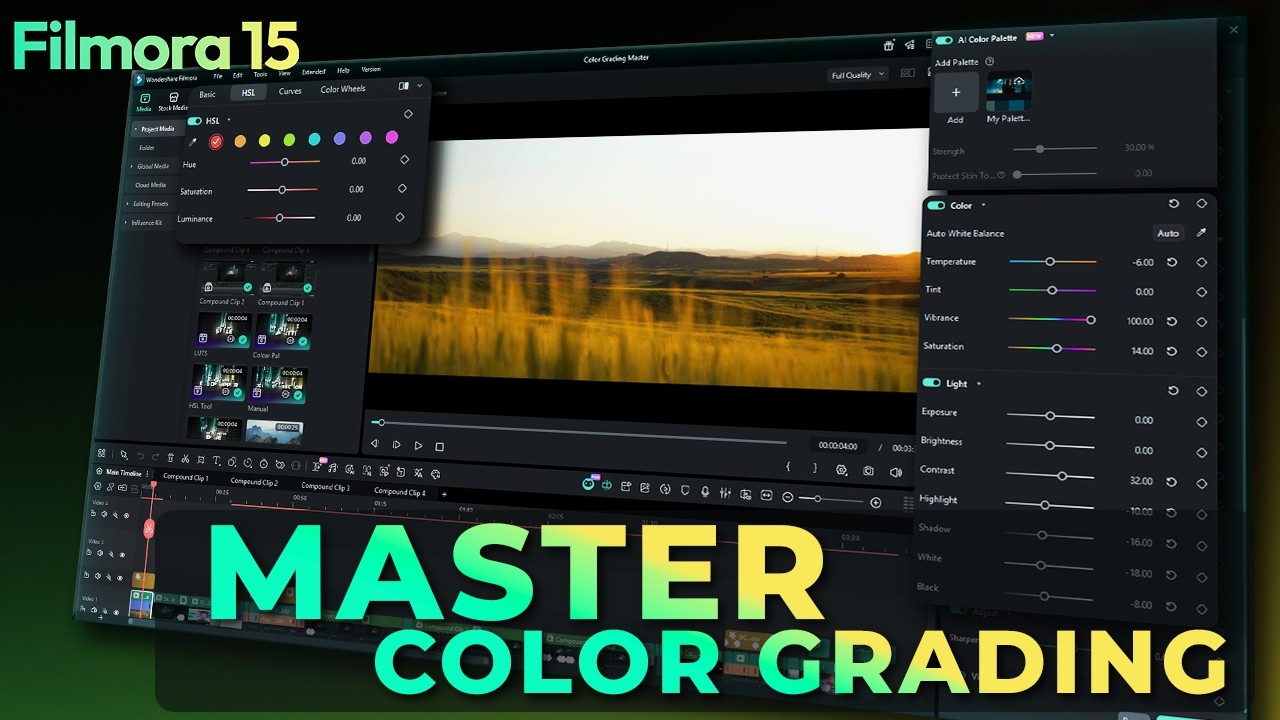
In this tutorial, you’ll learn how to master color grading in Filmora using built-in tools like Manual Color Correction, HSL, the Eyedropper, Color Palettes, and LUTs. We’ll walk step by step through balancing your footage, refining individual colors, and applying cinematic styles the right way.
You’ll discover:
• Why color correction must come before LUTs
• How to properly balance exposure, highlights, and shadows
• How to fix white balance using temperature and tint
• How to avoid oversaturated skin tones
• How to use HSL for precise color control
• How the Eyedropper speeds up color selection
• How to generate and apply Color Palettes from reference images
• How to apply LUTs and control their intensity
• How to protect skin tones while using LUTs
Color grading isn’t about complexity — it’s about control.
Timestamps
00:00 – Why Some Videos Look Professional
00:38 – Understanding the Base
00:44 – Fixing Exposure & Basic Color Correction
00:56 – Manual Color Correction (White Balance & Saturation Control)
01:29 – Introduction to HSL Panel with Eyedropper
01:33 – Adjusting Individual Colors with HSL
01:54 – Using the Eyedropper Tool
02:05 – Creating & Applying Color Palettes
02:31 – Applying LUTs for Cinematic Style
02:40 – Controlling LUT Intensity & Protecting Skin Tone
If you want your videos to instantly look more polished and intentional, this is the workflow you need.
Try Filmora 15 Now: https://bit.ly/4nRneGo
🖥️Try Desktop: https://bit.ly/3TZodZa
📱Try Android: https://bit.ly/3PlCwF0
🍏Try iOS: https://bit.ly/3vdCzMk
#filmora #wondershare #filmoraMVP
Повторяем попытку...
Доступные форматы для скачивания:
Скачать видео
-
Информация по загрузке: