Running your photo booth event on Booth.Events
Автор: Booth.Events
Загружено: 2023-05-24
Просмотров: 4993
Описание:
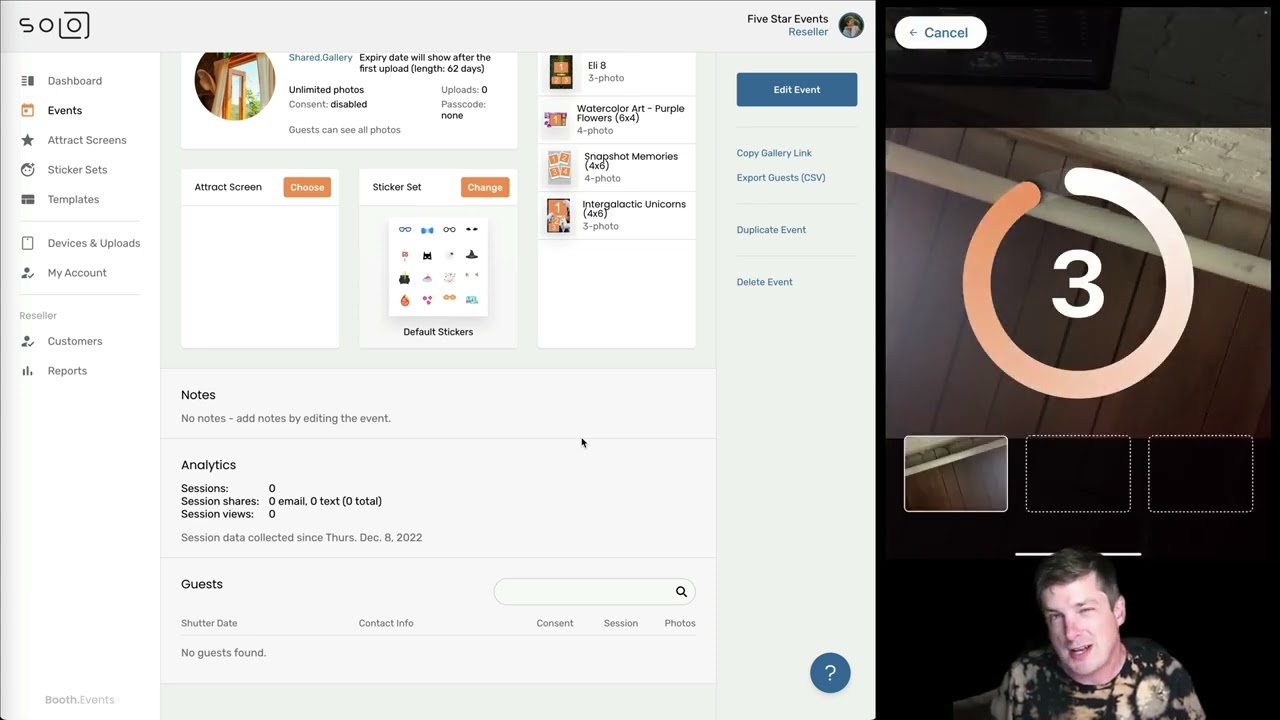
This video covers the entire event lifecycle including:
creating an event
setting up the event including picking one of our awesome free templates
previewing & launching the event on the iPad app
the guest experience on the iPad app
how to close the event on the iPad app & check uploads are finished
seeing & downloading guest data after the event
Booth.Events is a photo booth platform for pros and DIYers that's free for your first 3 events. Connect your Canon, Nikon, or Sony camera without any extra hardware. It has email, text / SMS sharing, online galleries, automatic background removal / green screen, printing, branding, white-labeling, bluetooth LED support, custom audio support and more - all the features you'd expect from an app that your business depends upon. Get started today: https://booth.events
Our iOS app runs on your iPad or iPhone. It's easier to use, faster, and more reliable than the competition. Photos, slowmos, boomerangs, GIFs, and videos with sound are all supported. We work with older versions of iOS too so you don't have to have the newest Apple devices. You can skin the entire app with your logo, wordmark, colours, and even change the app's backgrounds & button icons. With this level of customizability you can get your business brand to stand out which is what you need for referrals.
Not running the booth as a business? No problem, Booth.Events is perfect for all kinds of non-profits, charities, and DIY parties from your homecoming / prom to the party you're organizing for your boss. With our help articles at https://help.booth.events and our videos you can easily learn everything you need to setup the photo booth and get your guests having a great time.
Повторяем попытку...
Доступные форматы для скачивания:
Скачать видео
-
Информация по загрузке:


