ycliper

Популярное

Музыка Кино и Анимация Автомобили Животные Спорт Путешествия Игры Юмор

Интересные видео

2025 Сериалы Трейлеры Новости Как сделать Видеоуроки Diy своими руками

Топ запросов

смотреть а4 schoolboy runaway турецкий сериал смотреть мультфильмы эдисон
Скачать

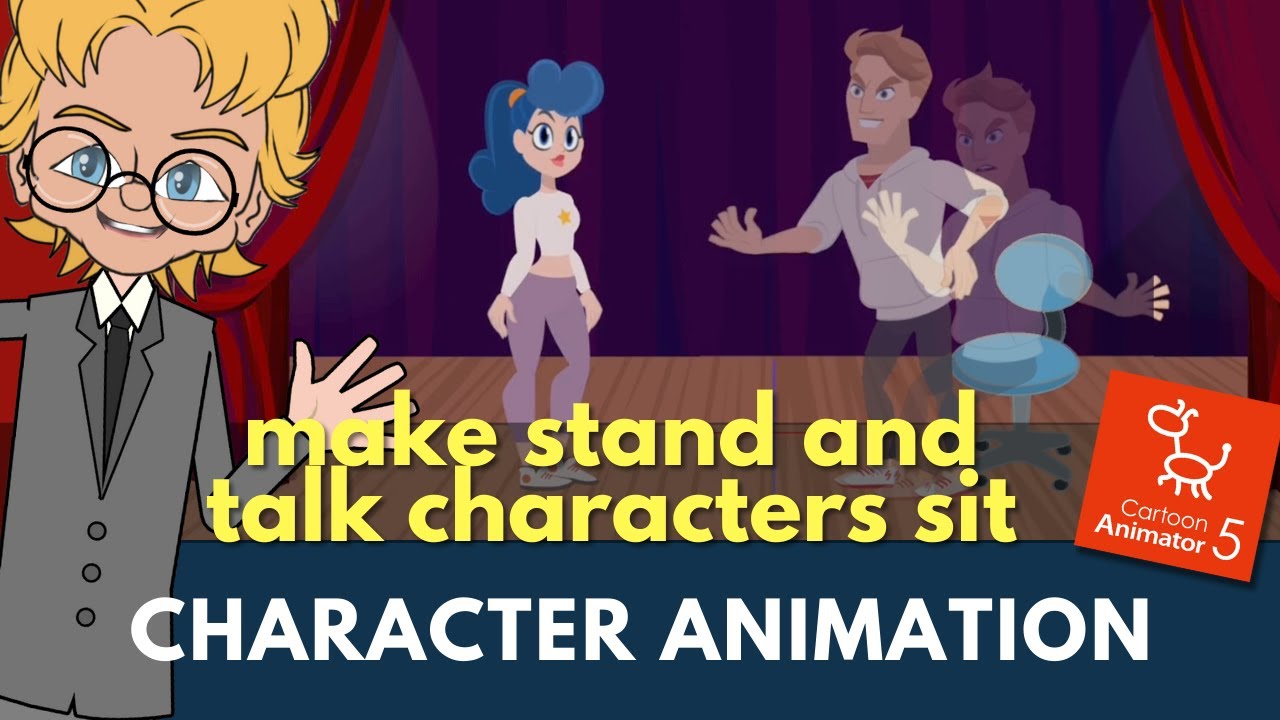
Master Cartoon Animator 5: Standing to Sitting, How to Customize Pre-made Standing Motion to Sitting

Автор: Animation and Video Life

Загружено: 2024-01-04

Просмотров: 1131

Описание: AnimationLife Blog: http://www.animationandvideo.com
(Resources, Reviews, Tips and Tricks for Independent, Semi Professional, and Hobby Animators).

In this short character animation demonstration I show you how to easily take a pre-made Stand and Talk character animation motion and convert it into a Sit and Talk motion.

Apps I Use
===================
Cartoon Animator (Super Awesome Animation Studio): https://www.reallusion.com/cartoon-an...
Shotcut (Free, Opensource Video Editor): https://shotcut.org/
TimeBolt Rapid Video Editor (Use code 'ARTTIME' for 20% off): https://arttime--timebolt.thrivecart....
AE Juice (Animated Effects, Plugin's, and animations for your Projects): https://aejuice.com/?ref=animlife

Replica Studios (Realistic AI TTS Human Voices - Use link for 1 hour free credit): https://replicastudios.com/account/si...
Murf AI TTS Human Voices: https://murf.ai/text-to-speech?lmref=...

Plot (Online Storyboarding App - Use code 'PARTNER25' to get 25% off any subscription): https://theplot.io/?fpr=david74
Renderforest Video Templates and more: https://renderforest.pxf.io/x9dzDy


My Animation Links
===================
#AnimationLife Blog: http://www.animationandvideo.com
#TheLazyAnimator: http://thelazyanimator.com
Learn Cartoon Animator + Animation Resources:
https://www.makeanimatedcartoons.com
Reallusion Store: https://marketplace.reallusion.com/ca...
Art Time Store: https://store.arttimeproductions.com

Social Media & Other links
===========================
FaceBook: @arttimeproductions
FaceBook: @extraordinarytourist
Twitter: @etourist
Instagram: etourist.tet
Threads: @etourist.tet
Tic Tok: @etourist.tet
Pintrest: @arttimeproductions
LinkedIn:   / davidarandle  

#TETLife Blog: http://www.tet.life
#TETLife YT Channel:    / extraordinarytourist  
Redbubble Art Prints: http://etourist.redbubble.com
Koji Link in bio: https://withkoji.com/@arttime
Koji Printable Store: https://koji.to/k/70gk
Create your own Link in Bio Koji profile: https://withkoji.com/signup?ref=arttime

AFFILIATE DISCLAIMER:
Note this description contains affiliate links that allow you to find the items mentioned in this video and support the channel at no cost to you. While this channel may earn minimal sums when the viewer uses the links, the viewer is in no way obligated to use these links. Thank you for your support!

#Animation #Art #Animator #artist #cartoon #video #CartoonAnimator #Reallusion

Не удается загрузить Youtube-плеер. Проверьте блокировку Youtube в вашей сети.
Повторяем попытку...
Master Cartoon Animator 5: Standing to Sitting, How to Customize Pre-made Standing Motion to Sitting

Поделиться в:

Доступные форматы для скачивания:

Скачать видео

  • Информация по загрузке:

Скачать аудио

Похожие видео

Master Cartoon Animator 5: How to Manually Correct Auto Lip Sync and Use Mouths in the Sprite Editor

Master Cartoon Animator 5: How to Manually Correct Auto Lip Sync and Use Mouths in the Sprite Editor

Three Animation Tips You Probably Don't Know in Cartoon Animator 5 #reallusion #2danimation

Three Animation Tips You Probably Don't Know in Cartoon Animator 5 #reallusion #2danimation

Character Design By Basic Shape

Character Design By Basic Shape

Master Cartoon Animator 5: How to Animate a Prop and Make the Animated Prop Move Along a Path

Master Cartoon Animator 5: How to Animate a Prop and Make the Animated Prop Move Along a Path

360 BODY MOVEMENT ONE SINGLE CHARACTER  - 1ST PART

360 BODY MOVEMENT ONE SINGLE CHARACTER - 1ST PART

Master Cartoon Animator 5: Easily Combine Pre-made Motions into Reusable Custom Motions Tutorial

Master Cartoon Animator 5: Easily Combine Pre-made Motions into Reusable Custom Motions Tutorial

10 Best Animation Software for Rigging!

10 Best Animation Software for Rigging!

Аниматор персонажей против аниматора мультфильмов

Аниматор персонажей против аниматора мультфильмов

How to Enhance 2D Motion Design with FFD effects | Cartoon Animator 5 Tutorial

How to Enhance 2D Motion Design with FFD effects | Cartoon Animator 5 Tutorial

Bringing Toons to Life - Animation that Feels Alive | Cartoon Animator 5 Workshop

Bringing Toons to Life - Animation that Feels Alive | Cartoon Animator 5 Workshop

2D-анимация — это просто | Cartoon Animator 5

2D-анимация — это просто | Cartoon Animator 5

Когда неудачные дубли оказались лучше сценария

Когда неудачные дубли оказались лучше сценария

Garry Pye Cartoon Animator Workshop - Martin and the Axe

Garry Pye Cartoon Animator Workshop - Martin and the Axe

Master Cartoon Animator 5: How To Add Additional Eyes To Your Character That Actually Work!

Master Cartoon Animator 5: How To Add Additional Eyes To Your Character That Actually Work!

Master Cartoon Animator 5: Rig 2D Characters with Outlines, 4 Methods for Rigging Joints

Master Cartoon Animator 5: Rig 2D Characters with Outlines, 4 Methods for Rigging Joints

Character body turn tutorial - cartoon animator 4

Character body turn tutorial - cartoon animator 4

ГОЛОС СЮРПРИЗ: Они звучат не так, как вы думали

ГОЛОС СЮРПРИЗ: Они звучат не так, как вы думали

Демонстрация Motion Pilot — кукольная анимация, персонажи и реквизит, Cartoon Animator 5.2 #reall...

Демонстрация Motion Pilot — кукольная анимация, персонажи и реквизит, Cartoon Animator 5.2 #reall...

Lesson 09 How to Bring Movable Backgrounds into Cartoon Animator 5

Lesson 09 How to Bring Movable Backgrounds into Cartoon Animator 5

Master Cartoon Animator 5: Учебное пособие по редактору камеры. Узнайте, как использовать функции...

Master Cartoon Animator 5: Учебное пособие по редактору камеры. Узнайте, как использовать функции...

© 2025 ycliper. Все права защищены.


  • Контакты
  • О нас
  • Политика конфиденциальности


Контакты для правообладателей: [email protected]