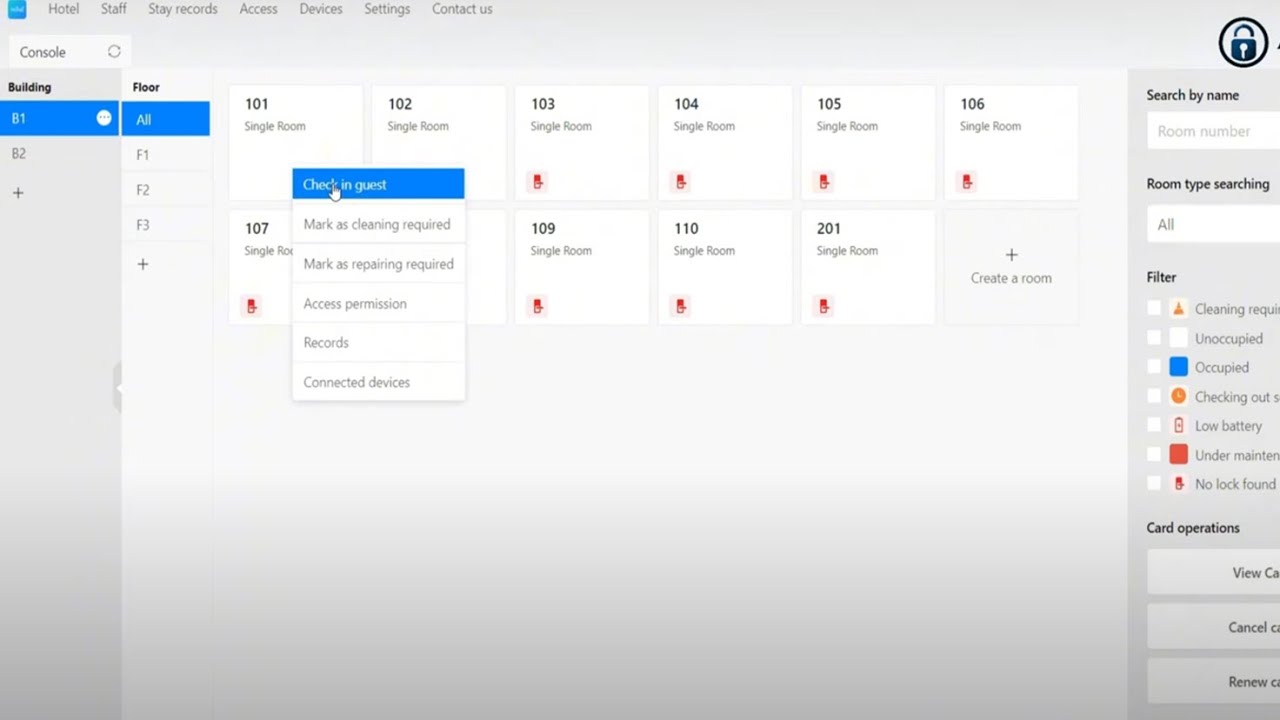
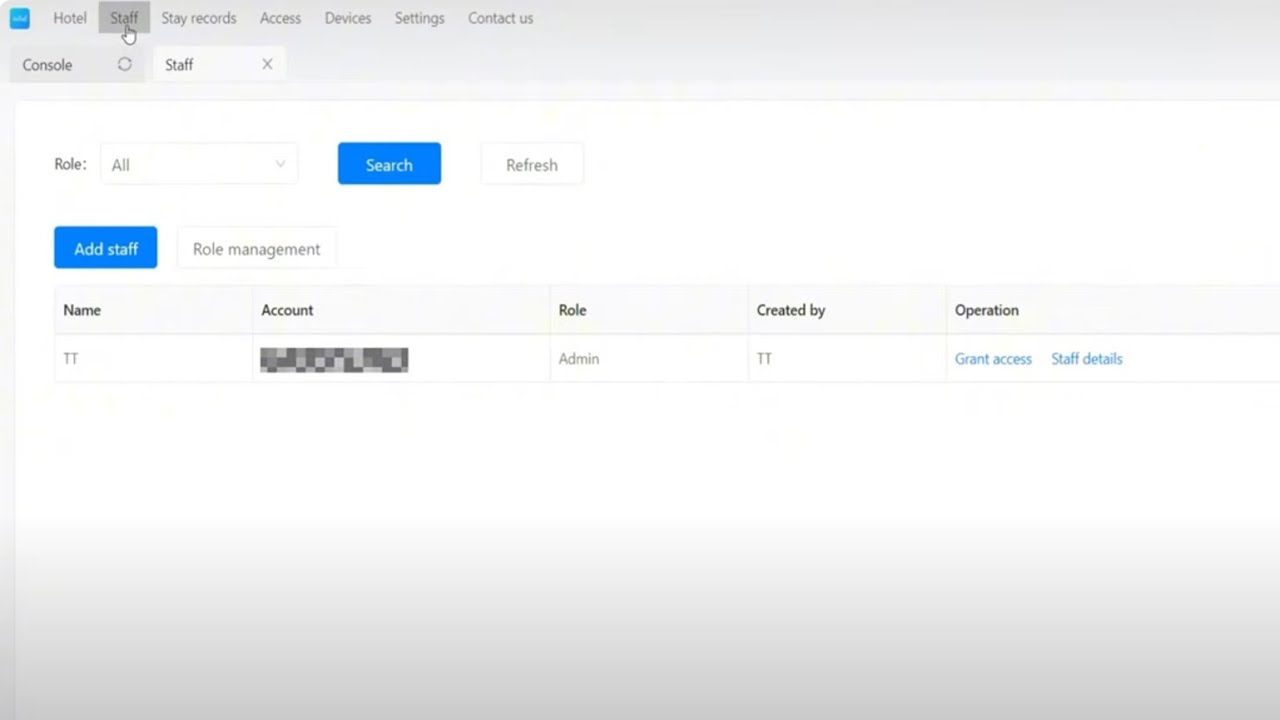
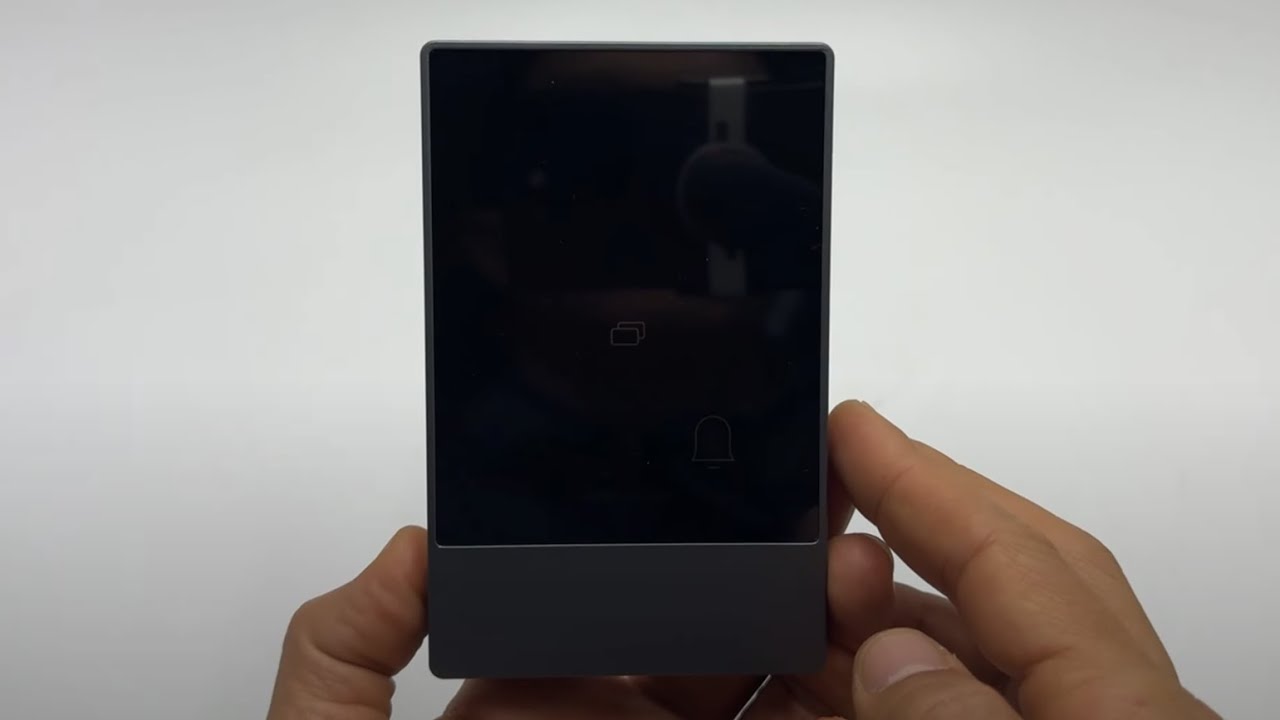
How to Remove or CancelKey Cards, Passcodes & E-Keys via TTHotel Windows App for Guest Check-Out
Автор: ACS Hotel Door Lock System
Загружено: 2025-04-02
Просмотров: 86
Описание:
🏨 Streamline Check-Outs & Protect Your Hotel’s Security! Learn how to deactivate key cards, revoke passcodes, cancel e-keys, and remove permissions using the TTHotel Windows App—ensuring guests depart smoothly and your property stays secure. 📥 Software & support available at: https://www.acshotel.com/unlock-hotel...
In This Video, You’ll Learn:
✅ Check-Out Procedures:
Deactivate Physical Key Cards: Ensure former guests can’t re-enter rooms.
Revoke Passcodes: Invalidate temporary or group codes instantly.
Cancel E-Keys: Disable mobile access via the TTHotel system.
✅ Permission Management:
Remove guest permissions from specific rooms or floors.
Audit access logs to confirm check-out compliance.
Perfect For:
Hotel front desk managers and IT teams
Hospitality businesses prioritizing post-stay security
Property managers handling high guest turnover
⚠️ Pro Tips:
Use auto-revoke settings for scheduled check-out times.
Keep access logs for 30+ days to resolve disputes.
👍 Enhance Security & Efficiency Today!
Subscribe for more TTHotel tutorials and smart hotel management hacks!
Hit the Bell 🔔 to stay updated on PMS integration and automation tools!
#HotelCheckOut #TTHotel #AccessControl #KeyCards #EKeys #PermissionManagement #HotelSecurity #WindowsApp #HospitalityTech
Need Help?
🌐 Visit: https://www.acshotel.com/
📧 Email: [email protected]
📞 WhatsApp: +86-189-2937-7752
Disclaimer: Always comply with data retention laws. Unauthorized access post-check-out may lead to legal action.
Повторяем попытку...
Доступные форматы для скачивания:
Скачать видео
-
Информация по загрузке: