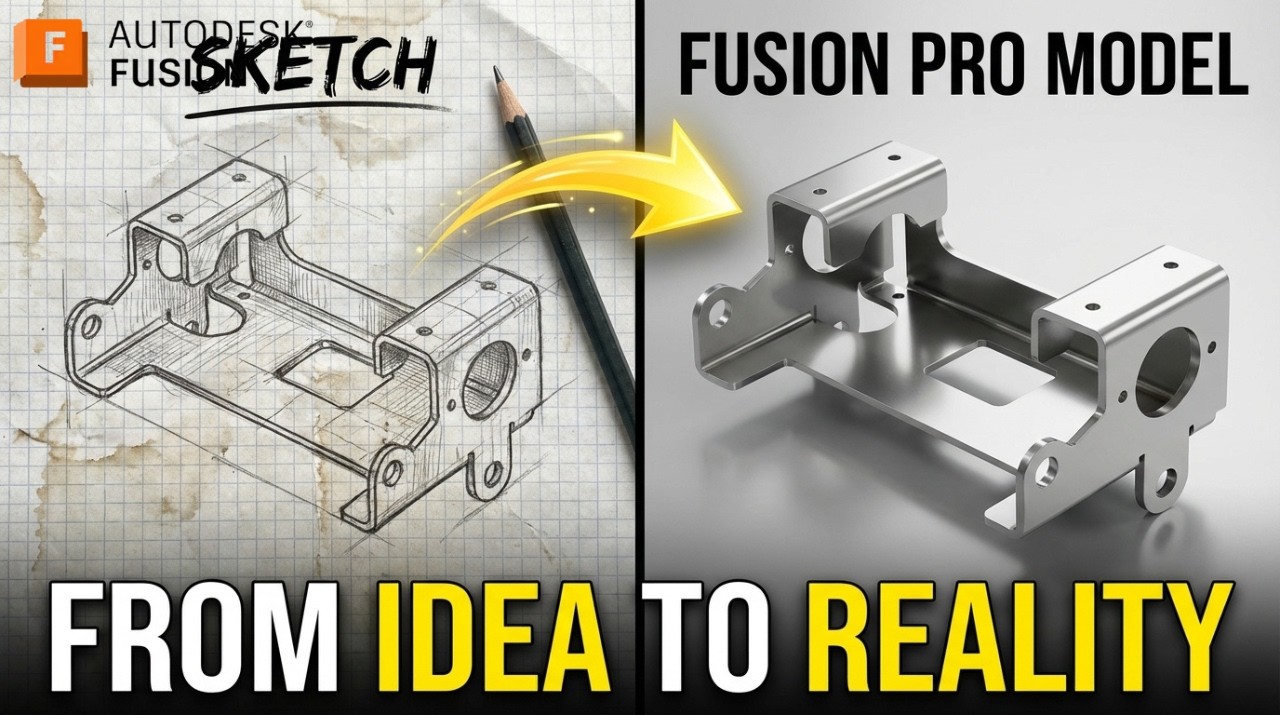
Fusion 360 Surface Practice Series – Exercise #1
Загружено: 2026-02-20
Просмотров: 813
Описание:
3D Sketch : https://www.3dmechanism.com/post/3d-e...
Donate PayPal: https://www.paypal.com/donate/?hosted...
In this CAD tutorial we'll use the features:
1. Surface Patch (or Boundary/Fill Surface)
A Patch is used to heal a model or close off an open area in a surface body.
Function: You select the edges of a "hole" or open boundary, and the software generates a surface to cover it.
Advanced Control: Unlike a simple flat fill, you can control the continuity (how smoothly the new patch blends into the surrounding faces). You can set it to be purely connected (Contact/G0), tangent (G1), or curvature continuous (G2) for perfectly smooth, reflection-quality transitions.
2. Surface Stitch (or Knit Surface)
Because surface modeling involves building a part out of many individual, zero-thickness "sheets," Stitching is the crucial step that brings them together.
Function: It joins multiple adjacent, intersecting surface bodies into a single surface body. (Note: Fusion 360 uses "Stitch," while SolidWorks uses "Knit Surface").
Creating Solids: If you stitch together enough surfaces to form a perfectly enclosed, watertight volume, the software will usually give you the option to automatically convert that volume into a standard Solid Body.
3. Surface Loft
Similar to a solid loft, but applied to zero-thickness geometry, this is one of the most powerful tools for organic modeling.
Function: It stretches a surface across two or more distinct cross-sections (profiles).
Guide Curves: To precisely control how the surface flows between those profiles, you can draw 2D or 3D guide curves (or rails). The lofted surface will sweep through the profiles while perfectly hugging the path of the guide curves.
4. Surface Trim
In surface modeling, the standard workflow is to build surfaces that are intentionally larger than you need, and then cut them back. Trim is how you do that.
Function: It uses a tool—which can be a 2D sketch, a plane, or another intersecting surface—to cut away a specific portion of a surface body.
Mutual Trim: You can also use two intersecting surfaces to trim each other simultaneously, leaving only the cleanly joined corner where they meet.
5. Extrude (in Surfacing)
The concept is the same as a solid extrude, but the input and output change.
Function: Instead of extruding a closed 2D profile (like a circle) into a solid cylinder, you extrude an open 2D line or curve. The result is a 3D ribbon or wall of zero thickness.
Usage: Extruded surfaces are frequently used as reference planes, parting surfaces for injection molds, or as the cutting tools for the Surface Trim command mentioned above.
6. Variable Chamfer
This is an advanced detailing feature, usually applied to solid bodies, but it can be used on surface edges as well.
Function: While a standard chamfer creates a uniform, flat bevel along an entire edge (e.g., a constant 2mm cut), a variable chamfer allows the size or angle of that bevel to change along the length of the edge.
Control: You can specify that a chamfer starts at 5mm at one corner and smoothly tapers down to 1mm at the other corner, giving you precise control over edge treatments in complex mechanical transitions.
All dimensions are in mm/g/s/ISO
---------------------------------------------------------------------------------------------
Rating, commenting, subscribing and sharing are always appreciated!!
----------------------------------------------------------------------------------------------
▬▬▬▬▬▬▬▬▬▬▬▬▬▬▬▬▬▬▬▬▬▬▬▬▬▬▬▬▬▬
Follow Us On:
Instagram : / engbcruz
#AutodeskFusion
#Fusion360
#Fusion360tutorial
Повторяем попытку...

Доступные форматы для скачивания:
Скачать видео
-
Информация по загрузке: