How to Configure your Meter Water Softener
Автор: Water2Buy
Загружено: 2015-06-18
Просмотров: 101373
Описание:
Available at Amazon:
https://amzn.to/2q0dO0D
https://amzn.to/2q5A8pI
http://www.water2buy.com/amazon/best/
This guide was created by Water2buy to show you how to configure your Water2buy Water Softener's setting for the W2B200, W2B500 & W2B800.
Don't forget to refer to your manual for more information.
The Water2buy water softener manual can be found here:
http://www.water2buy.com/help
Be sure to checkout our Wednesday Madness deals on:
http://www.water2buy.co.uk
Thank You For Choosing Water2buy
Water Filtration Made Easy
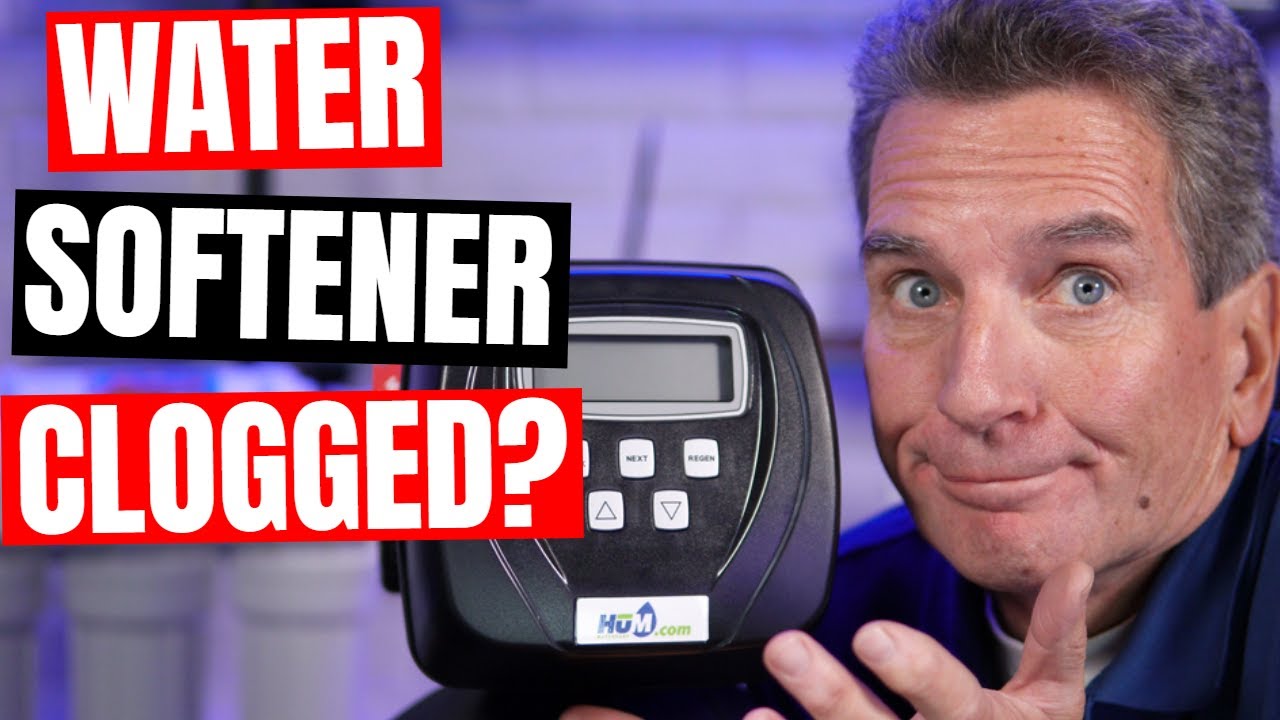
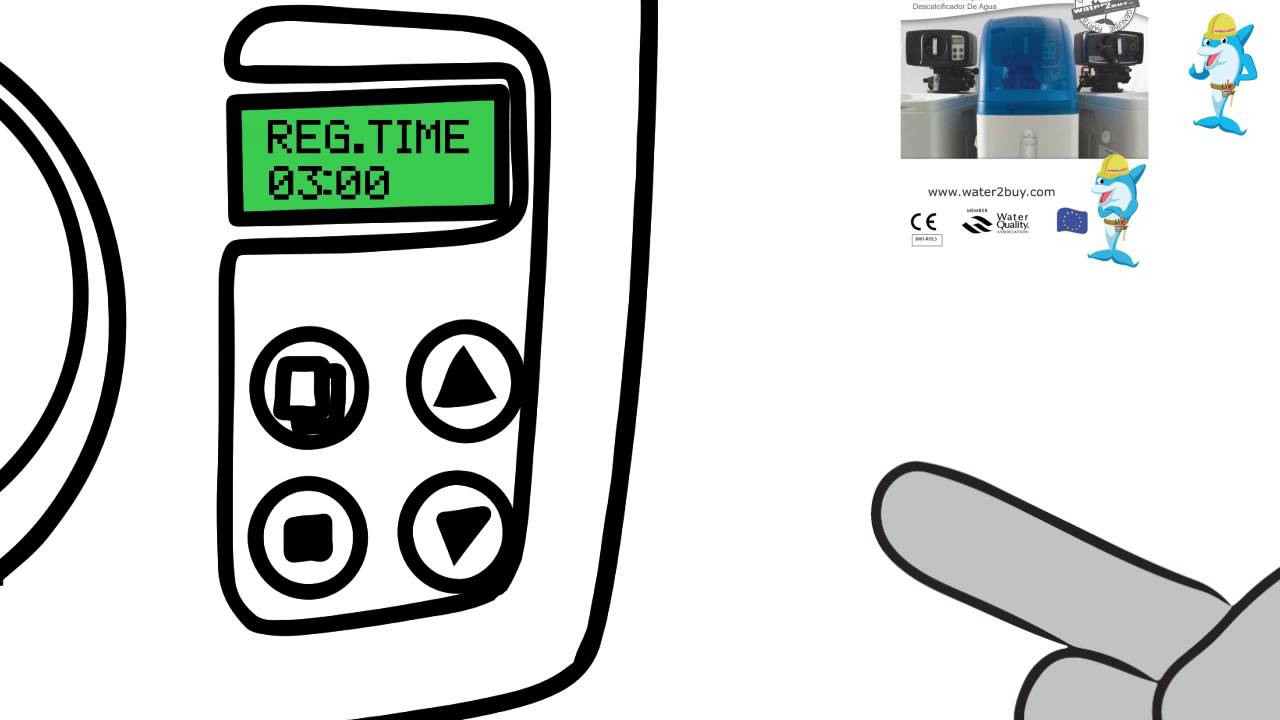
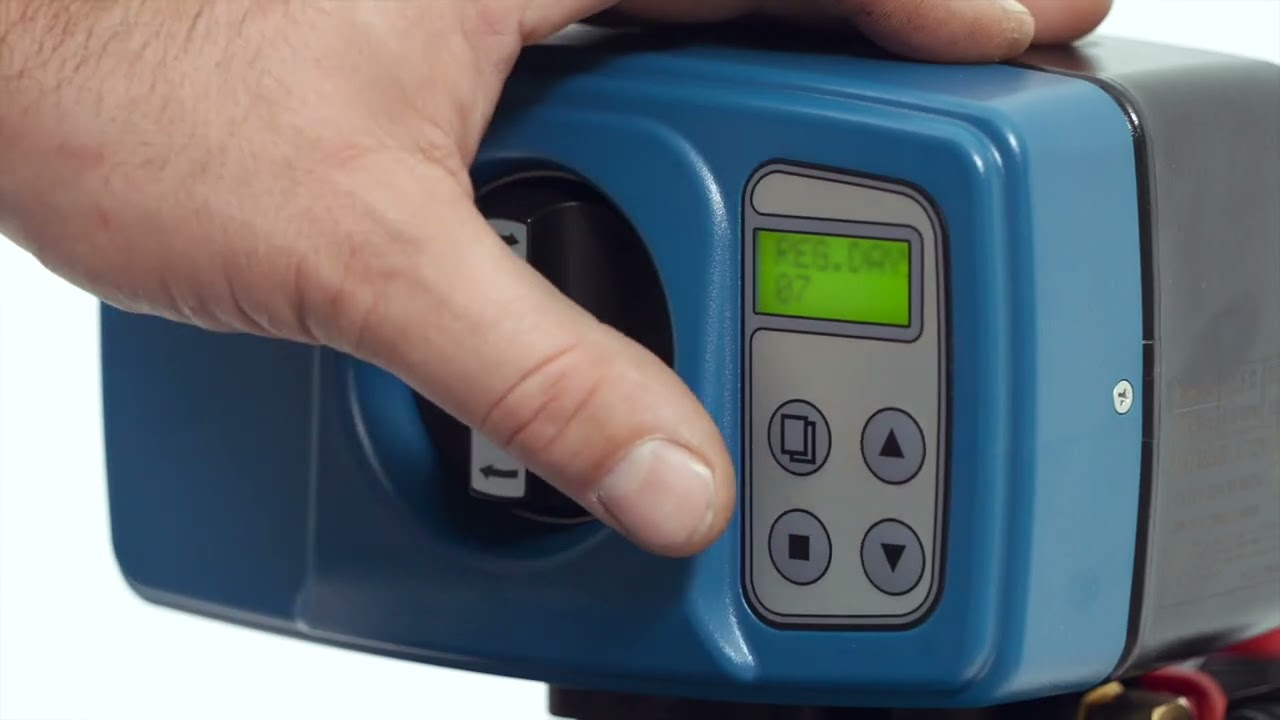
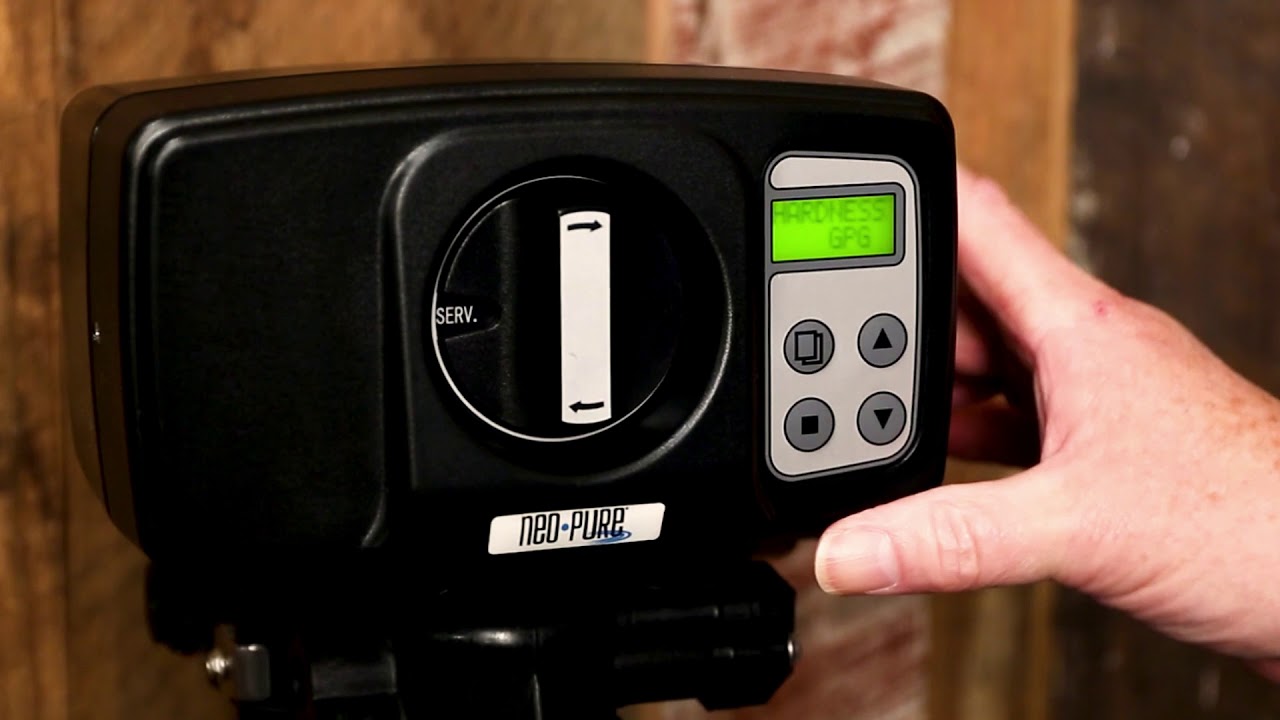
First let’s get familiar with the buttons.
There are 4 buttons on your control meter.
The “menu” button.
The “set” button.
The scroll up button.
And the scroll down button.
Make sure you’ve plugged in the water softener.
Now we can use these buttons to choose the desired water softener settings.
Hold down menu button to unlock the screen.
First we’re going to set the softener to use metric or gallons.
We recommend always using metric settings.
Press the menu button.
The first menu that appears says ‘REGIONAL’.
The value should be defaulted to ‘METRIC’.
If it’s not set to ‘METRIC’.
Press the set button, the units will flash.
Use the scroll down button until you see ‘METRIC’.
Press the set button again to save this setting.
Next we’re going to set the regeneration mode.
Press the scroll down button to select ‘METER’.
The value should be defaulted to ‘DELAYED’.
If it’s not set to ‘DELAYED’.
Press the set button, the units will flash.
Press the scroll down button until you see ‘DELAYED’.
Press the set button again to save this setting.
Now we will set the time of your softener.
This is important, so please make sure you set it correctly
Press the scroll down button to select ‘TIME’.
Press the set button, the units will flash.
Use scroll buttons to select the current hour.
Press the set button, the units will flash.
Use scroll buttons to select minutes.
Press the set button again to save this setting.
Now we will set the time when your softener will perform a cleaning cycle.
We recommend setting this time to 3:00 AM when the water supply is not in use.
Press the scroll down button to select ‘REG. TIME’.
Press the set button, the units will flash.
Use scroll buttons to select ‘03’.
Press the set button, the units will flash.
Use scroll buttons to select ‘00’.
Press the set button again to save this setting.
Next we’re going to set the capacity of your softener.
We recommend referring to your manual for the most efficient settings based on your water hardness.
You can use the default settings in this guide to get you started.
Press scroll down button to select ‘REG. CAP’.
Press the set button.
Use the scroll buttons to set the correct value for your model.
The default value for the Water2Buy 200 is 0.60.
The default value for the Water2Buy 500 is 1.40.
The default value for the Water2Buy 800 is 2.00.
Press the set button again.
Next we’ll set up the times for each stage of the cleaning cycle.
Press scroll down button to select ‘BACKWASH’.
Press the set button, the units will flash.
Use the scroll buttons to set the correct value for your model.
The default value for the Water2Buy 200 is 5.
The default value for the Water2Buy 500 is 5.
The default value for the Water2Buy 800 is 8.
Press the set button again.
Press scroll down button to select ‘BRINE’.
Press the set button, the units will flash.
Use the scroll buttons to set the correct value for your model.
The default value for the Water2Buy 200 is 19.
The default value for the Water2Buy 500 is 20.
The default value for the Water2Buy 800 is 47.
Press the set button again.
Press scroll down button to select ‘RINSE’.
Press the set button, the units will flash.
Use the scroll buttons to set the correct value for your model.
The default value for the Water2Buy 200, 500 and 800 is 5.
Press the set button again.
Press scroll down button to select ‘REFILL’.
Press the set button, the units will flash.
Use the scroll buttons to set the correct value for your model.
The default value for the Water2Buy 200 is 4.
The default value for the Water2Buy 500 is 6.
The default value for the Water2Buy 800 is 9.
Press the set button again.
Press the menu button.
Congratulations your meter water softener is ready to go.
Thank you for choosing Water2buy, water filtration made easy.
Повторяем попытку...
Доступные форматы для скачивания:
Скачать видео
-
Информация по загрузке:




![Best of Deep House [2026] | Melodic House & Progressive Flow](https://imager.clipsaver.ru/Il-ZpBuC8tA/max.jpg)